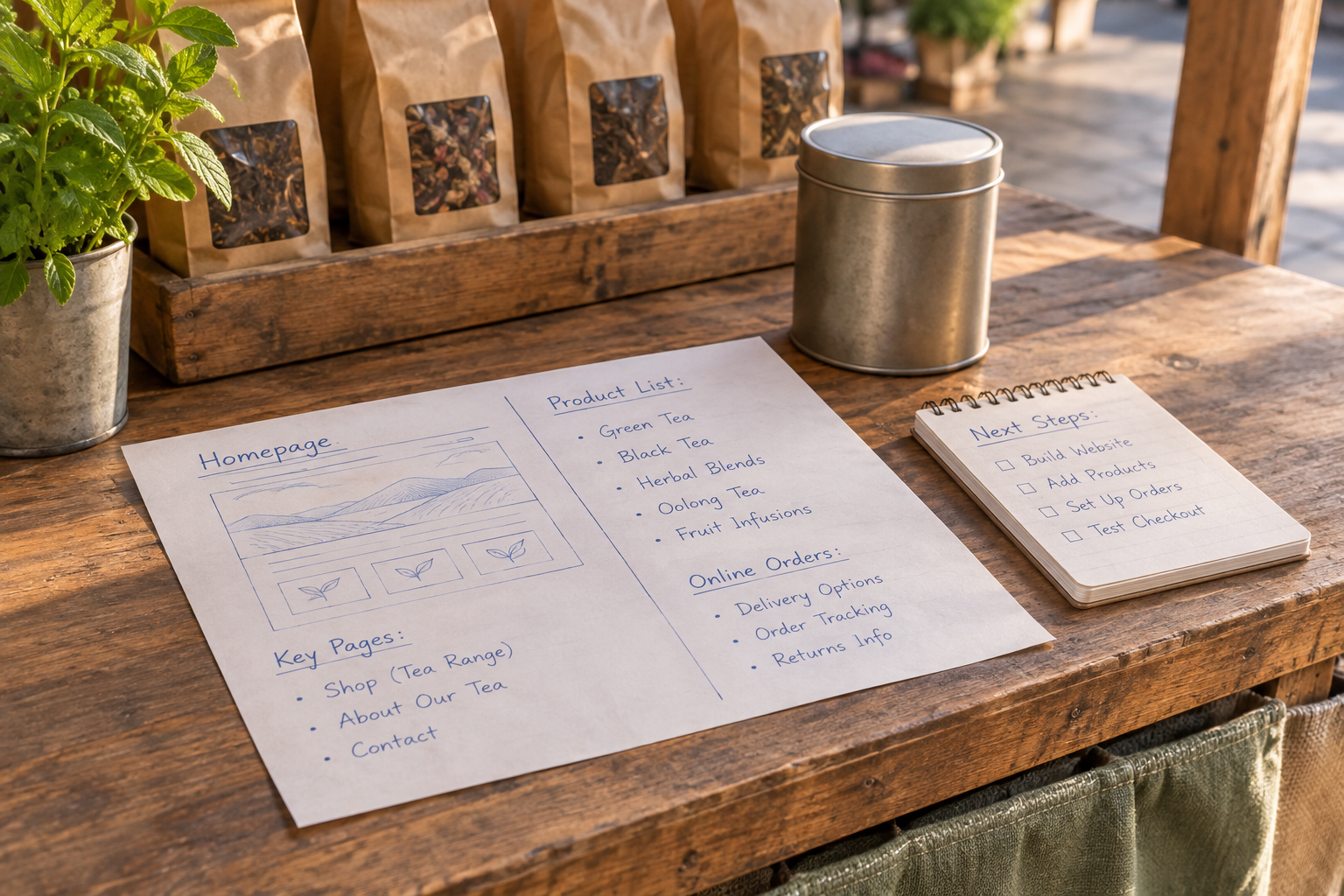
The 10web ai website builder helps businesses create WordPress websites using AI-generated content and layouts. It can be a useful starting point if you want a WordPress-based site without building every page from scratch. Before choosing it, consider the editing experience, ongoing costs and the features your business needs to sell, take bookings or manage members.
What Is the 10Web AI Website Builder?
10Web is a website platform built around WordPress. Its AI tools help generate a website from information about your business, while its wider platform offers tools for managing and hosting sites. You can explore its current features and plans on the official 10Web website.
The appeal is a quicker route from a blank page to a working draft. Rather than choosing every section and writing every sentence yourself, you provide a description and review what the tool creates. That draft is a starting point, not a finished representation of your business: you still need to check the content, design and customer journey.
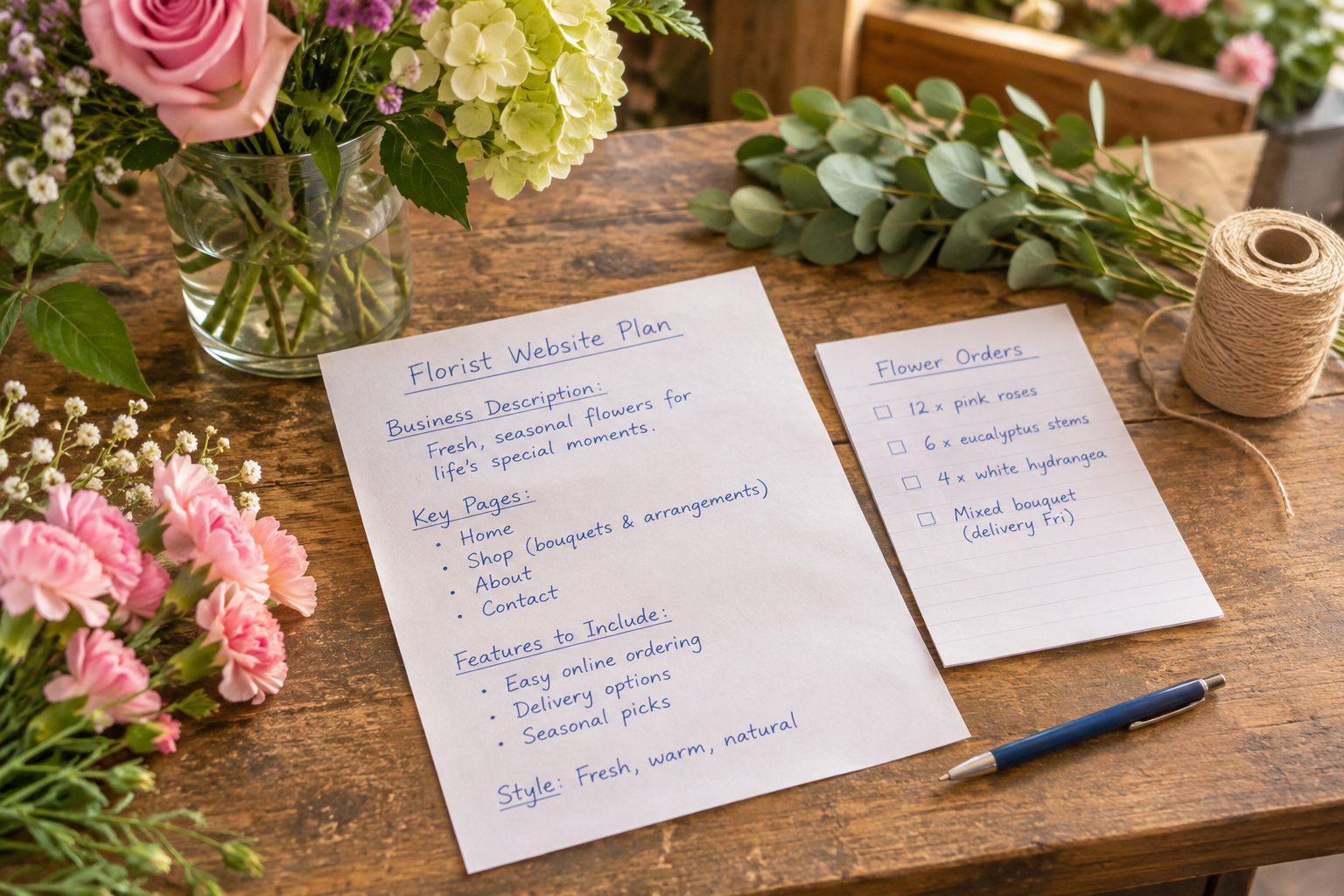
Because 10Web uses WordPress, it is worth considering whether you want a WordPress-based setup. WordPress can support a wide range of sites, but the day-to-day experience depends on the hosting, editor, extensions and plan you choose. Check what is included and which tasks you will be responsible for before committing.
How Does AI Website Generation Work?
Most AI website builders follow a similar process: you describe your business, provide a few preferences and receive a draft site to edit. The details of 10Web's workflow can change, so treat the steps below as a practical guide rather than a promise about a particular screen or feature.
- Prepare a short brief. Describe what you sell, who you help, where you operate and what visitors should do next.
- Generate a starting point. Use the platform's AI workflow to create an initial structure and copy.
- Review the pages. Check that the site explains your offer clearly and includes the information customers need.
- Edit the design and content. Replace generic wording, add your own images and make the navigation easy to follow.
- Connect and test your tools. Set up any required domain, forms, shop or booking features, subject to your chosen plan.
- Publish when ready. Check the site on different screen sizes and test the actions customers will take.
A useful brief is specific without being complicated. For example, a hypothetical dog groomer could describe the services offered, the area covered, whether customers should request an appointment and the friendly tone they want. They should add only details they can verify; the AI should not be left to invent prices, qualifications or availability.
Before generating a draft, gather the material you will need to check it: your current service list, contact details, opening hours and any images you have permission to use. Decide which action matters most on each page. A service page might lead to an enquiry, for example, while a product page should make the purchase process clear. Keeping these decisions in a short document makes it easier to spot missing information in the generated site.
Allow time to rewrite the opening copy and calls to action. A generated page may look complete while still saying very little about why a customer should choose your business or what happens after they get in touch.
What Should You Check Before Choosing a Builder?
The best choice depends on what happens after the first draft. A builder that generates attractive pages is less useful if you cannot comfortably update a price, respond to an enquiry or understand what you are paying for.
| Decision area | Question to ask | What to test or confirm |
|---|---|---|
| Editing | Can I make routine changes myself? | Try updating a heading, image, button and navigation item. |
| Publishing costs | What will I pay to launch and maintain the site? | Check the current plan, renewal terms, domain and any paid extensions. |
| Ecommerce | Can customers complete a purchase easily? | Review product limits, payment options, fees, delivery and tax settings. |
| Bookings | Can customers request or book the right service? | Check availability controls, confirmations and any integration costs. |
| Memberships | Can I restrict the content or services I offer? | Confirm the required features, payment arrangements and member management. |
| Ownership and portability | What happens if I want to leave? | Check domain ownership, exports, backups and any migration work. |
| Support | Who helps when something goes wrong? | Read the support terms and check which issues are covered. |
Use your own priorities to rank these questions. A portfolio site might need a simple gallery and contact form, while a shop needs a reliable checkout and a way to manage orders. Neither needs every feature available on the market.
Make a short list of tasks you expect to perform regularly, then try them before choosing. Include an occasional task as well, such as changing a menu item or replacing a page image. Note any step that requires another account, extension or support request. This gives you a more useful comparison than judging the initial design alone.
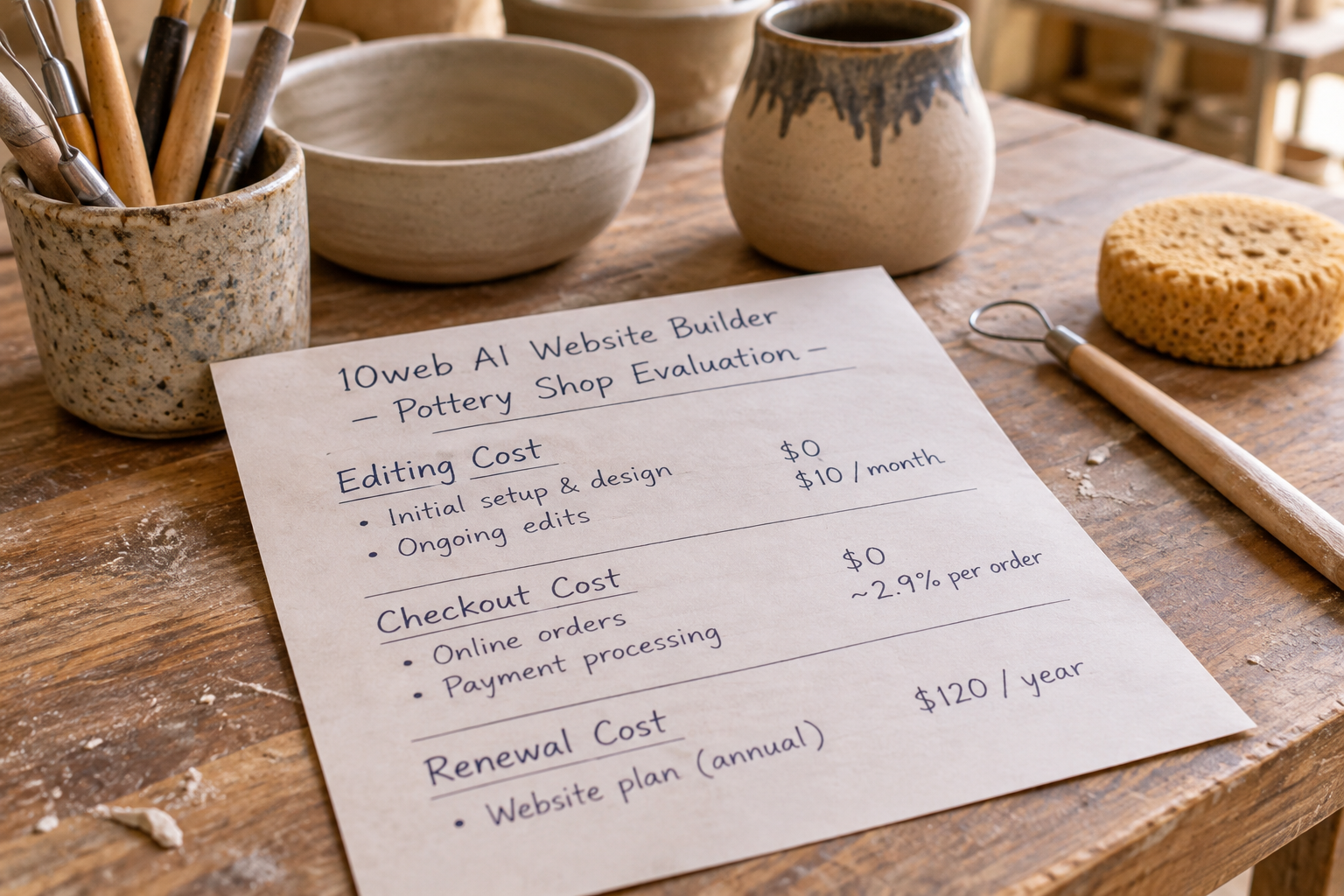
If you are comparing platforms more broadly, the no-code website builder checklist offers a way to assess the practical tasks involved in launching and maintaining a site.
Can You Use It for an Online Shop or Bookings?
10Web offers ecommerce tools, but the exact features, integrations and limits available to you depend on the current product and plan. Check these directly before designing your shop around a particular workflow. For a WordPress-based store, WooCommerce is one established ecommerce option; its documentation can help you understand the kinds of store settings and extensions you may need.
Start with the customer journey rather than a feature list. For a shop, follow the path from product discovery to checkout and order confirmation. For a service business, follow the path from reading about a service to choosing a time or sending an enquiry. Note where the customer might need information about price, delivery, cancellation or next steps.
When considering bookings or memberships, confirm whether the function is native to the platform or requires another tool. Ask how it connects to your website, whether it adds a recurring cost and who handles support. Also check whether the arrangement suits your business processes: a request form may be enough for a bespoke service, while a salon may need customers to select an available appointment.
Test what happens after the customer submits a form or completes an order. Check that the confirmation gives them a clear next step and that the business receives the information needed to respond. For bookings, consider how you would handle a change or cancellation. For a shop, check how you would find an order and communicate any delivery issue. Include these routine tasks in your evaluation, not just the initial checkout or booking screen.
For more detail on planning an online shop, read how to start a small ecommerce business. The same planning principles apply whichever builder you choose.
How Much Does a Website Really Cost?
There is more to the cost than the headline subscription. Pricing and inclusions can change, so check the provider's current terms rather than relying on an old comparison. Look at both the initial charge and the amount you expect to pay when the plan renews.
- Platform or hosting: Check what is included in your plan and whether the price changes at renewal.
- Domain: Find out whether registration or renewal is separate and make sure you control the domain account.
- Commerce: Review payment processing charges and any costs for shop functionality or extensions.
- Additional tools: Consider booking, email, memberships and other services your workflow depends on.
- Maintenance: Allow for the time you or a professional will spend updating content, checking the site and resolving issues.
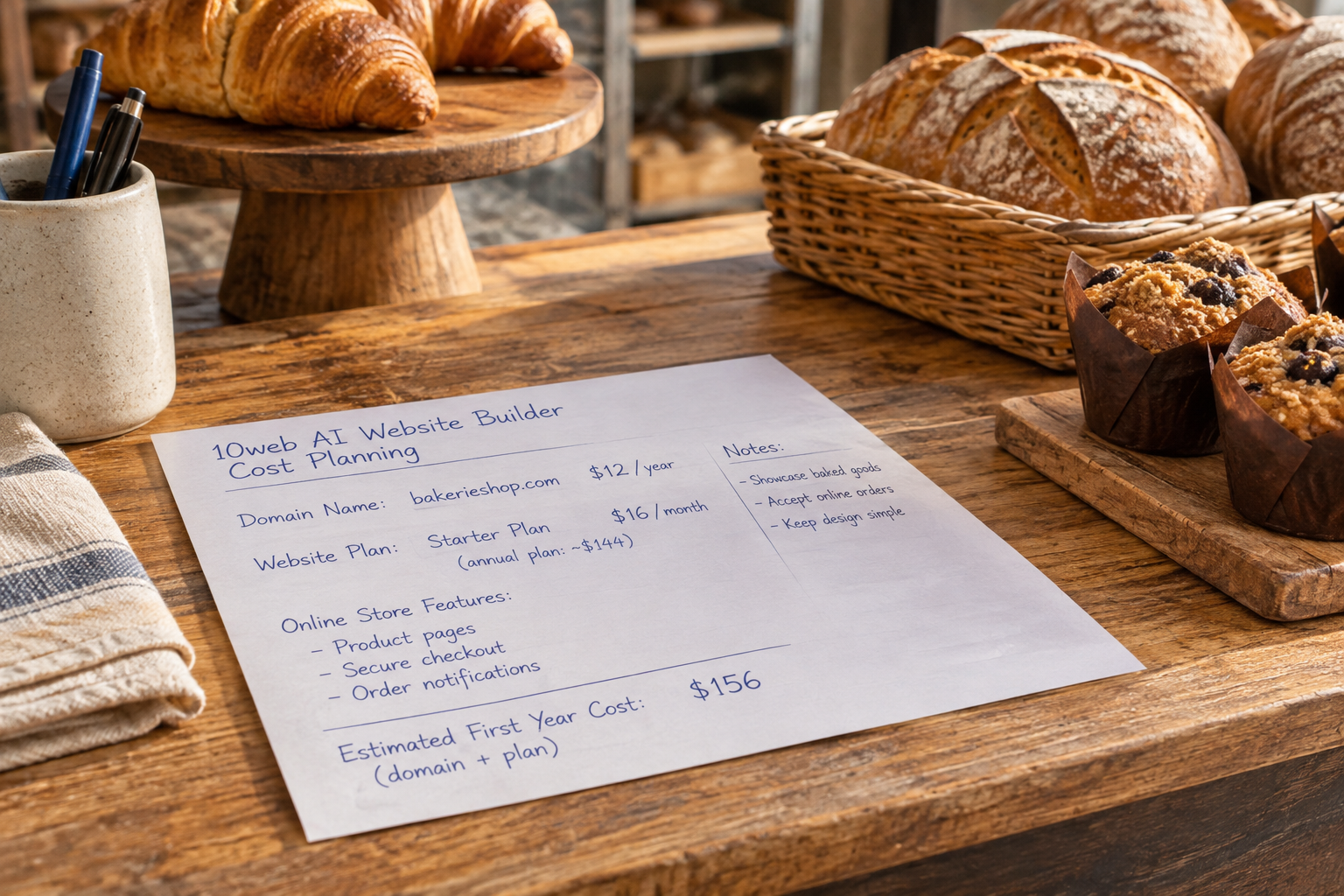
Compare the total against the work you need to do, not just the lowest starting price. A plan that appears inexpensive may be less suitable if the feature you need is only available elsewhere. Equally, paying for a larger package is unnecessary if a simpler site meets your needs.
For a like-for-like comparison, list the costs for your intended setup over the same period for each provider. Separate one-off setup expenses from recurring charges, and note when introductory terms end. If a required feature needs a separate service, include that service and its renewal terms. Keep a note of any costs you could not confirm so you can ask the provider before deciding.
What Are the SEO and Accessibility Responsibilities?
AI can help draft page titles, descriptions and content, but it cannot guarantee search rankings or make every page accessible. You remain responsible for checking accuracy and making the site useful to real visitors. Start with a clear page for each main service or product category, use descriptive headings and answer the questions customers are likely to have.
Review every claim the AI generates. Remove invented testimonials, unsupported promises and details about your business that you have not supplied. Add accurate contact information, relevant service areas and clear descriptions of what customers can expect. If your opening hours or prices change, update the site promptly.
Accessibility needs attention too. Write meaningful alternative text for informative images, use descriptive link text and check that headings follow a sensible order. Test colour contrast, form labels and keyboard navigation rather than assuming a template handles everything. The W3C Web Accessibility Initiative provides guidance for understanding and improving web accessibility.

A good final review includes reading the site aloud, viewing it on a phone and asking someone unfamiliar with the business to find a service or contact option. Their questions can reveal gaps that are easy to miss when you already know the business.
If you would like help exploring a no-code approach, book training with Avantiy to discuss the platform and your website plans.
How Does 10Web Compare With Avantiy?
Both platforms are relevant if you want AI help creating a website, but the right choice depends on the environment and features you prefer. 10Web is built around WordPress. Avantiy combines AI-generated pages, copy and structure with a visual, no-code editor, and includes ecommerce, online booking, memberships, AI-powered SEO and accessibility tools.
Avantiy offers UK-based support and uses ISO 27001 and SOC 2 certified infrastructure. You can create a free account without a card and keep the site free until you publish. Check the current publishing terms and feature details before making a decision, particularly if you need a specific payment, booking or membership workflow.
Rather than deciding from a list alone, try the same small task in each product: draft a homepage, change its main heading, add a service and work out how a visitor would contact you. Then investigate the more demanding task your business needs, such as managing product variants or handling appointment changes.
Record what you learn while the trials are fresh. Can you find the settings without assistance? Is the process understandable enough to repeat later? If someone else will maintain the site, invite them to try the same tasks. The result can help you decide whether the editing environment fits the people who will actually use it.

If you are also considering other AI tools, our guide to the Framer AI website builder for small businesses examines another approach. Look for the platform that makes your everyday work manageable, not simply the one that produces the most appealing first draft.
See the Website Planning Process
A visual walkthrough can help you understand how AI-generated pages are reviewed and edited. When watching a demonstration, check its publication date and compare the steps with the provider's current product: interfaces and plan details can change.
Pay particular attention to what happens after generation: how the presenter changes copy, connects a domain and tests the site. A useful demonstration should show the practical work as well as the initial result.
Frequently Asked Questions
Do I need to know how to code to use 10Web?
The AI generation and visual editing approach is intended to reduce the need to build pages in code. However, the ease of a particular task depends on your setup and requirements. Test the editor with your own content and check whether any integrations or customisations you need require technical assistance.
Is AI-generated website copy ready to publish?
Treat it as a draft. Check every service description, price, location and claim against your own records, then rewrite anything that sounds generic or does not reflect your business. Add your own useful details and remove invented testimonials or promises. Your review is especially important for regulated or specialist services.
Can I use my own domain name?
Connecting a custom domain is a common website requirement, but you should confirm the current steps and plan terms with your chosen provider. If you already own a domain, keep access to its registrar account and check the instructions for updating its settings. Domain registration and renewal may carry separate costs.
Will a WordPress-based website be easy to move?
WordPress can offer options for moving site content, but a migration is not necessarily automatic or complete. Your theme, extensions, forms, shop data and hosting setup can affect the work involved. Before committing, ask what you can export, what would need rebuilding and whether you would need specialist help.
Can I start a website before paying to publish it?
That depends on the provider's current terms. Avantiy lets you create a free account without a card and keep your site free until you publish. For 10Web or another provider, check the current trial or free-plan conditions, including what happens to your draft and which features are available before payment.
Ready to plan your site? Book now for Avantiy training and explore how to turn your business brief into a website you can edit.