
If you’re racing to launch a clean, professional site without code, you’ve likely considered a single page website builder. One-page sites can be brilliant for speed, clarity and conversion—especially for shops, service providers and busy teams. But advice online is full of half-truths. This myth vs fact guide separates signal from noise so you can choose the right approach for your business today—and keep space to grow tomorrow.
At a Glance: Myths vs Facts
| Myth | Fact | When It’s True/False | What to Check |
|---|---|---|---|
| “A single page website builder can’t rank on Google.” | It can rank for focused topics and local intent with strong on-page structure. | True if content is thin or headings are messy; false if content answers a clear intent. | Check headings, internal anchor links, schema, and page speed. |
| “You can’t run ecommerce on one page.” | Lightweight shops can work fine with featured products and a streamlined checkout. | True for large catalogues; false for a handful of SKUs or featured bundles. | Ensure product variants, secure checkout and analytics tracking are supported. |
| “A single page website builder is only for portfolios.” | It suits many use cases: service menus, booking, membership signups, lead gen and events. | True if you need deep content hubs; false for clear offers and fast decisions. | Map your user journey from headline to action with no dead ends. |
| “Single-page sites load slower.” | They can be extremely fast when assets are optimised and scripts are lean. | True if you stack heavy widgets; false with image compression and lazy loading. | Run audits and compress media; measure Core Web Vitals. |
| “You can’t do proper SEO without multiple pages.” | You can rank for a primary intent; multi-page helps target broader keywords later. | True when chasing many topics; false for one strong commercial intent. | Use a content plan to know when to add pages or a blog. |
| “Navigation is poor on one-pagers.” | Sticky menus with anchor links, section labels and back-to-top make UX smooth. | True with long, unlabelled sections; false with clear anchors and headings. | Test keyboard navigation and skip links for accessibility. |
| “You can’t track what works.” | You can track per-section clicks, forms and scroll depth on a single URL. | True if analytics aren’t configured; false with events and goals set properly. | Define events for key CTAs and segment traffic sources. |
| “Scaling later means a rebuild.” | A good single page website builder lets you add pages, products and blogs when ready. | True with rigid templates; false with platforms designed to scale. | Confirm you can migrate sections into new pages without starting over. |
| “Accessibility is impossible on one page.” | Compliance depends on structure, contrast and semantics—not page count. | True with poor markup; false with proper headings, labels and focus states. | Run accessibility audits and fix errors before launch. |
| “One page can’t convert.” | Single-page funnels often convert brilliantly by removing distractions. | True when CTAs are buried; false with clear offers and trust signals. | Place proof near CTAs, and test button copy/positions. |
| “A single page website builder won’t work for bookings.” | Embedded calendars and payment steps can live neatly on one page. | True for complex multi-step flows; false for standard appointment flows. | Check time zones, reminders and mobile UX for the booking widget. |
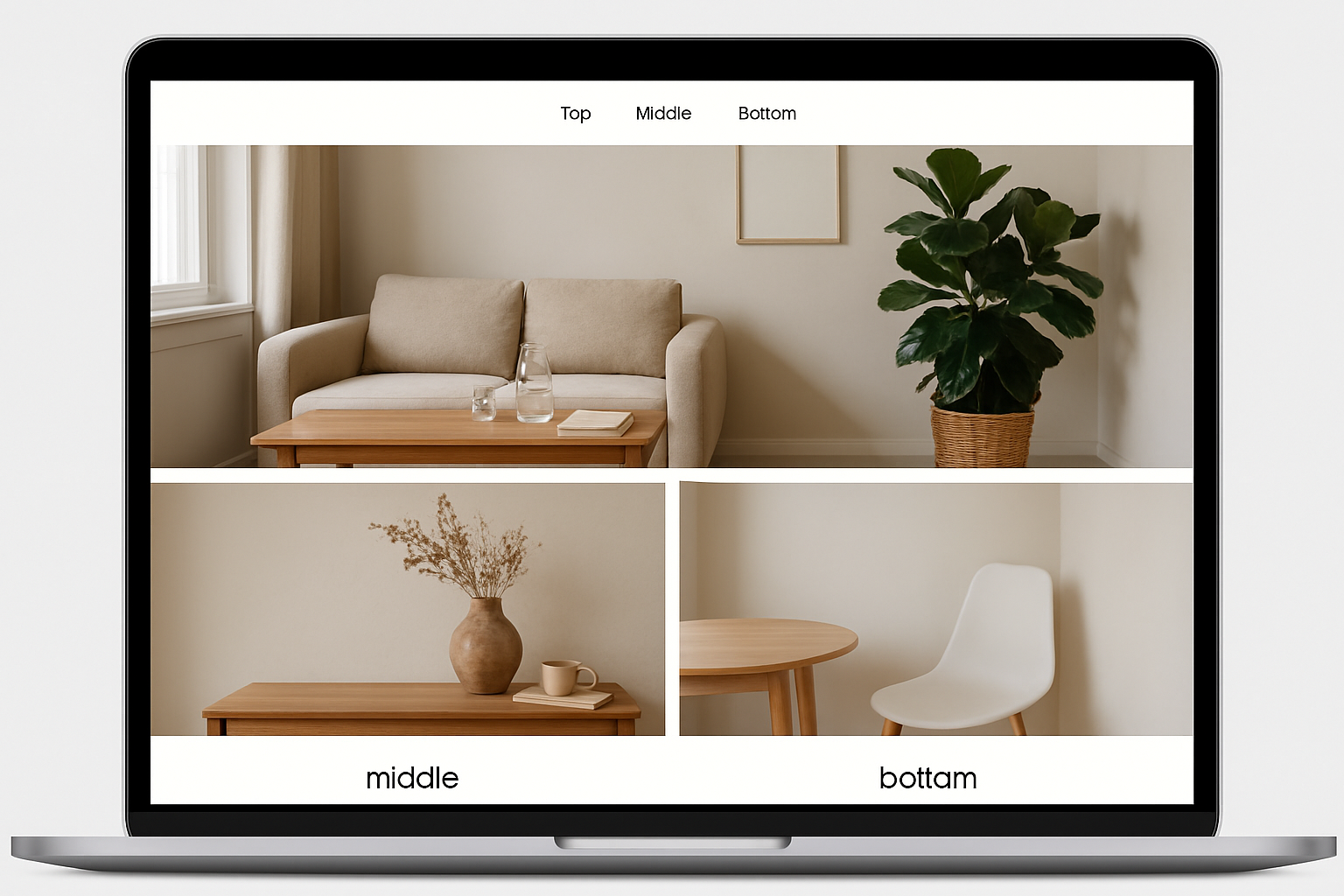
What a Single Page Website Builder Can (and Can’t) Do
The right single page website builder helps you launch a professional site fast, distilling your offer into a clear journey: headline, value, proof, pricing and action. It’s ideal when you need to go live quickly, validate demand or run a focused campaign. When your content strategy expands—more services, articles, locations—you should be able to add pages without ditching your original work.
With Avantiy, you describe your business in plain English and the AI drafts your sections, calls-to-action and structure. You can then refine everything in a visual editor, add ecommerce or bookings, and publish when you’re ready. The platform includes AI-powered SEO, accessibility tools and UK-based support, running on ISO 27001 and SOC 2 certified infrastructure—so you’re building on solid ground.
When a One-Page Site Is a Smart Choice
- You sell one service, a few packages or a small set of products.
- You’re launching a local service (plumber, yoga studio, dog walker) and want a fast, clear pitch.
- You’re running a time-bound promo, event or waitlist and need a tight funnel.
- You want to validate messaging before committing to a larger content build.
When You’ll Want to Add More Pages
- You need a blog or knowledge base to target many keywords and educate buyers.
- Your catalogue grows beyond a handful of SKUs or options.
- You serve multiple locations or personas requiring tailored landing pages.
- You need detailed policy pages, resources or case study libraries.
SEO and Structure: The Truth About One-Page Rankings
Search engines rank pages that satisfy intent with clarity and speed. A single page website builder can compete by organising content into logical sections and making internal navigation obvious. Use a concise H2 for each section, keep paragraphs scannable, and connect your menu items to anchor links so visitors (and crawlers) understand the layout.
Technical basics still matter: compress images, lazy-load where appropriate, minimise render-blocking scripts, and use descriptive, unique title and meta descriptions. On a single URL, event tracking is your friend—fire events for key buttons (call, book, buy) so you can measure which sections persuade.
Practical SEO Checklist for One-Page Sites
- One primary intent per page—make it unmistakable above the fold.
- Clear sectioning with H2/H3 headings; avoid repeating the same heading text.
- Anchor-linked navigation and a skip-to-content link for accessibility.
- Structured data where relevant (LocalBusiness, Product, FAQ where appropriate).
- Optimised media: modern formats, compression and defined dimensions.
- Meaningful CTAs throughout; track clicks and submissions.
When you outgrow one page, simply add targeted pages or a blog. Avantiy lets you expand from a single page website builder start to a full site without rework—your sections and styles carry forward, so content reuse is easy.
Performance, Accessibility and Trust
Fast, inclusive experiences win. A focused, single page website builder can feel snappy because users stay on one URL and don’t trigger reloads while scrolling. Keep external scripts light, prefer system fonts or a minimal font set, and reserve animations for meaningful moments.
Accessibility isn’t optional if you want everyone to buy or book. Good practice includes proper heading order, labelled form fields, visible focus states, sufficient colour contrast and keyboard-friendly menus. Public sector organisations have specific duties under UK accessibility regulations—useful guidance for private businesses too. See the GOV.UK accessibility requirements for practical steps and testing tips.
Security and data protection matter whatever your site size. The UK’s National Cyber Security Centre has clear guidance for SMEs on passwords, MFA and backups; start with the Small Business Guide. Avantiy’s ISO 27001-certified infrastructure aligns with recognised standards; learn more about the standard from ISO.
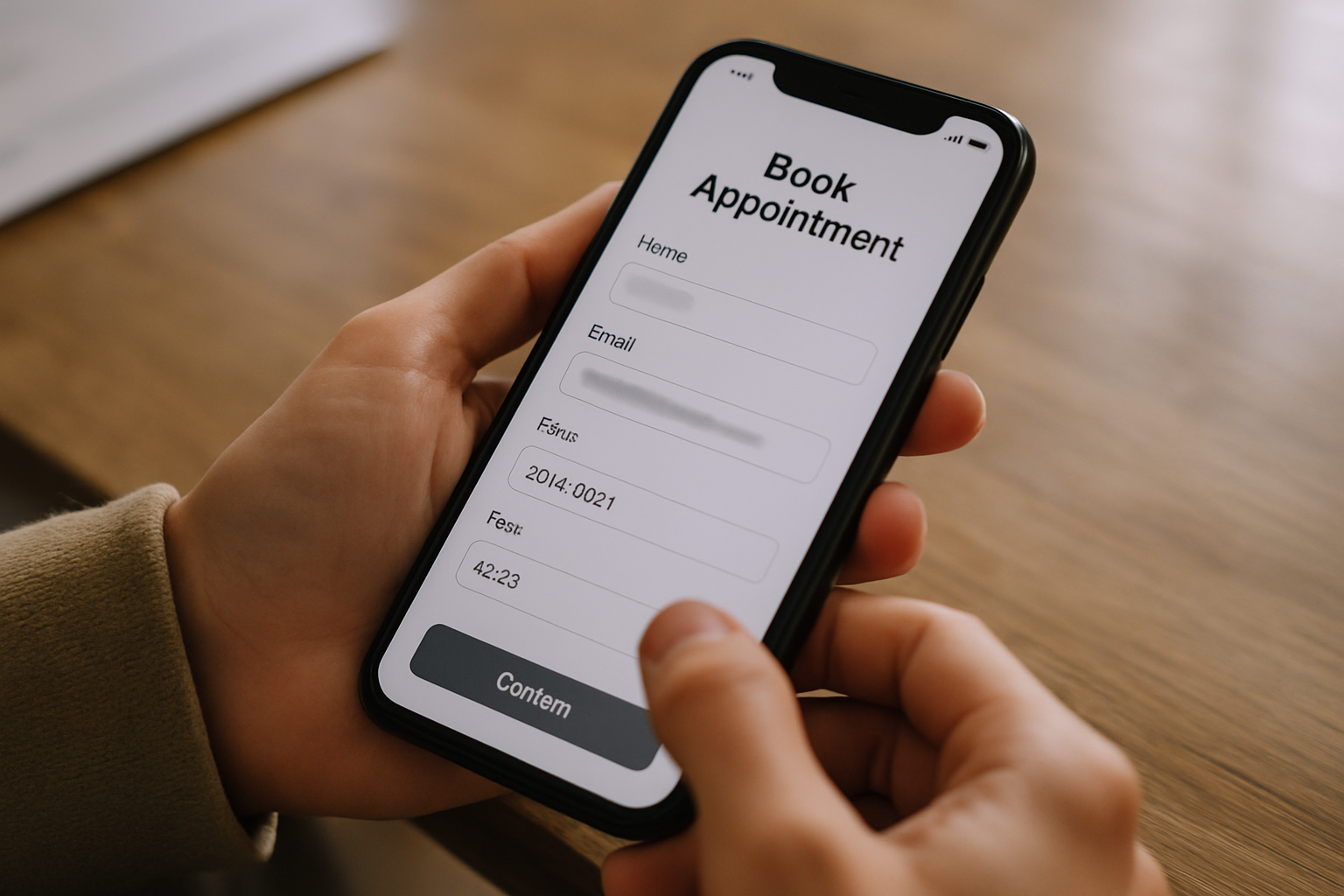
Bookings, Ecommerce and Memberships on One Page
Contrary to myth, you can host bookings, sell a small set of products, or accept memberships on a single page. The trick is clarity: one product area, one booking widget, one membership callout—each with social proof nearby and a short FAQ below. A capable single page website builder gives you modular blocks so you can slot in features as needed.
For Bookings
- Place the calendar or booking form near the top for returning visitors.
- Confirm time zone handling and automated reminders.
- Add a short “How it works” list and cancellation policy link next to the widget.
For Ecommerce
- Feature best-sellers with clear prices, variants and delivery info.
- Support secure checkout and common payment methods.
- Use badges and reviews close to the buy buttons to reduce friction.
For Memberships
- Show tiers, benefits and a single standout CTA.
- Explain billing cycles and trials in plain English.
- Include a brief “What you’ll get this month” section to anchor value.
Need help mapping your funnel? Book a free, friendly walkthrough with our team and leave with a page plan you can implement today. Book now.
Myth vs Fact Deep Dive
Myth: “One-Page Sites Can’t Rank”
Fact: They can—if your page satisfies one clear intent. Use sectioned content, strong headings and an FAQ to address common objections. A robust single page website builder will generate alt text, meta tags and internal anchors for you, then let you refine the details.
Myth: “You Can’t Tell What’s Working”
Fact: With event-based analytics you can track clicks on each CTA, scroll depth and form submissions. Tag your menu anchors (e.g., #pricing, #book, #faq) and segment data by referrer to see which campaigns drive action.
Myth: “You’ll Have to Rebuild to Grow”
Fact: Start with a streamlined hero + proof + offer + CTA flow. When you’re ready, graduate from a single page website builder start to a multi-page site by turning sections into dedicated pages. With Avantiy, you can add a blog, services pages or a full shop without scrapping your base design.
Myth: “Accessibility Is Too Hard on a Single Page”
Fact: Accessibility scales with care, not page count. Use semantic HTML, aria labels where needed, and test with keyboard-only navigation. Public guidance—even if aimed at government bodies—offers patterns you can reuse to make your site more inclusive.

Choosing the Right Single Page Website Builder
Look for more than slick templates. The best single page website builder for small businesses blends speed, flexibility and governance so you don’t box yourself in.
Essential Features Checklist
- AI-assisted content: Drafts that reflect your tone, with editable sections and CTAs.
- SEO tooling: Meta, schema, redirects, anchor-linked navigation and on-page audits.
- Performance: Image optimisation, lazy loading and minimal script overhead.
- Accessibility helpers: Contrast checks, heading order guidance, alt-text prompts.
- Commerce and bookings: Product variants, secure checkout, calendars and reminders.
- Analytics: Event tracking, consent tools and integrations.
- Security and compliance: Hosting on certified infrastructure and sensible defaults.
- Scalability: Add pages, blog, memberships and a store as you grow.
New to websites? Our honest primer covers costs, domains and timelines: Creating a Website UK: Honest FAQs for Small Businesses.
Set-Up Tips to Maximise Results
- Define one primary goal. Is it book, buy or enquire? Make that CTA impossible to miss.
- Write for skimmers. Short paragraphs, bold subheadings, bullets, and visual hierarchy.
- Prove it fast. Add testimonials, logos and quick stats near the top of the page.
- Handle objections. Place a mini-FAQ right before the main CTA section.
- Make contact easy. Prominent phone, WhatsApp or email options for those who prefer human help.
- Ship first, polish later. Publish a strong v1; test; then iterate using analytics.
If you’re unsure about privacy and cookies, remember your responsibilities under data protection law. The UK ICO provides practical guidance for organisations of all sizes—see the UK GDPR resources to understand consent and transparency basics.
Why Avantiy for Your First (or Next) One-Pager
Avantiy pairs the speed of a single page website builder with room to expand when you’re ready. Describe your business; let the AI generate your hero, services, pricing and FAQs; then tweak in a clean, no-code editor. Add ecommerce, bookings or memberships in a few clicks, with built-in SEO and accessibility checks guiding you as you go. You can start free—no card required—and keep your site free until you publish.
Prefer a human nudge? Our UK-based team will help you shape a clear one-page funnel during a short call. Book now or explore what you can build at Avantiy.com.
Common Upgrade Paths
- Turn your testimonials section into full case studies with images and metrics.
- Split services into separate pages to target different keywords and locations.
- Grow a blog that supports your main page with educational content.
- Expand your shop from featured items to category pages as the catalogue grows.
Quick Recap
A single page website builder is a powerful way to launch fast, convert visitors and learn what resonates—without code or complexity. Keep your page focused, accessible and fast; track what works; then expand to more pages when you’re ready. With Avantiy, you start simple and scale smoothly, supported by AI tools, built-in SEO and secure, certified infrastructure.
Get Started
Launch a clear, confident one-pager today. Start free at Avantiy.com or book a friendly setup session.