Following a major UX improvement, we’re happy to release a powerful image editor that’s packed with capabilities and fine tuning options so you can edit each of your site photos to perfection.The new image editor includes numerous options and actions that weren’t available before. Now you can do a lot more than mere cropping: use various adjustments, apply filters, add text on image and a lot more.
A new image editor that’s as handsome as it is powerful
The new set of powerful editing tools comes in a sleek new look - we’ve made it pretty and beefed up its capabilities as well as its performance. Explore new editing options like playing with brightness, contrast and highlights, to name a few. In addition, you’ll find enhanced image editing tools like:
- Filters
- Resizing
- Adding text
- Improved transforming tool
- Adding stickers
How to use the new image editor
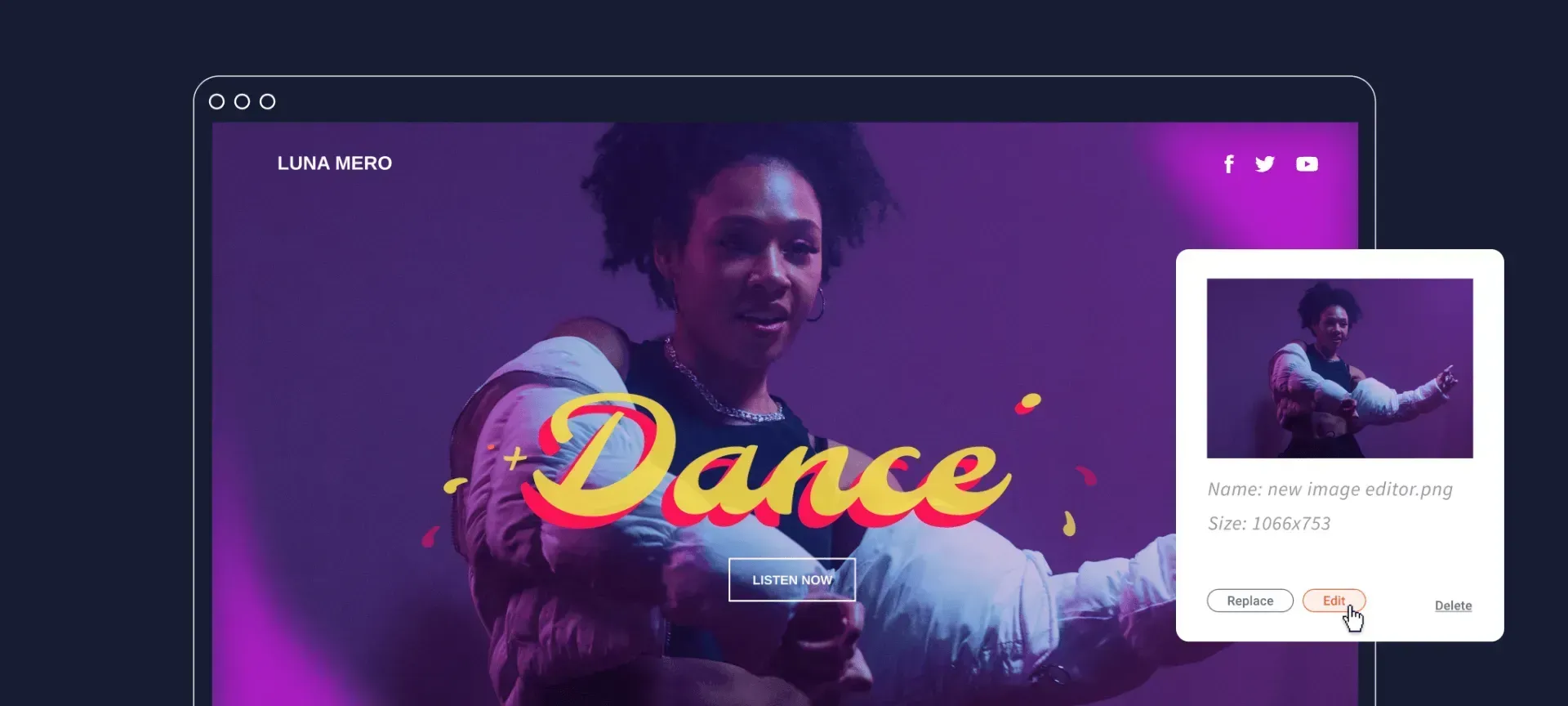
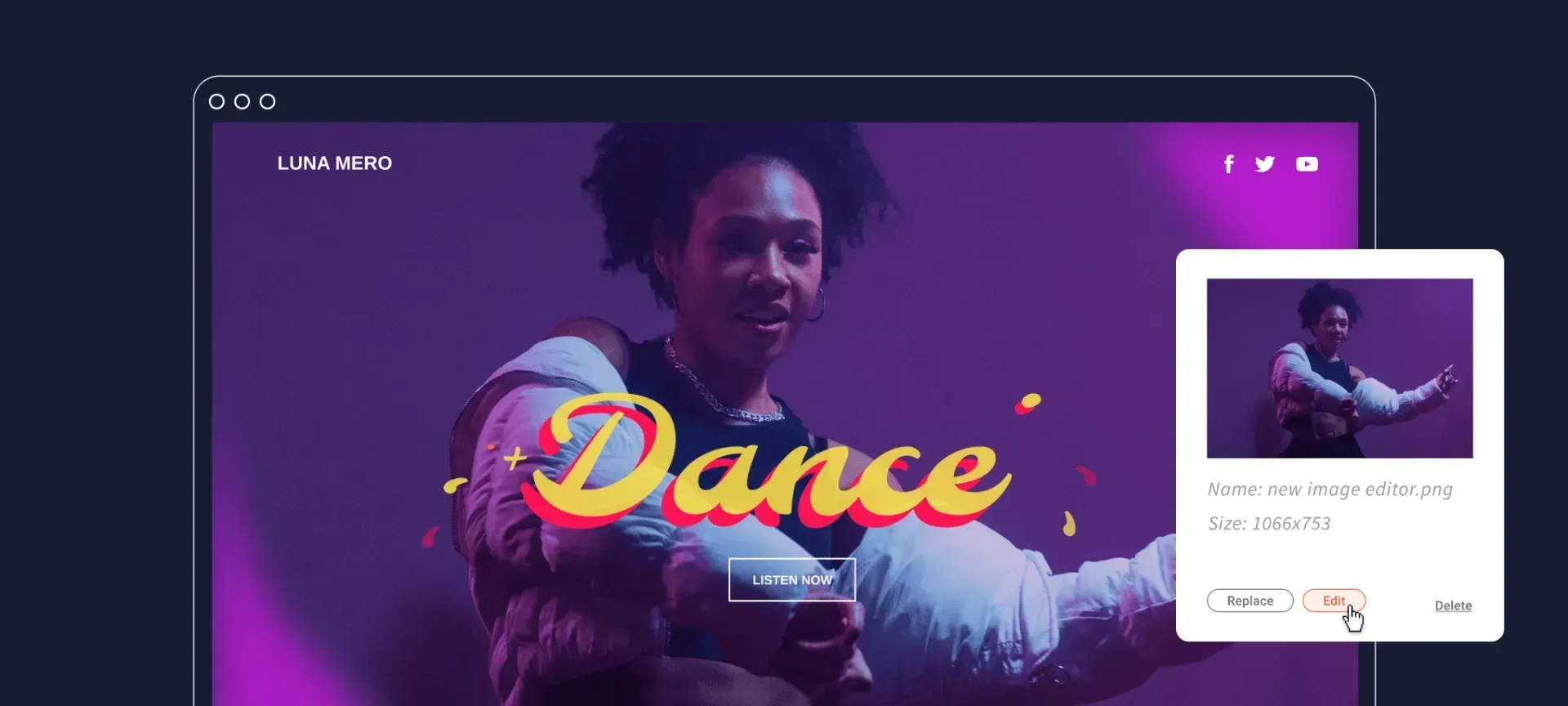
Simple. When in the editor, click on an image and select Edit. The new image editor will launch and you’ll be ready to adjust the image however you want.