Retail design websites help shops, brands and pop-ups turn browsing into sales by combining merchandising, clear navigation and fast checkout in one place. This guide shows you exactly what to include, how to choose a platform, and the steps to launch quickly—without code—while giving customers a seamless, trustworthy experience.
The Retail Web Design Landscape in 2026: What’s Changed and Why It Matters
Customers expect retail sites to be as smooth as their favourite apps: instant load, clear categories, rapid product discovery and one-tap payment. That means design, content and technology can’t live in separate silos. Visual merchandising, inventory logic, shipping, returns and customer service now surface together at every step of the journey. And mobile dominates—so layouts, imagery, and navigation must feel made for thumbs first, not just adapted from desktop.
AI has shifted the build process. Instead of starting from a blank screen, you can generate first-draft pages, category structures and product copy from a short business description, then refine in a no-code editor. That makes iteration faster and frees time for the things only you can do—selecting on-brand images, writing your guarantee, or shaping bundles that fit how your customers actually buy.
Just as importantly, operations show through design. Accurate stock indicators, honest delivery estimates, low-friction returns info and clear accessibility all influence trust. In short, retail design websites are no longer just shop windows; they’re living systems that join branding with operations and customer support.
How Do You Plan a Retail Site That Actually Sells?
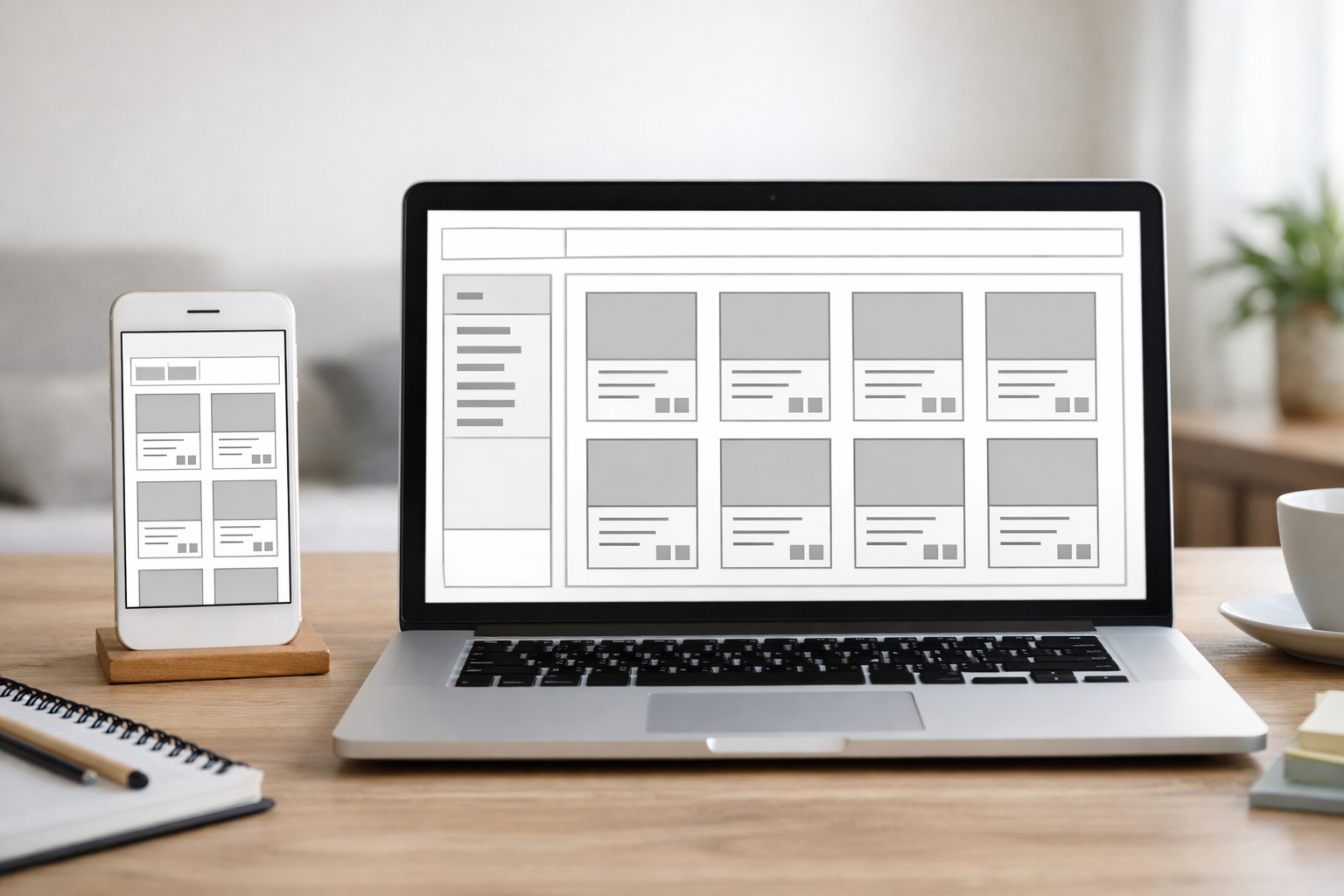
Planning starts with outcomes, not pages. Before you touch templates, list three measurable goals: for example, increase average order value with bundles, grow email sign-ups for product drops, and reduce abandoned baskets. Then map the shortest, clearest paths to each outcome, from homepage and category layouts through to product detail pages (PDPs) and checkout.
Structure follows intent. For discovery-led browsing, feature seasonal collections and bestsellers above the fold; for replenishment-heavy catalogues (cosmetics, supplements, pet food), make search and re-order tools prominent. If you sell both services and products—say, fittings plus fixtures—consider parallel navigation: Shop, Book, and Learn. Templates help, but always tweak labels to match customer language collected from reviews, support tickets and on-site search logs.
Content planning should balance evergreen assets (brand story, returns policy, sizing guides) with frequently changing elements (drops, promotions, bundles). Decide who maintains what: a merchandiser may update hero spots twice weekly, while customer service owns FAQ changes. Build content blocks accordingly so updates don’t require a designer. Finally, keep a running list of proof points—sustainability facts, craftsmanship notes, accreditations—to place contextually across the journey, not just in an About page. That’s how planning transforms from a sitemap exercise into a revenue engine for retail design websites.
What Should Retail Design Websites Include to Convert?
Conversion hinges on alignment between intent and friction. If a visitor lands on a product, show confidence-building proof (reviews, returns, shipping ETA) without forcing a scroll marathon. If they arrive on a category, help them narrow choices fast with meaningful filters (size, fit, material, purpose) that reflect how people shop in your niche. Priority blocks on the homepage should mirror the top tasks customers actually come to do.
Essential elements include:
- Clear value proposition in the hero—what you sell, for whom, and why it’s different.
- Fast, legible navigation: shop by category, new-in, bestsellers, and help/returns always within one tap.
- Smart search with autocomplete and synonyms; surface recent searches and popular queries.
- Product pages with sized-up imagery, zoom, video, fabric/material detail, fit notes, and care instructions.
- Social proof: ratings, UGC galleries, and transparent review summaries (e.g., “True to size” tags).
- Urgency and reassurance that respect the customer: low-stock status only when true, and honest delivery windows.
- Checkout shortcuts: guest checkout, wallet/pay options, address lookup, and one-click re-ordering for logged-in customers.
Finally, make cross-sells relevant to the page’s purpose. On PDPs, show complementary add-ons; at checkout, offer low-friction, low-cost extras. That’s how retail design websites improve both conversion and basket value without feeling pushy.
Content That Moves Stock: Copy, Imagery and Merchandising
Great content isn’t only pretty—it reduces uncertainty. Write in your customer’s language, not your internal jargon. Replace generic adjectives with concrete benefits: “Rain-tested to 10,000mm” beats “premium waterproof”. Use scannable structure on PDPs: a short benefit-led intro, then bullets for key features, followed by detailed specs. For apparel and footwear, fit and sizing notes cut returns dramatically; for homeware, show scale in situ so customers can picture dimensions.
Imagery should answer questions the text can’t. Include consistent angles, context shots, and at least one image that shows true colour under neutral light. Consider short product videos to demonstrate texture, movement or assembly—especially useful for furniture, tools and tech accessories. For categories with variants, keep image order consistent so customers can compare quickly.
Merchandising connects the dots. Use collection pages to tell a mini-story: why these items belong together and how to wear or use them as a set. Bundle thoughtfully (starter kits, refills, multi-buys) and call out the value. Spotlight care, provenance or sustainability where it matters. And keep seasonal rhythm: rotate hero blocks weekly in peak periods and align with inventory to avoid promoting out-of-stock items. Done right, content and merchandising give retail design websites their commercial edge.

UX Patterns That Reduce Friction at Checkout
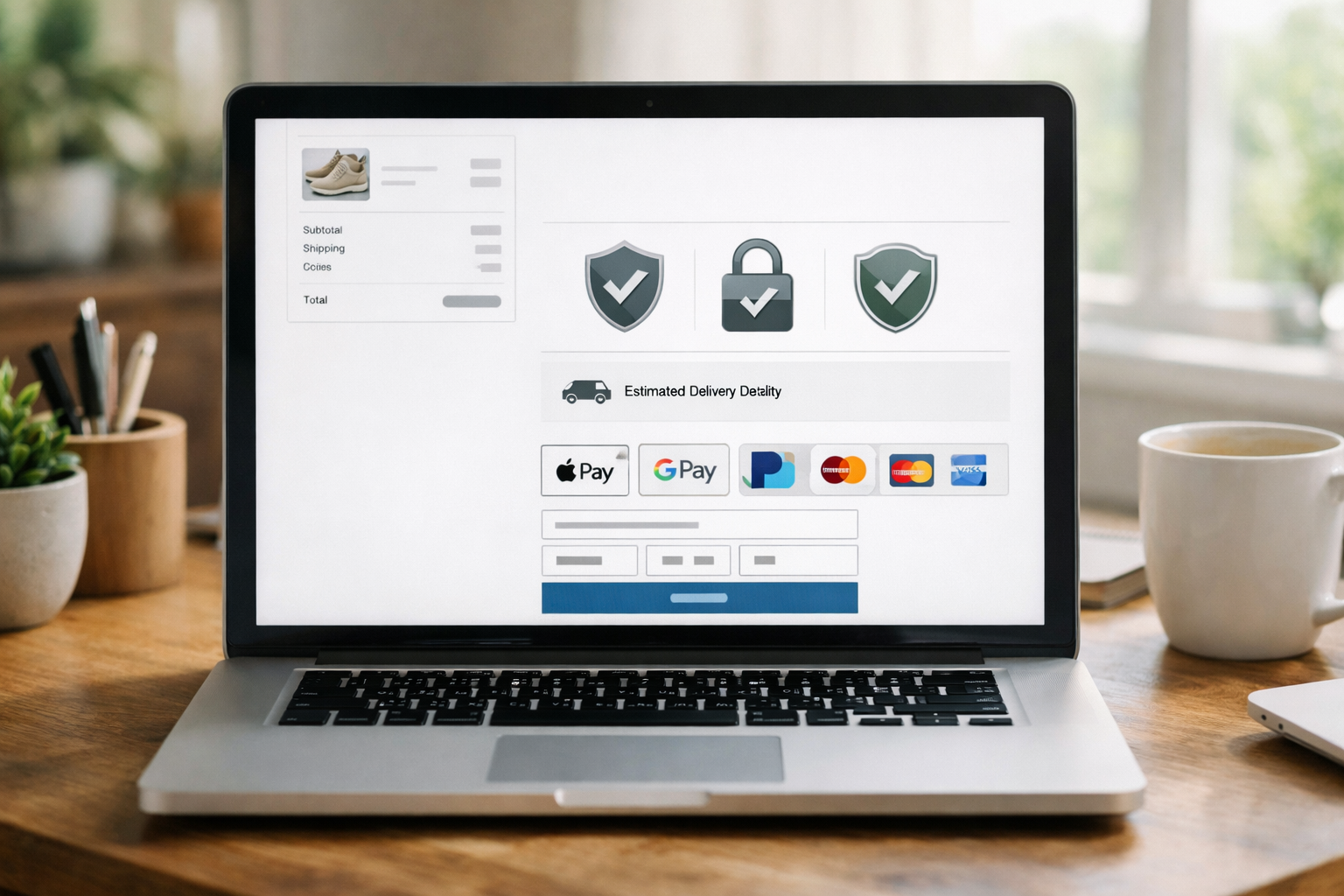
Friction often hides in tiny details. Start with add-to-basket clarity: visible feedback, mini-basket confirmation and a non-intrusive drawer that shows progress without hijacking the journey. Make delivery options and costs transparent as early as the basket, not as a late surprise. Offer guest checkout first, then invite account creation post-purchase with a single tick-box. For returning customers, one-tap wallets (Apple Pay, Google Pay), stored addresses and preferred delivery defaults cut seconds that otherwise cost conversions.
Form design is make-or-break. Use postcode lookup, auto-formatting for phone numbers, and inline validation so errors appear as they happen. Collapse optional fields, and explain why you need any data that isn’t obvious. Prominent trust cues—security badges, clear returns policy links, and support contact routes—keep anxieties low. On mobile, sticky order summary bars stop users from losing context.
Finally, test microcopy where drop-offs spike. For example, experimenting with “Complete Order Securely” versus “Pay Now” can influence hesitancy depending on audience and ticket size. The goal is a rhythm of small yeses from product page to confirmation—precisely where many retail design websites win or lose.
Which Platform Is Best for Retail Brands in the UK?
Choosing a platform means balancing speed to launch, ongoing control and total cost of ownership. SaaS builders give you hosting, updates and security, while headless stacks trade simplicity for engineering flexibility. For most small businesses and fast-moving teams, a modern AI-assisted builder with built-in commerce, bookings and memberships provides the lowest-friction route from idea to income—especially when it ships with UK-based support and compliance baked in.
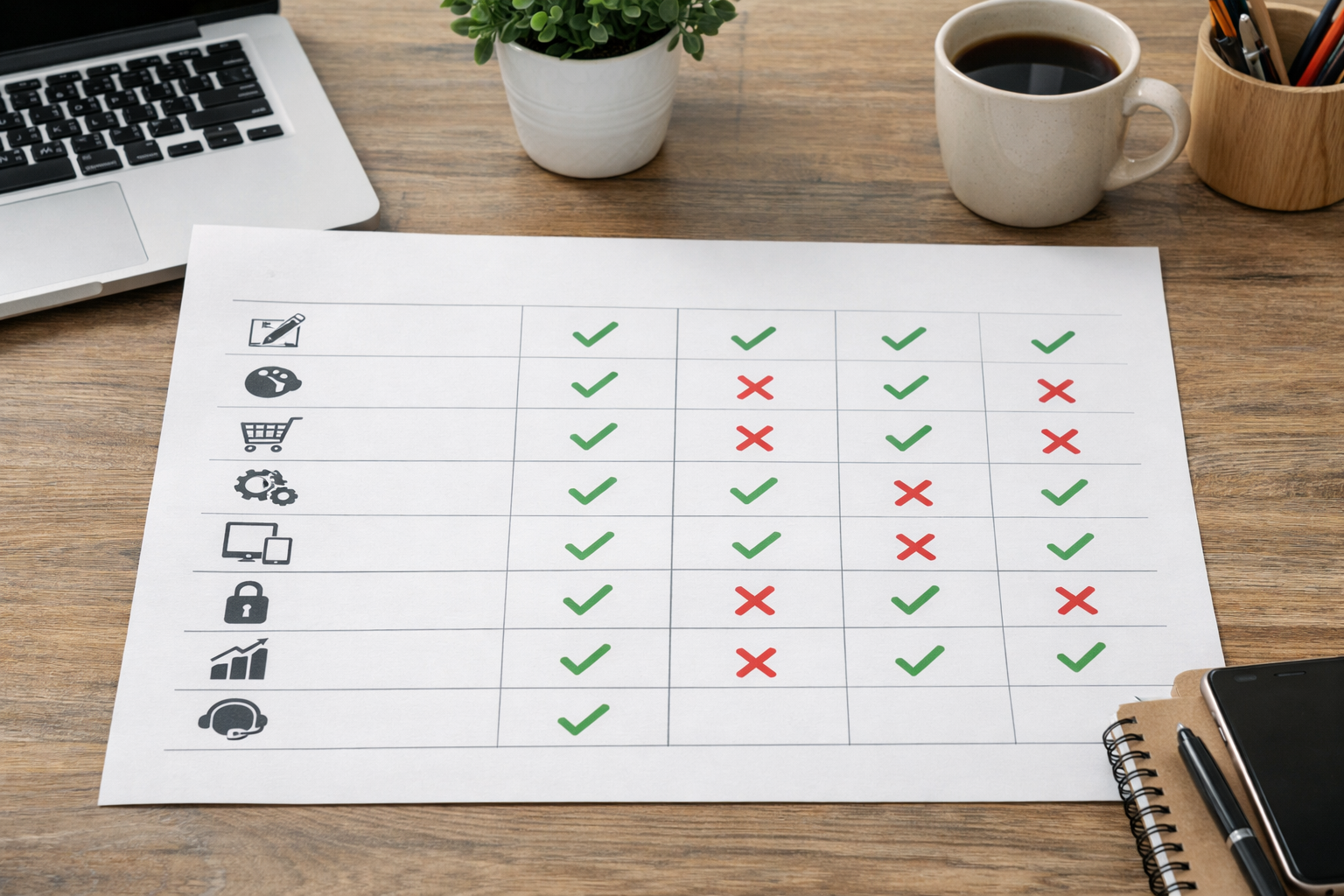
Below is a practical, high-level comparison. Treat it as a conversation starter rather than a verdict; the best fit depends on your catalogue size, fulfilment flow, channels and in-house skills. Pay attention to how much you can do in minutes without calling a developer: that’s often the deciding factor for busy teams and for retail design websites with limited resources.
| Platform | Best for | AI site/content | Ecommerce | Bookings | Memberships | SEO tooling | Accessibility tools | Pricing model | UK support | Security posture |
|---|---|---|---|---|---|---|---|---|---|---|
| Avantiy | Small businesses, shops, services needing quick launch | AI-generated pages, copy and structure; visual no-code editor | Built-in online store | Built-in online booking | Built-in memberships | AI-powered SEO helpers | Accessibility checks and guidance | Free until publish; simple subscription | UK-based | ISO 27001 & SOC 2 certified infrastructure |
| Shopify | Broad ecommerce catalogues and app ecosystem | Basic AI tools; extensive templates and apps | Native | Via apps | Via apps | Robust standard features | Guidance; accessibility depends on theme | Subscription; transaction fees may apply | Global support | Enterprise-grade platform security |
| Squarespace | Design-led sites, portfolios with commerce | AI writing helpers | Native | Native scheduling add-on | Member areas | Standard SEO features | Guidance; depends on template | Subscription | Global support | Managed platform security |
| Wix | Flexible DIY sites with apps | AI site generator | Native | Via apps | Via apps | Standard SEO features | Guidance; depends on template | Subscription | Global support | Managed platform security |
If you want AI to do the heavy lifting—drafting pages, structuring your catalogue, and guiding SEO and accessibility—while you retain full visual control, Avantiy is designed for that exact workflow. It’s fast to start, and you can keep your site free until you’re ready to publish—ideal for testing concepts and iterating retail design websites without pressure.
SEO and Accessibility: Designing for Humans and Search
Search visibility and accessibility are connected: clear, descriptive content that works for everyone also helps crawlers understand your pages. Start with intent-led architecture: categories that mirror how real customers browse, unique titles and meta descriptions written like ads, and internal links that signal relationships between products, collections and guides. Optimise PDPs with structured data (product, price, availability) to qualify for rich results.
Accessibility is non-negotiable. Use sufficient colour contrast, alt text that describes purpose, logical heading order, clear focus states and keyboard-friendly controls. The UK Government Service Manual offers practical guidance aligned with WCAG standards, and designing inclusively broadens your market while reducing legal risk. Regular audits, including manual checks and automated scans, help catch regressions as you update templates.
Performance matters to both users and search engines. Prioritise Core Web Vitals—page speed, interactivity and visual stability—using principles from Google’s Web Vitals documentation. Compress and lazy-load images, limit blocking scripts, and use modern formats where possible. For practical inspiration on turning ideas into indexed, converting pages, see this SEO landing pages walkthrough from first draft to first sale. Done consistently, these practices make retail design websites easier to find and faster to love.

Performance, Security and Trust Signals That Shoppers Notice
Shoppers won’t wait for a slow site when alternatives load instantly. Beyond image optimisation, keep third-party scripts lean and essential only. Monitor speed on real devices and connections—3G/4G field tests often reveal pain points that lab scores miss. A snappy site lowers bounce and makes every marketing pound work harder.
Trust is the quiet multiplier. Prominently show delivery options, returns window, and contact routes. Add a concise privacy statement near email capture, and display accepted payment methods early. If you’re UK-based, a registered address and local service hours increase credibility. For reassurance on data handling, hosting on certified infrastructure helps—something customers increasingly value post-2020s privacy shifts. For wider market context, you can explore the ONS retail industry overview to understand seasonal trends that shape buyer expectations.
Security should be visible without being loud. Use HTTPS everywhere, enable fraud checks, and keep administrative access locked behind multi-factor authentication. Clear error handling avoids scaring users with cryptic messages. Done well, these measures become part of the background hum: shoppers simply feel safe. That, combined with a brisk, modern experience, is where retail design websites quietly build repeat custom.
Step-by-Step: Launch Your Storefront With Avantiy in a Weekend
Here’s a pragmatic two-day plan to go from zero to trading. It assumes you’ve gathered core assets: logo, colour palette, five to ten hero images, and a clean product CSV or a handful of flagship SKUs to start. The aim is momentum, not perfection—iterate once live.
Day 1: Structure and Core Pages
- Create your account and describe your business in plain English. Avantiy generates your initial pages, navigation and copy in minutes, ready to refine in the visual editor.
- Pick a template that matches your brand’s feel, then adjust colours and typography. Ensure readable contrast and accessible font sizes across breakpoints.
- Import or add key products. Complete PDP essentials: benefits-first intro, bullets, specs, pricing, stock status, delivery info, and returns summary.
- Set up collections (e.g., New In, Bestsellers, Gifts Under £50) and add filters that match shopper language—size, fit, use-case, material.
- Draft evergreen pages: About, Delivery & Returns, Sizing/Care guides, and Contact. Link them in header or footer for easy discovery.
Day 2: Conversion, SEO and Launch Checks
- Configure checkout: enable guest checkout, wallets, address lookup, and clear error messages. Add low-friction cross-sells.
- Optimise SEO basics: unique titles, meta descriptions that sell, and tidy URLs. Use Avantiy’s AI helpers to draft and review for tone.
- Run accessibility and performance checks. Fix high-contrast issues, missing alt text and any slow-loading media.
- Set up email capture with a concise value pitch (e.g., early access to drops), and confirm consent language.
- Publish a soft launch to a small audience, collect feedback for 48 hours, then iterate and open wider.
Want hands-on help tuning your templates, content and checkout flow? Book now for a friendly walkthrough with UK-based support—ideal if you’re migrating or launching your first store.
For more preparation tips, bookmark this quick-reference guide to choosing and using an AI website builder, and if you’re unsure about scope or budget, our honest UK website FAQs explain the trade-offs clearly. If you’re weighing a single-page approach for a pop-up or drop, see myths vs facts on one-page sites to spot when it works well. A measured weekend build is enough for most retail design websites to trade confidently on Monday.
Frequently Asked Questions
How many products should I launch with?
Enough to tell a coherent story without overwhelming choice. For a new shop, 12–36 SKUs across 3–5 collections is a strong start. It allows clear navigation, meaningful filters and learnings from early data. Expand once you see what sells and where customers hesitate, then scale imagery and copy standards with the range.
Should I prioritise mobile or desktop during design?
Design mobile-first. Most discovery and a large share of conversions now happen on phones. Prioritise thumb-friendly layouts, fast image loads and concise copy. Use desktop to enhance, not to rescue a poor mobile flow. Always test critical paths—search, filters, PDPs and checkout—on the devices your audience actually uses in 2026.
What’s the best way to handle returns and delivery info?
State delivery costs and windows near price or in the basket—don’t hide them until checkout. Summarise your returns window and method on PDPs, with a detailed policy page linked in the footer. Use simple, friendly language and set realistic expectations. Honest clarity reduces support tickets and keeps buyers coming back.
How do I balance brand storytelling with conversion?
Keep the story close to the product. Pair short, benefit-led copy with proof (materials, testing, reviews). Use About and Journal pages for depth, but let category and product pages carry your tone through microcopy, photography style and merchandising. If a block doesn’t reduce uncertainty or aid decision-making, it probably belongs elsewhere.
Do I need a blog for search visibility?
Not always, but it helps if you publish guides that answer real questions shoppers ask. Start with high-intent topics (size guides, care, compatibility, gift ideas) and interlink them with collections and products. Consistency beats volume. Even two strong guides a month can compound into meaningful organic traffic over time.
Ready to ship a modern, AI-assisted site with ecommerce, bookings and memberships built in? Start in minutes with Avantiy—keep it free until you publish, and get friendly UK support when you need it.