
Short answer: a builder comparison lets you line up website platforms side by side by price, features and ease, then pick the one that fits your goals. Below we turn jargon into plain English, map common small-business needs, and show where an AI-first option like Avantiy can save hours without cutting quality.
What Is a Website Builder Comparison and When Should You Use One?
In practice, a builder comparison is a structured way to decide between website platforms by scoring what matters to you: budget today and over time, features like ecommerce and bookings, ease of editing, SEO readiness, accessibility tools, data protection, and support responsiveness. Rather than skimming marketing pages, you use a checklist and a short trial to test the real workflow.
Use a builder comparison when one or more of these is true: you need to launch within weeks; multiple stakeholders must sign off; you plan to sell online or take bookings; or you want an AI-assisted route to professional content without hiring a developer. It helps you avoid hidden costs (transaction fees, add-ons, custom code) and confirms the platform will scale from MVP to phase two without a rebuild.
For small UK teams, the timing often coincides with a rebrand, new product launch, or the need to consolidate tools (e.g., separate booking, email and ecommerce plug-ins). A thoughtful builder comparison reduces risk by proving that integrations (payments, shipping, calendar sync) are first-class and that everyday updates—new pages, promotions, policy changes—are fast in a no‑code editor.
How Do I Define My Real Requirements Before Shortlisting Platforms?
Start with outcomes, not features. Write a two-sentence mission for your site: who it serves, what action you want (contact, booking, checkout, signup), and what success looks like in the first 90 days. Then list the must‑haves that enable those outcomes: product types, appointment rules, memberships, content blocks, user logins, multi‑editor roles, and analytics needs.
Next, make a simple matrix with three columns—“Must have on day one”, “Nice to have by month three”, and “Future”. This stops you over‑buying and speeds an apples-to-apples builder comparison where each platform is judged on the same essentials. Keep it human: if an owner-operator can’t update a banner or add a product in under five minutes, that’s a red flag.
If you’re new to AI tooling, note where it should help: generating starter copy, suggesting page structure, creating meta descriptions, or proposing accessibility fixes. A practical way to sharpen this is to review a quick-reference for choosing an AI website builder and mark which prompts and checks you’ll use in trials. Then time-box your shortlist to two or three platforms and run identical tasks on each.

Which Pricing Models Hide Costs and Which Are Transparent?
Pricing traps usually hide in three places: domain and email bundling, app marketplaces, and transaction fees. A “starter” price can look attractive until you realise standard‑issue features (VAT invoices, subscriptions, staff accounts, or appointment buffers) live behind paid add‑ons. List total cost of ownership over 12 months, including any paid extensions you’ll realistically need.
Transparency looks like flat, public pricing with clear thresholds (products, bookings, storage), included SSL and backups, and stated payment processing fees. In your builder comparison notes, add a row for migration or export: can you export pages, products and customer data without a paid gate? Also check whether discounts require paying annually up front; that’s fine if you’re confident, not if you’re still validating.
For commerce, separate platform fees from gateway fees. Some platforms add a percentage on top of Stripe or PayPal; others don’t. If you sell services and goods, verify both are supported in one checkout. Finally, consider opportunity cost: an AI-assisted editor that cuts build time from weeks to days can be “cheaper” even if the sticker price is slightly higher.
Feature Deep Dive: Ecommerce, Bookings, Memberships and SEO
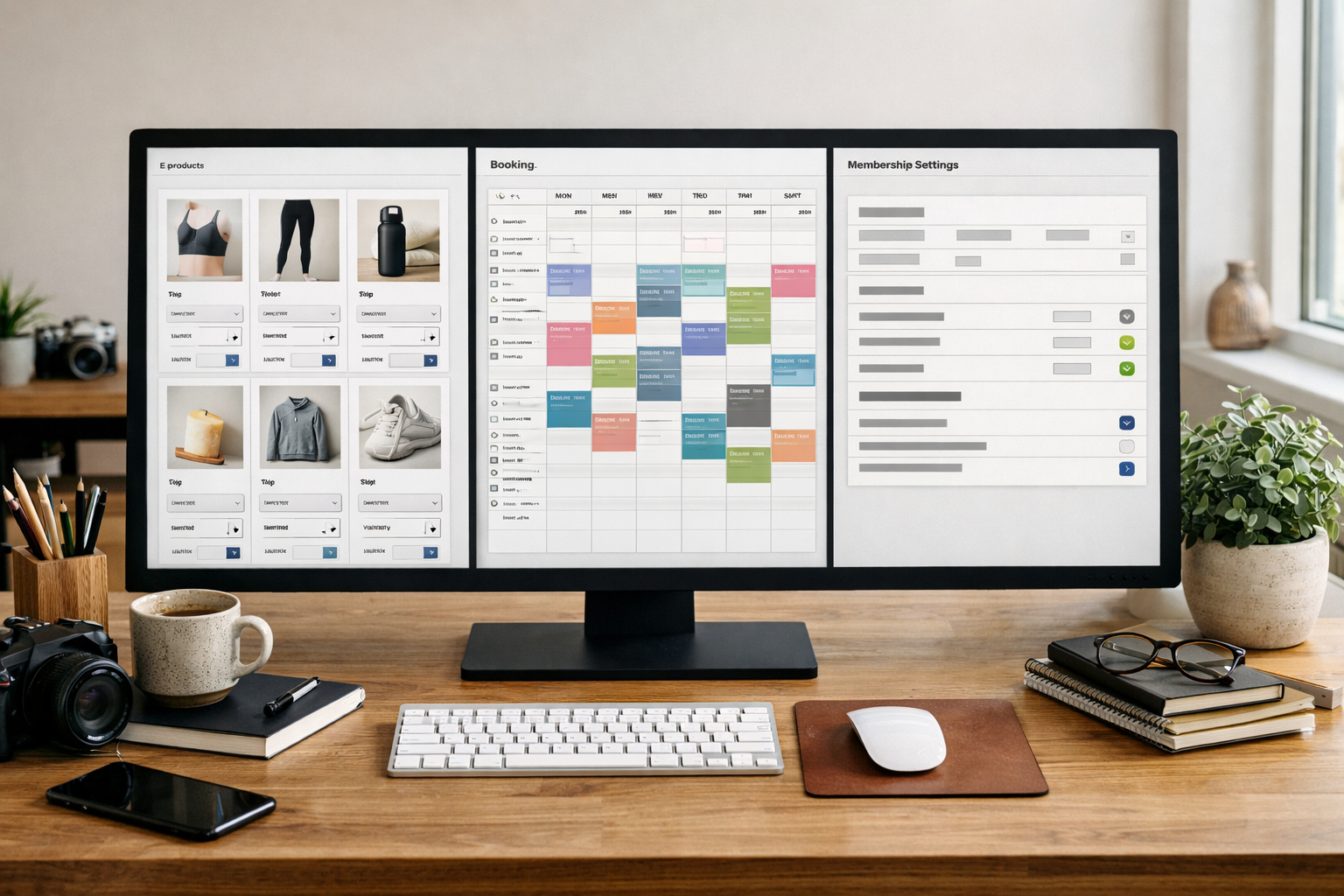
Feature lists can blur together, so test like a customer would. For ecommerce, add a product with variants (size, colour), tax by region, shipping rules, discounts, and an abandoned checkout email. For bookings, set service durations, buffers, deposits, email/SMS reminders, and calendar sync. For memberships, try gated content, tiered access, recurring billing, and a cancel/refund path.
On the marketing side, good platforms let you create pages fast with on‑brand blocks, AI‑assisted copy suggestions, and editable meta tags and structured data. Even better, they surface accessibility and performance prompts as you work, so you can fix headings, contrast and alt text without leaving the editor. You can see this in action in a practical SEO landing pages walkthrough that shows the journey from first draft to first sale.
For small teams, the difference often lies in workflow details: bulk edits; reusable sections; one‑click schema for products, services and FAQs; and a visual editor that reflects mobile and desktop faithfully. AI can speed first drafts and generate image alt text, but the platform should keep human oversight easy—approve, tweak, publish—so quality stays high.
Usability Matters: Can Your Team Actually Run This Day to Day?
Editorial speed trumps theoretical features. Give your least technical teammate a 30‑minute task list: create a new offer page; add a product with a launch discount; set a bank holiday booking rule; and update the footer policy links. If they can’t do it without help, that friction will show up every week.
Good signs include a consistent visual editor, undo/redo, autosave, draft vs publish states, and logical content types (pages, products, posts, events). Great signs include inline SEO tips, accessible colour suggestions, and AI prompts that produce draft sections in your tone. If you plan to keep everything on one page initially, sanity‑check with an honest single-page website builder guide before you commit.
A short live walkthrough can save hours later. If you want a guided session that’s focused on your use case—shop, bookings or memberships—you can book a live training session with UK-based support and get hands-on in minutes. Add notes from that session back into your builder comparison worksheet to formalise what you learned.
Data, Security and Support: What Should UK SMEs Expect in 2026?
Security isn’t a nice-to-have. Look for platforms running on ISO 27001 and SOC 2 certified infrastructure, regular backups, role-based access, and audit trails. For UK businesses that handle personal data, ensure UK GDPR considerations are supported with clear data processing terms and practical controls (export, deletion, consent tools). The ICO’s UK GDPR guidance for SMEs is a good primer on what you’re responsible for.
Accessibility is both inclusive and commercial: it broadens your audience and reduces legal risk. Use platforms that encourage WCAG-aligned content from the outset with prompts and checks. If you work in or with the public sector, read the UK accessibility requirements to understand expectations. Security baselines like the NCSC’s Cyber Essentials overview also help you ask the right hosting and patching questions.
Support should be responsive and local to your time zone, with clear SLAs for paid plans. Bonus points for a knowledge base that’s genuinely practical, video walkthroughs, and ticket replies that quote specific steps. Detail these as criteria in your builder comparison doc so they carry weight in the final decision, not as an afterthought.

Side-by-Side Table: Capabilities to Check in Minutes
Use this table to speed your next trial. Copy the rows into your notes and tick off items as you test. If a platform shines, write why. If it blocks you, record the exact blocker so it influences the builder comparison score rather than vague impressions.
| Capability | Why it matters | What to verify in trial | Red flags |
|---|---|---|---|
| AI-assisted setup | Faster from brief to draft pages and navigation. | Describe your business; get draft pages, sections and copy; edit inline. | Generic outputs you can’t refine; no human‑tone controls. |
| Ecommerce core | Sell products, variants, tax/VAT and shipping rules. | Create variants, discounts, tax by region; test checkout and receipts. | Paid add‑ons for basics; extra platform transaction fees. |
| Bookings | Service businesses live on reliable scheduling. | Durations, buffers, deposits, reminders, calendar sync, no‑show rules. | Clunky UI; no per‑service buffers; limited policies. |
| Memberships | Recurring revenue and gated content. | Tiers, content gates, recurring billing, self‑serve cancellation. | Third‑party plug‑ins only; weak content gating. |
| SEO & schema | Search visibility and rich results. | Meta tags, headings, redirects, XML sitemap, FAQ/product schema. | No control over URLs; limited redirects; no schema support. |
| Accessibility | Inclusive, legal and commercial value. | Colour contrast tips, alt text prompts, keyboard navigation. | Warnings hidden; no built‑in checks. |
| Editor UX | Day‑to‑day efficiency. | Autosave, drafts, reusable sections, mobile previews. | Desktop‑only previews; fragile layouts. |
| Data & security | Trust and compliance. | ISO 27001/SOC 2 infra, backups, RBAC, clear DPA. | No audit logs; weak export; unclear data regions. |
| Support | Resolve issues quickly. | UK hours, real examples in docs, video guides. | Week-long reply windows; canned responses only. |
When Does an AI Builder Like Avantiy Make the Difference?
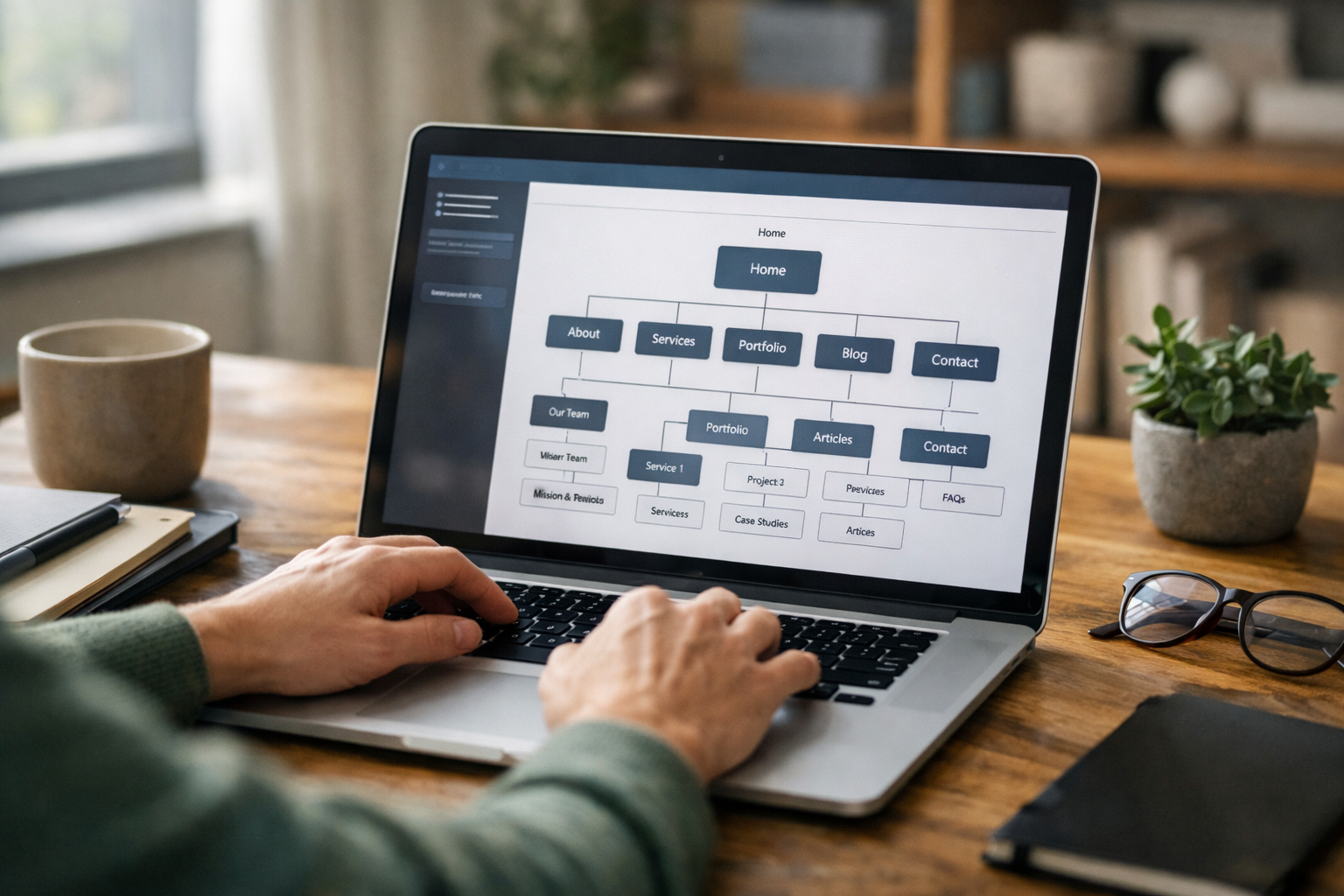
AI shines when you have clarity on your offer but limited time for first drafts. With Avantiy, you describe your business in plain English and the platform generates structured pages, navigation and copy you can refine visually—no code. For a small team, that can replace days of blank‑page anxiety with an hour of editing and brand tweaks.
It also helps when your mix of features cuts across typical silos: a shop plus appointments, training materials behind a paywall, or an online form that triggers a member onboarding. Avantiy includes ecommerce, bookings and memberships under one roof, plus built-in SEO and accessibility prompts that nudge you towards best practice as you work.
Finally, consider support and trust. Avantiy provides UK-based assistance and runs on ISO 27001 & SOC 2 certified infrastructure. If your builder comparison emphasises speed to launch, resilience and a unified toolset, an AI-first platform reduces context switching and helps you ship confidently.
Practical Workflow: From Brief to Publish in One Weekend
Here’s a realistic flow for a shop or service provider aiming to launch fast without compromises. Time-box each step and don’t chase perfection on day one—you can iterate once live.
- Friday evening (60–90 mins): Write your two‑sentence mission, gather brand assets, and list the day‑one must‑haves. Sign up for your shortlisted platforms.
- Saturday morning (2–3 hours): Use AI setup to generate pages. Edit homepage, one service/product page, an About page, and contact/booking. Add two core products or services with pricing and policies.
- Saturday afternoon (2 hours): Configure payments, shipping (if needed), booking durations and buffers. Add legal pages (privacy, terms). Do a mobile pass and fix obvious layout issues.
- Sunday morning (90 mins): Add SEO titles and meta descriptions. Write simple FAQs for each service/product. Test checkout or booking end-to-end on mobile and desktop.
- Sunday afternoon (60 mins): Invite a colleague to try a real task (add a product, change a price). Fix any roadblocks, then publish to a temporary domain while DNS settles.
If you want a deeper dive after publishing, bookmark the UK website creation FAQs for small businesses to plan phase two: content cadence, landing pages and light automation. Add notes back into your builder comparison so your next optimisation sprint stays focused.

Frequently Asked Questions
These answers tackle the most common sticking points we see when owners compare platforms in real projects, not lab conditions.
How many platforms should I trial before deciding?
Two or three carefully chosen options are enough. Beyond that, fatigue sets in and differences blur. Run the same 60–90 minute task list on each, write your notes immediately, and score against your requirements matrix. If a front‑runner emerges, extend the trial with a real product or service to confirm day‑two usability.
What’s the fastest way to test SEO and analytics basics?
Create one service or product page with a clear keyword target and unique meta title/description, then check the generated sitemap. Ensure you can add redirects and schema for FAQs/products. Verify built‑in analytics or add your preferred tool with minimal setup. For more depth, see the practical SEO landing pages walkthrough.
Do I need a developer if I choose a no-code platform?
Most small teams don’t, especially if the editor is solid and AI assists with first drafts. A developer can still help with unusual integrations or performance tuning later. Start with a no‑code build to validate content and flow; add specialist help once the site earns its keep and you have clear, specific gaps to fill.
How should I approach accessibility from day one?
Use readable type, good colour contrast, clear headings, descriptive links and alt text. Test keyboard navigation and form labels. Prefer platforms that surface accessibility guidance inside the editor so you fix issues as you go. If you work with public bodies, review the UK accessibility requirements before launch.
What if I outgrow my first platform?
Plan for portability: choose platforms with export for content, products and customers, and clean URLs you can redirect. Keep integrations simple at first. If your builder comparison noted limits (e.g., product caps, partial APIs), set a trigger—revenue or traffic milestones—to revisit the stack before pain points slow growth.
Ready to see how fast you can launch? Create a free Avantiy account today—no card required—and generate your first draft site in minutes. When you want tailored help, you can also book a live training session with UK-based support.