The GoDaddy AI website builder can help a small business create a starting point for a website without writing code. You provide information about your business, then review and edit the generated content and design. Before committing, check the current plan details, test the features you need and make sure the finished site accurately represents your business.
What Does the GoDaddy AI Website Builder Do?
GoDaddy offers website-building tools designed to help businesses get online, including AI-assisted creation and content tools. The exact setup journey, available features and plan terms can change, so use the official GoDaddy website to check what is currently offered in your location.
Think of AI as a starting assistant, not an expert on your business. It can suggest page structure and wording, but you remain responsible for checking claims, setting up services and making the site useful to real visitors. A polished first draft is not the same as a finished business website.
For a beginner, the practical process is to describe the business, review the initial site, replace generic content, configure the features you need and test everything before publishing. For a more experienced owner, the work continues after launch: measuring enquiries, improving content and reviewing costs.

Use the checklist below as a decision-making guide rather than a promise that every feature is included in a particular GoDaddy plan. Confirm availability and restrictions before you sign up or upgrade.
Before You Start: What Should Your Site Achieve?
A clear purpose makes it easier to judge the builder and gives AI better information to work with. Start with one primary action you want a visitor to take, such as requesting a quote, booking an appointment or buying a product. You can support other actions, but the main one should be easy to find.
- Define your audience: describe who you serve, where they are and the problem you help solve.
- Choose your main action: decide whether visitors should call, enquire, book, join or buy.
- List your essentials: note pages, products, appointment types and any membership requirements.
- Gather reliable content: collect your contact details, service descriptions, prices you are ready to publish and photographs you have permission to use.
- Set a budget: include the website plan, domain, payment processing and any external tools you might need.
- Assign responsibility: decide who will approve copy, handle enquiries and keep information current.
For example, a hypothetical mobile dog groomer might prioritise an enquiry form, a service-area description and clear appointment information. An online retailer would need to focus more heavily on product details, delivery, returns and payment. These are different journeys, even if both businesses start with an AI-generated site.
If you are comparing several platforms, the no-code website builder checklist can help you turn those requirements into a consistent shortlist.
How Do You Create and Edit Your First Draft?
The details of GoDaddy’s setup flow may change, but the principles below apply to an AI-assisted build. Follow the current prompts and treat the output as editable draft material.
- Describe your business accurately. Include what you offer, whom you serve, your location or service area, and the action you want visitors to take. Avoid supplying sensitive customer information.
- Review the proposed pages. Check that the structure matches your needs. A straightforward service site might need Home, Services, About and Contact; a shop will also need product and policy information.
- Rewrite the opening copy. Explain the offer in language your customers use. Remove vague phrases and any claims that you cannot substantiate.
- Replace placeholder material. Add your own photographs, accurate contact details and genuine business information. Check the rights and suitability of any stock imagery.
- Make the next step obvious. Add a relevant button or link near the main offer and check that it leads to a working form, booking route or product page.
- Preview on different devices. Look at headings, images, navigation and forms on a phone as well as a larger screen. Adjust awkward spacing and long blocks of text.

A useful prompt is specific without being overloaded. For instance: “Create a website for a local gardening service offering seasonal maintenance. Explain the services clearly and encourage visitors to request a quote.” Add only details that are true, then check whether the draft reflects them.
Do not rely on generated text for legal wording, qualifications or guarantees. If the tool invents a service, customer review or opening time, remove or correct it. Ask someone unfamiliar with the business to read the draft and explain what they think you offer; confusion at this stage is easier to fix than confusion after launch.
Which Features and Costs Should You Check?
When comparing the GoDaddy AI website builder with alternatives, look beyond the initial site creation experience. Your total cost and day-to-day workload depend on what happens when you connect a domain, accept payments, take bookings or need help. Check the provider’s current terms for your market before making a decision.
| Requirement | What to check before choosing | Why it matters |
|---|---|---|
| Publishing and domain | Whether publishing or connecting your own domain requires a paid plan, and domain renewal terms | A free draft and a live branded site may have different costs. |
| Online selling | Product limits, payment providers, transaction charges and available delivery settings | The plan must support your catalogue and fulfilment process. |
| Bookings | Appointment types, availability, reminders, cancellation options and any plan restrictions | A booking button is only useful if it reflects how you work. |
| Memberships | Whether you can restrict content, manage members and charge recurring fees as needed | A basic contact form is not a substitute for a member area. |
| SEO and accessibility | Which page settings, image descriptions and editing controls are available | You need enough control to make content discoverable and usable. |
| Support and portability | Support channels and hours, plus how to export content or move the domain | These affect how easily you can solve problems or change platforms later. |
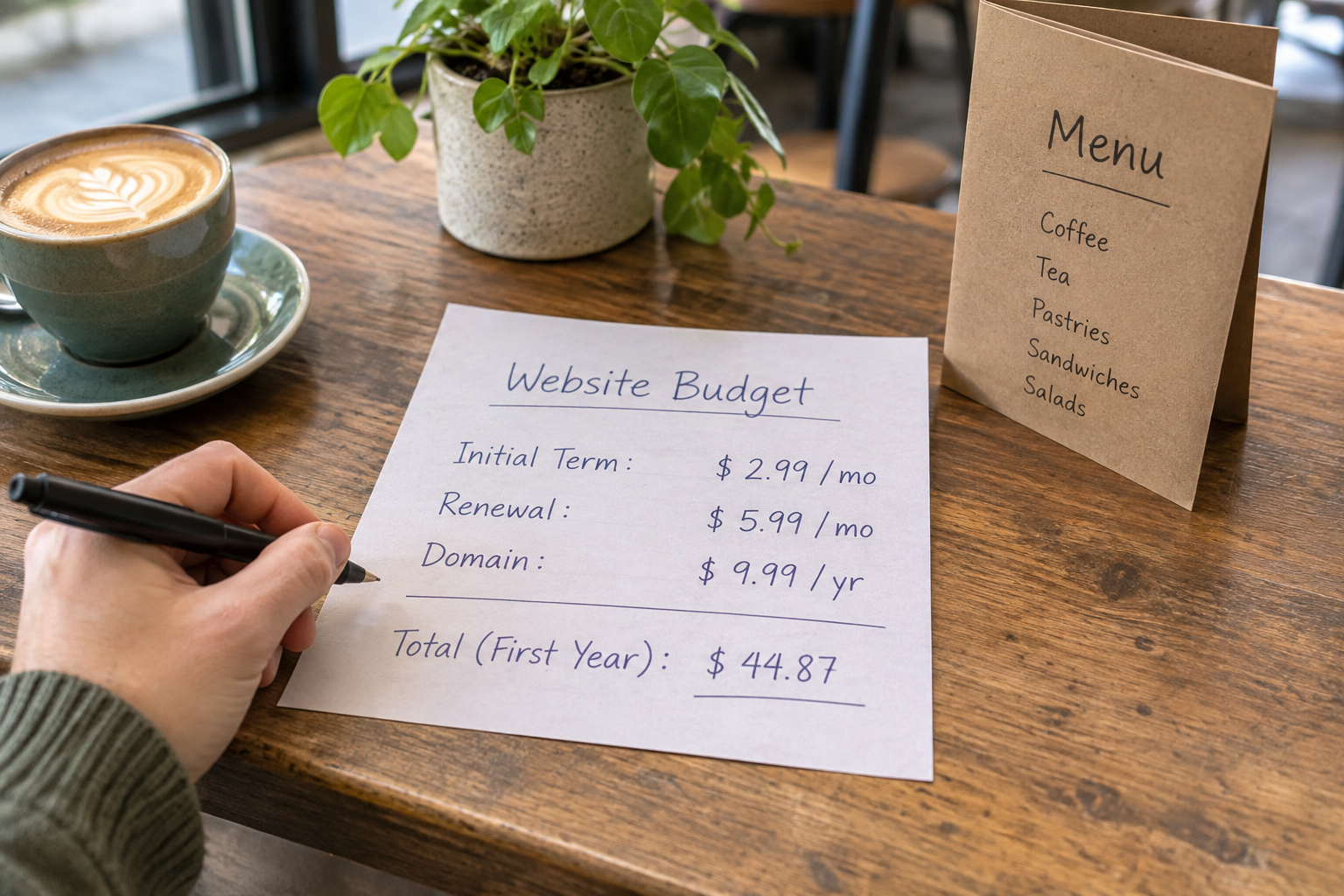
Record both the advertised starting price and the renewal price that applies to your chosen term. Check whether tax, domain registration, email, premium features and payment fees are included or charged separately. Promotional terms can expire, and a low introductory price does not necessarily reflect your ongoing spend.
Also consider the time needed to maintain the site. A cheaper plan may be poor value if a missing feature forces you to manage bookings manually or pay for a separate service. Conversely, do not pay for an advanced store if your immediate goal is simply to receive enquiries.
If you want help exploring a code-free approach, book a training session with Avantiy and discuss the site features your business needs.
Can It Support Your Shop, Bookings or Memberships?
Feature names alone do not tell you whether a platform fits your workflow. Before committing to the GoDaddy AI website builder, map the complete journey from a visitor’s first click to the action you need to fulfil.
- For a shop: check product variations, stock handling, delivery regions, taxes, payment methods and the information shown at checkout. Work out how you will process returns and customer questions.
- For appointments: test whether the setup can represent your actual availability, service duration, lead time and cancellation rules. Check how you and the customer are notified.
- For memberships: identify what members should access, how they join, how access ends and whether recurring payments are needed. Verify that the platform supports each step.
- For enquiries: ask only for information you need, tell people how you will use it and confirm that submissions reach the right inbox.

Run a realistic test before inviting customers. For a store, follow a product from selection through checkout using the provider’s available testing options. For bookings, create and cancel a test appointment if the system permits it. Check confirmations as well as the owner’s view, and remove test information afterwards.
If online selling is central to your business, the small business ecommerce platform buyer’s guide covers wider questions to ask about fulfilment, payments and growth.
How Do You Make the Site Search-Friendly and Accessible?
AI-generated text does not automatically make a site useful to search engines or visitors. Start with accurate pages that answer customer questions, then use the controls available in your chosen builder to make those pages clear and easy to navigate.
- Give each important page a purpose. Use a descriptive page title and a heading that matches its content. Describe services and locations naturally rather than repeating the same phrase.
- Write useful descriptions. Where the builder allows, add a concise page description that tells a searcher what to expect. Search engines may choose different text for a result.
- Link related pages. Help visitors move from a service overview to relevant details and an enquiry route. Use link wording that describes the destination.
- Describe meaningful images. Add alternative text that conveys the image’s purpose where the editor allows it; decorative images may not need a description.
- Check readability and interaction. Use clear headings, legible text and sufficient contrast. Try navigating forms and menus with a keyboard, and check that controls have understandable labels.
- Review privacy information. Explain relevant data collection and check your responsibilities for forms, analytics and cookies. The Information Commissioner’s Office provides UK guidance.
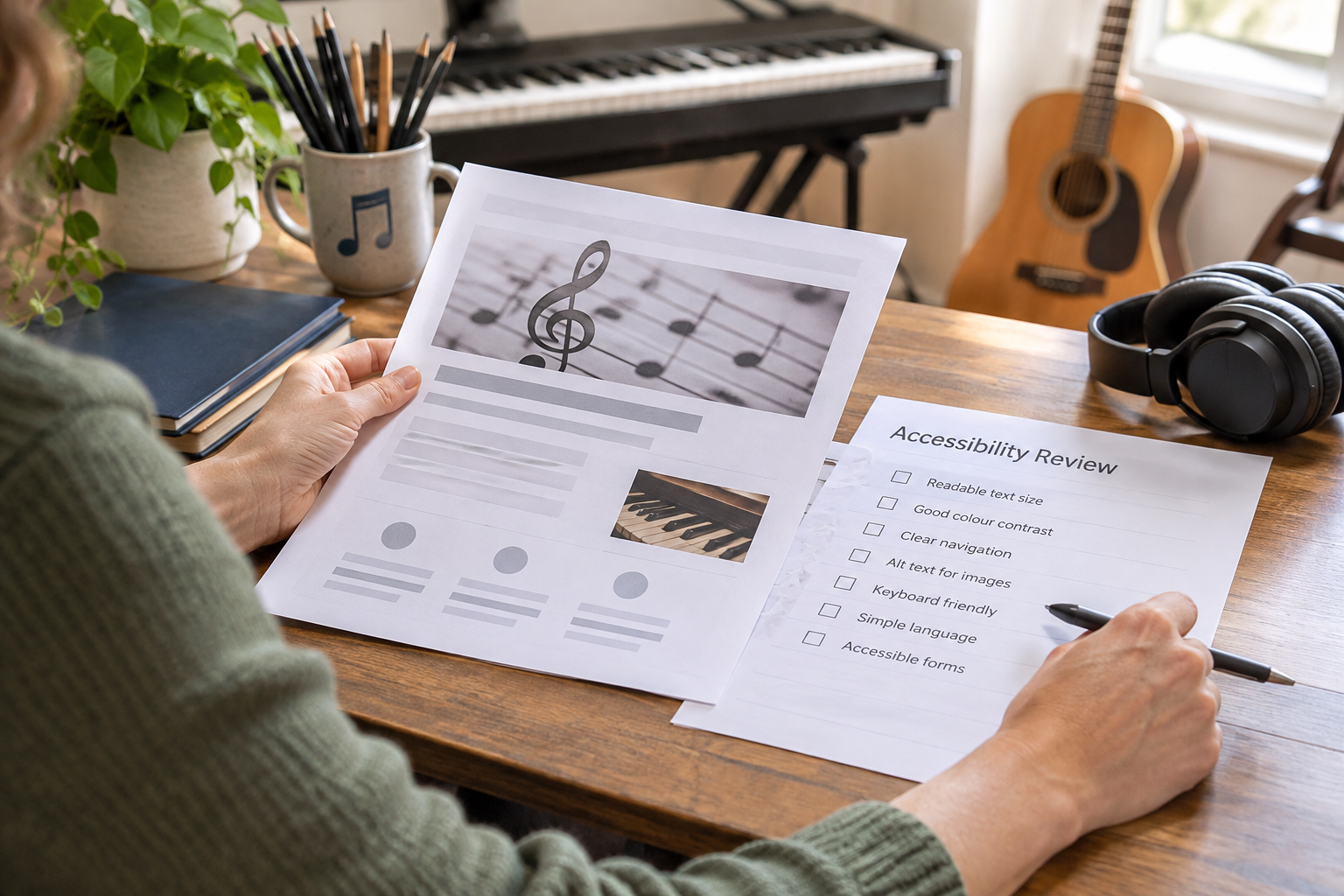
The W3C Web Accessibility Initiative offers guidance on making web content more accessible. Built-in tools can help identify or address some issues, but they do not replace human checks or guarantee that every visitor can use the site.
Pay particular attention to the content that matters most: opening hours, prices, service areas, booking instructions and contact details. A visitor should not have to decode a creative headline or hunt through several pages to understand what you do.
What Should You Check Before and After Launch?
Publishing is a checkpoint, not the end of the project. Use this list before sharing your domain, then repeat the relevant checks whenever you change a key page or feature.
- Read every page: check spelling, factual claims, prices, links and any remaining placeholder text.
- Test the main journey: submit a test enquiry or use the available booking and checkout tests. Check that messages reach the right place.
- Check mobile layouts: make sure buttons, menus and forms are usable and important information is not hidden or cut off.
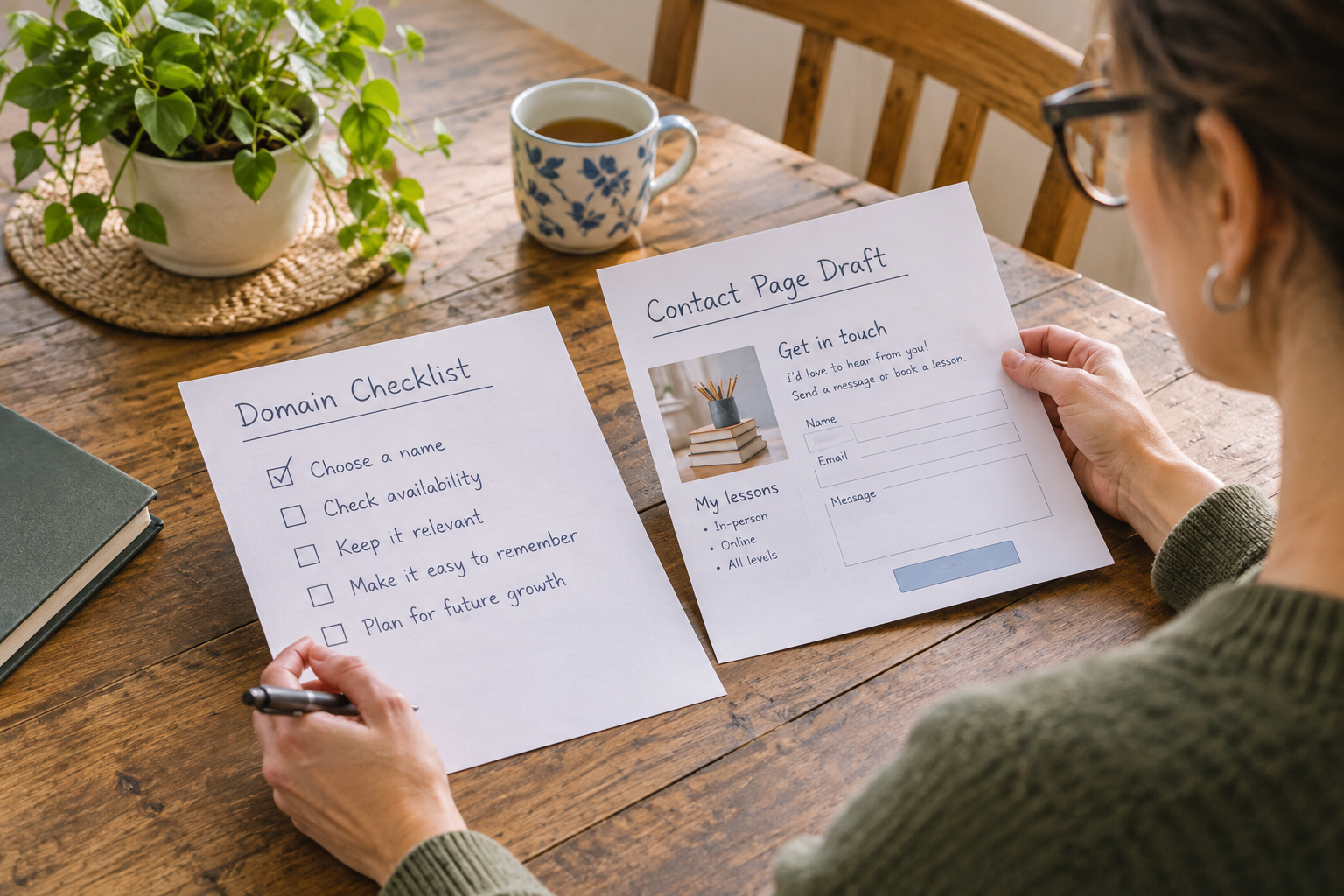
- Confirm your domain: check the spelling, connection and renewal arrangements. Visit the live address rather than relying only on the editor preview.
- Review customer information: publish the relevant contact, privacy, delivery, cancellation or returns information for your business.
- Plan maintenance: set a reminder to review offers, availability, links and renewal dates. Decide who will respond to site enquiries.
After launch, watch for practical signs of friction. Are visitors asking questions the site should answer? Are enquiries missing details you need? Review the relevant page or form before adding more features. If you use analytics, configure them responsibly and consider your privacy and consent obligations.
Keep a copy of important written content and original images outside the builder. Check what can be exported before choosing a platform, as moving a site may require rebuilding its design or features elsewhere.
Watch a Practical Walkthrough
A recent walkthrough can help you see the current setup process before you commit. Compare the video’s upload date and region with your own circumstances, and verify any plan or feature claims with the provider.
As you watch, note how the presenter edits generated copy, connects the main customer action and previews the site on mobile. Those steps are more useful to your decision than the appearance of the initial template alone.
Frequently Asked Questions
Is the GoDaddy AI website builder suitable for beginners?
It is intended to help people create a website without coding, and AI assistance can reduce the work involved in producing a first draft. Beginners should still allow time to edit content, configure the features they need and test the published site. Check the current support options and editor controls before deciding.
Can I use my own domain name?
Check GoDaddy’s current domain connection requirements and pricing for the plan and region you are considering. Also confirm who manages the domain, when it renews and how you can transfer it if you change providers. Connecting a domain and registering or renewing it may involve separate terms or charges.
Will AI write all my website content accurately?
Not necessarily. Generated copy can sound convincing while omitting important details or introducing claims that are not true. Review every page against your actual services, policies and qualifications. Replace generic wording with specific, helpful information, and do not publish invented testimonials, guarantees or credentials.
How does Avantiy compare as an alternative?
Avantiy is another AI-driven, no-code option with editable templates and tools for ecommerce, bookings and memberships. You can create a free account without a card and keep a site free until publishing. Compare current plans, feature details, support and the full customer journey against your own requirements before choosing either platform.
Ready to discuss your next step? Book a training session to explore how Avantiy could support your website plans.