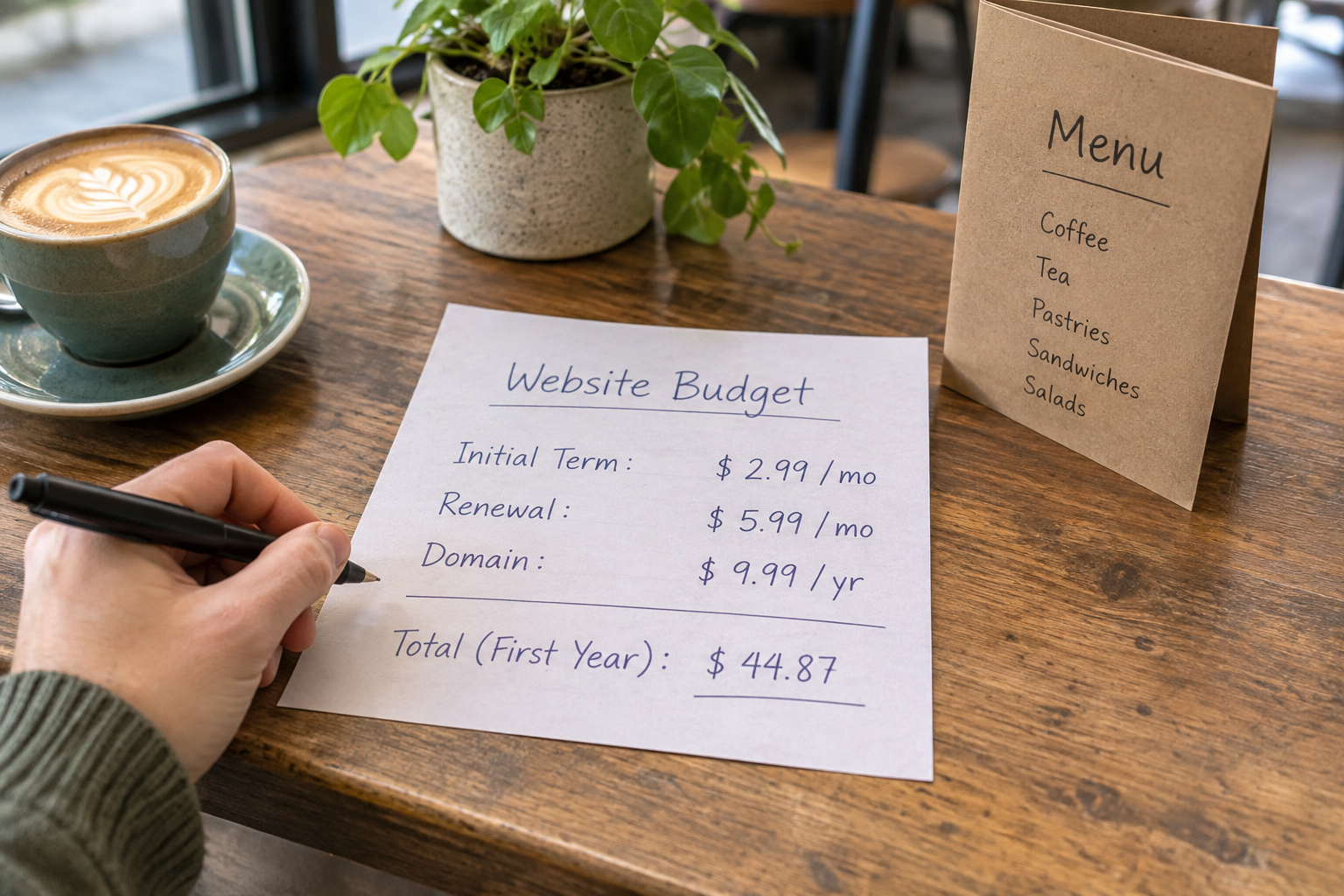
Hostinger AI Website Builder can be a practical way for a small business to create a website without coding, but its value depends on more than the introductory price. Check the plan features, contract length, renewal rate and extras you need before committing. This guide explains what to compare and where an alternative such as Avantiy may fit.
What Does Hostinger AI Website Builder Cost?
Hostinger sells its website builder through paid plans, and the amount you pay can vary with the plan, billing period and current promotion. A low monthly figure may depend on paying for a longer term upfront. The renewal price can also differ from the introductory rate, so check both before you buy.
We have not listed fixed prices here because offers and plan inclusions can change. Use the Hostinger website builder page to check current terms, then confirm the total and renewal details at checkout. Look for VAT treatment, payment frequency and any conditions attached to a domain or other included extras.
A useful comparison starts with the whole commitment, not the headline monthly rate. For example, if a discounted rate requires several years of payment upfront, consider whether you are comfortable committing for that long before you have tested the editor and your website requirements.
| Cost area | What to check | Why it affects value |
|---|---|---|
| Builder plan | Features, billing period and upfront total | The cheapest advertised rate may require a longer commitment. |
| Renewal | Next-term price and renewal date | A discounted first term may not reflect the ongoing cost. |
| Domain | Registration, renewal and any included period | A domain included initially may have a separate renewal charge. |
| Online selling | Plan eligibility, payment processing and selling limits | A basic site plan may not cover the store features you need. |
| Bookings and memberships | Availability, limits and any extra tools | A service business may need more than a contact form. |
| Time and assistance | Editing effort, support access and training | Subscription price does not capture the work needed to launch and maintain the site. |
Keep a record of the plan and terms you see when you purchase. That gives you a reference when it is time to renew or review whether the plan still suits your business.
To compare offers with different term lengths, note the total due for each initial term and divide it by the number of months covered. Keep that effective monthly figure separate from the advertised renewal rate. Then add any necessary extras to your budget rather than treating an optional feature as included.
Which Costs Matter Beyond the Headline Price?
A website builder subscription is only one part of a working website. Some costs are optional; others depend on how you sell or how much help you need. List them before comparing providers so that a low starting price does not obscure the total.
Domain and renewal fees
Your domain is the address customers type to find you. Check whether a domain is included, which extensions qualify, how long any inclusion lasts and what renewal will cost. If you already own a domain, ask what is involved in connecting or transferring it and whether that changes your existing registration arrangements.
Keep domain ownership and account access in the business’s control, even if someone else builds the site. Our UK guide to finding a domain owner explains how to investigate an existing name.
Payments and store operations
If you sell online, distinguish the builder subscription from payment processing charges. Check the payment methods available to your customers and the fees charged by the payment provider. Depending on your business, shipping, packaging, returns and stock management may also affect the real cost of operating a store.
Before choosing a plan, write down your products, delivery methods and any options customers need to select. A shop with a handful of straightforward products may have different requirements from one managing variations, collection and frequent stock changes.
Walk through an example order from the customer’s selection to fulfilment. Note where you would update stock, communicate delivery details and handle a return. If a step needs a separate service or manual work, include that in your comparison rather than judging the store solely by its product pages.
Your time and outside help
AI can produce a first draft, but you still need to check claims, add accurate business information and test the customer journey. You may also want help with photography, copy, accessibility or technical settings. Treat that work as part of the project, whether you do it yourself or pay someone else.
For a more detailed look at selling costs and platform choices, read our small business ecommerce cost and value guide.
What Are You Paying for in an AI Builder?
The main attraction of the Hostinger AI Website Builder is the prospect of moving from a business description to a website draft without starting from a blank page. When assessing that convenience, look beyond the first generated design. The useful question is whether you can edit the result into a site that accurately represents your business.

Try to establish how comfortably you can change headings, images, page sections and navigation. Check whether the layout works for your actual content: opening hours, service areas, product details, policies and contact information. A polished draft is a starting point, not evidence that the copy is correct or that the site is ready for customers.
Review generated copy for unsupported claims, especially statements about qualifications, guarantees, delivery times or customer outcomes. Replace generic wording with details you can substantiate. If the AI suggests a service you do not offer, remove it rather than leaving visitors to discover the mismatch later.
Also check how the site appears on a phone. Can visitors read the text, find the main action and complete a purchase or enquiry without unnecessary steps? The quality of that experience may be more valuable than an impressive-looking homepage.
How Should You Compare Plans for Your Business?
Start with the job your website must do, then match that job to the current plan details. Feature names alone are not enough: check limits, eligibility and whether a particular function works in the way your customers expect.
- For a local service: check contact forms, service pages, location information and whether bookings are built in or require another tool.
- For a shop: check product options, payment methods, delivery settings, taxes and the process for managing orders.
- For an organisation: check whether membership or gated content is available and how people join or renew.
- For a freelancer: check portfolio layouts, enquiry handling and how easily you can update examples of your work.
- For a team: check who can access the site, how changes are managed and what support is available when someone needs help.
Consider two hypothetical businesses. A local tutor who only needs a services page and enquiry form may value a straightforward editor more than advanced store tools. A maker selling items online may place greater value on product variations, checkout and delivery settings. Neither should assume a feature is included without checking the current plan.
Make a short list of requirements labelled “essential now” and “useful later”. This helps you avoid paying for capabilities you will not use while also identifying features that would be difficult to add after launch.
For each essential requirement, write down the task a customer or team member needs to complete. For example, a booking requirement might mean selecting a service, choosing an available time and receiving confirmation. Check the complete sequence, not just whether a plan mentions bookings, and ask what happens if your needs change.
Where Does Avantiy Fit in the Comparison?
Avantiy is another option for businesses that want to build without code. You describe your business in plain English, and its AI generates pages, copy and structure that you can refine in a visual editor. It also offers editable templates, ecommerce, online booking, memberships, AI-powered SEO and accessibility tools.
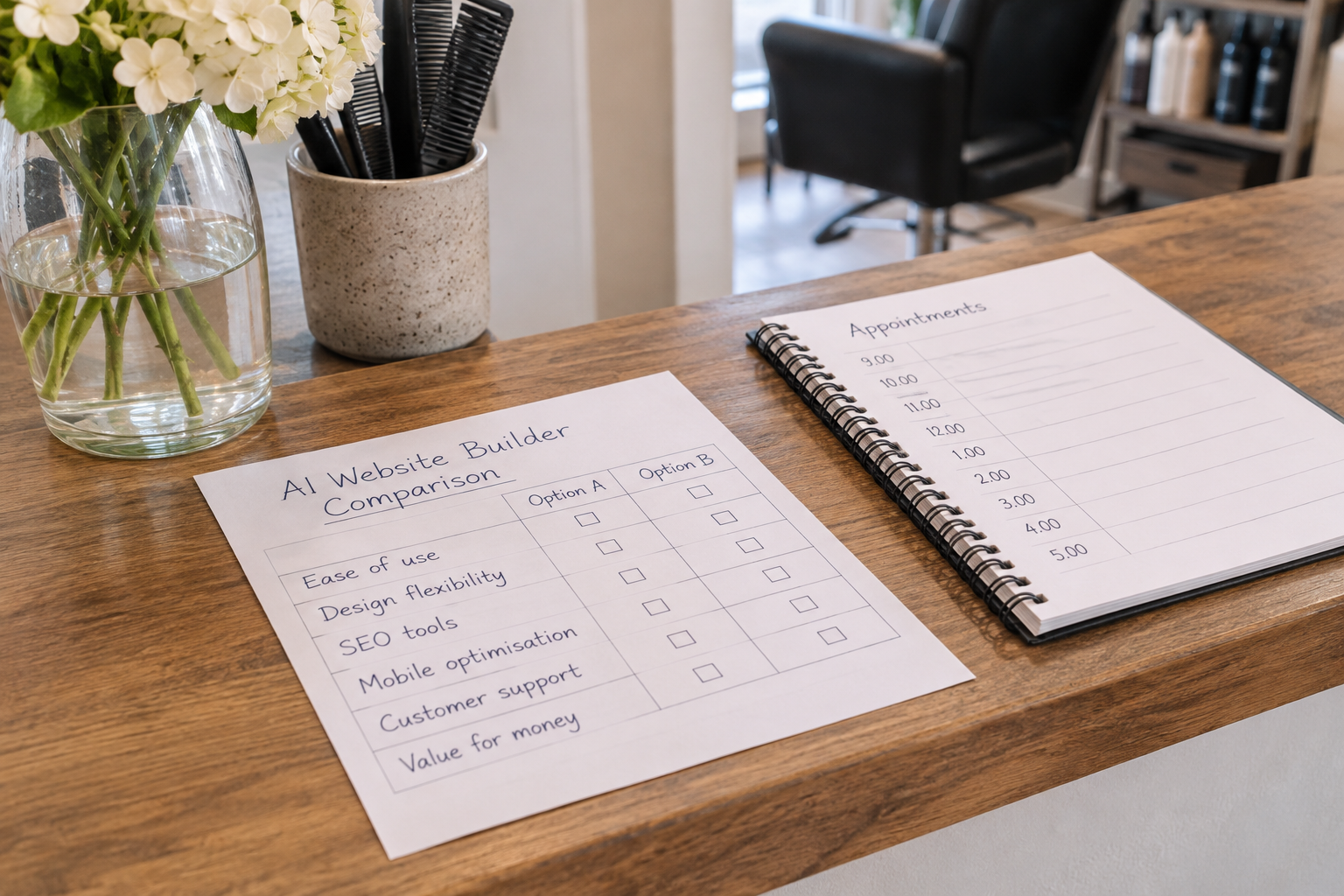
Avantiy offers a free account with no card required, and you can keep your site free until you publish. This gives you an opportunity to explore the workflow before making a publishing decision. Check the current publishing terms and any plan details that apply to the features you need; do not assume that every feature has the same conditions.
Avantiy also offers UK-based support and uses ISO 27001 and SOC2 certified infrastructure. When support or security is important to your decision, ask each provider about the scope of its services and the responsibilities you retain as a site owner.
The best choice depends on the work your site must do and how you prefer to manage it. Compare the editor, selling and booking requirements, support, first-term cost and renewal terms on the same basis rather than choosing on a single advertised figure.
If you would like help exploring your options, book training with Avantiy and discuss the website you want to build.
How Can You Judge Value Before Committing?
Use the same test for every builder you are considering. A comparison does not need to be complicated, but it should reflect your actual business rather than a generic feature list.
- Describe your launch site. Note the pages you need and the main action visitors should take, such as making an enquiry, booking or buying.
- Check essential features. Confirm that your preferred plan supports those actions and identify any limits or separate services.
- Calculate the first commitment. Record the amount due upfront, the billing period, applicable taxes and any domain or other extras.
- Record the ongoing cost. Check the renewal date and rate for the plan and domain, plus payment processing where relevant.
- Test the workflow. If a trial or free account is available, create a representative page and make a few realistic edits.
- Review the exit route. Check cancellation, domain control and what happens to your content if you change providers.
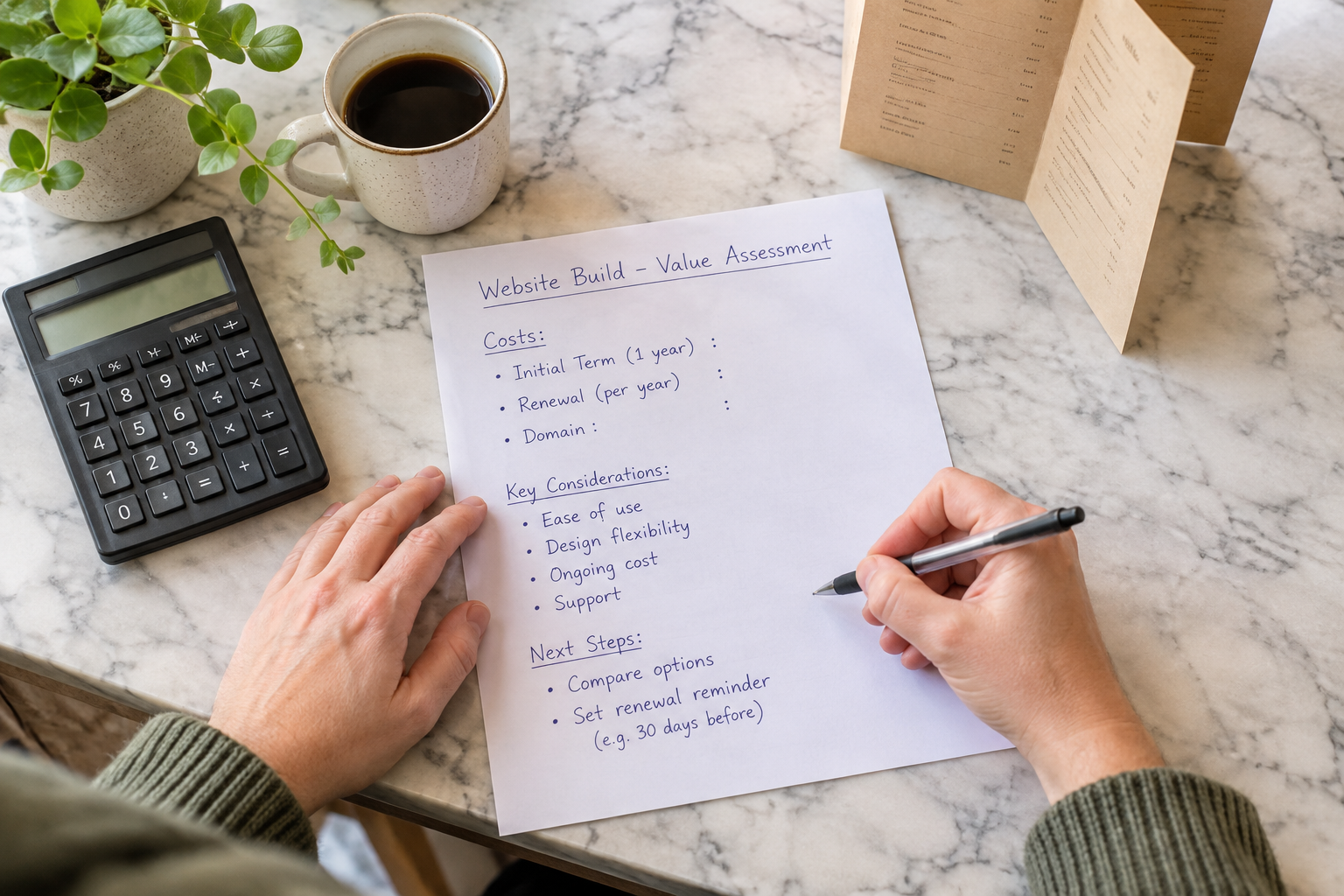
During the test, use your real business details rather than relying entirely on sample content. Try adding a service description, changing a photograph, updating a button and finding the mobile preview. If a task is important to your launch, test that task rather than assuming it will be easy later.
Keep notes on tasks you could complete, questions you could not answer and any limits you encountered. If another person will maintain the site, ask them to try an ordinary update too. Their experience may reveal a training need or a workflow that is less convenient than it first appeared.
For a broader set of questions to ask while evaluating an editor, see our no-code website builder checklist.
What Should You Check Before Publishing?
Cost is important, but a site only delivers value when visitors can use it and trust the information on it. Set aside time for a final review before connecting your domain or announcing the launch.
- Accuracy: check names, prices, availability, opening hours and contact details against your current records.
- Customer journey: follow every important link and test enquiry, booking or checkout steps where available.
- Mobile use: read each key page on a phone and check that buttons and forms are usable.
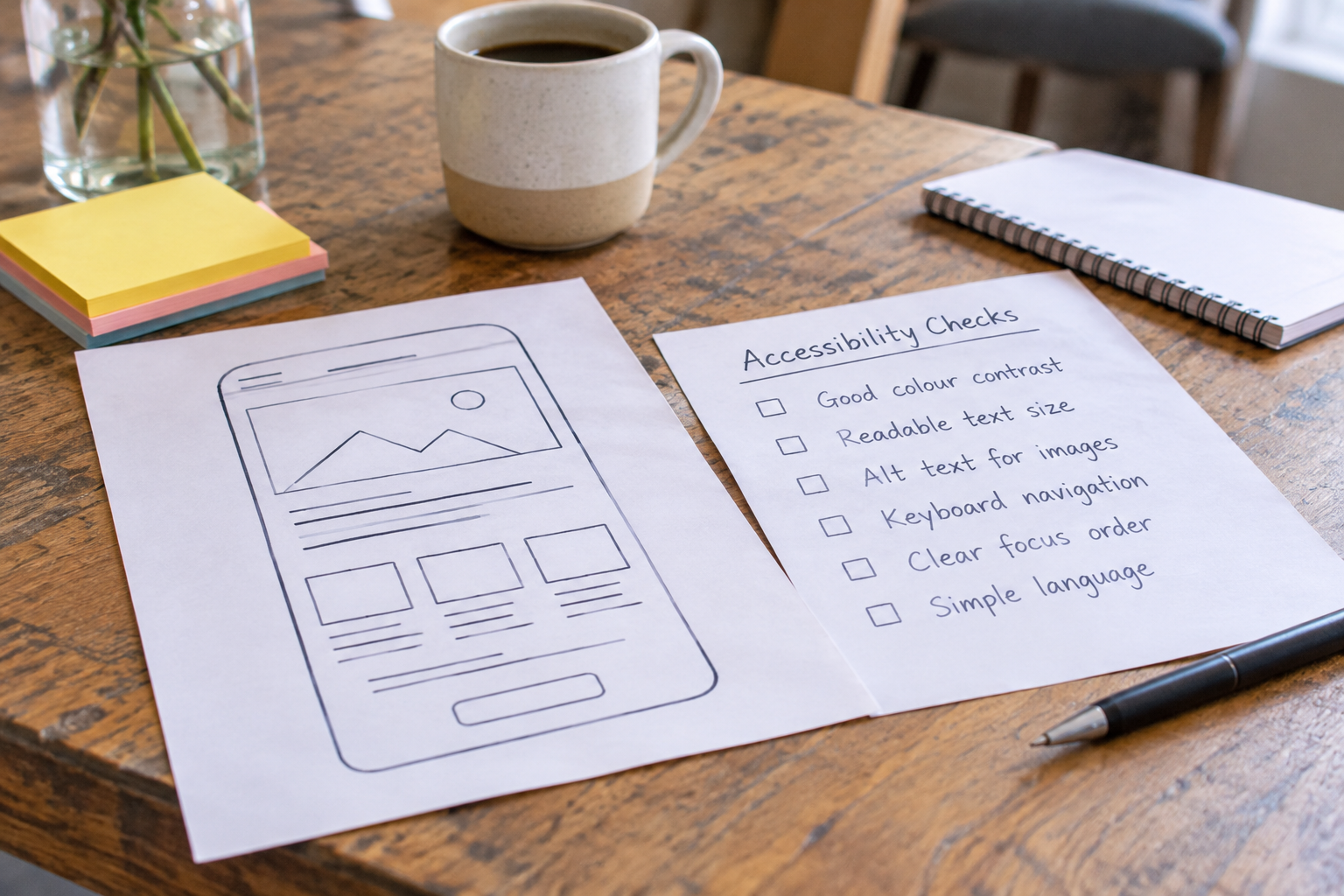
- Accessibility: use descriptive link text, meaningful image descriptions where appropriate and clear headings; review accessibility beyond any automated suggestions.
- Privacy: understand what information forms and analytics collect, and provide the relevant privacy information.
- Maintenance: decide who will update content, monitor enquiries and review renewals.
For UK privacy obligations, consult the Information Commissioner’s Office guidance for organisations. The steps your business needs will depend on the personal information you collect and how you use it. AI-generated text or an automated checker should not be treated as a substitute for reviewing those obligations.
After publishing, revisit the site when your services, prices or policies change. A simple reminder to review the content and upcoming renewals can prevent outdated information from becoming a customer problem.
Watch a Builder Walkthrough
A walkthrough can help you see how a builder turns a prompt into an editable page. Look for a recent demonstration, then verify current features and prices directly with the provider: videos may show an older interface or promotion.
Frequently Asked Questions
Is Hostinger AI Website Builder free?
Hostinger markets its website builder through paid plans. Check its current website and checkout for any trial, guarantee or promotional conditions before deciding. Compare the amount due upfront with the renewal rate, and confirm which features are included. If you want to explore a different workflow without entering card details, Avantiy offers a free account that stays free until you publish.
Do I need coding skills to use an AI website builder?
AI website builders are designed to help people create and edit sites without writing code. You will still need to make decisions about content, navigation and customer journeys. The amount of control and the editing tools vary by provider, so test changes that matter to you, such as adding a service page or updating a product.
Can I sell products through an AI-built website?
Yes, some AI website builders support online stores, but selling features depend on the provider and plan. Check product limits, variants, payment methods, delivery settings and order management before subscribing. Also account for payment processing and fulfilment costs, which are separate from the work of creating the website itself.
Will an AI-generated website be ready to publish immediately?
It may give you a useful draft quickly, but review it before publication. Check that the copy is accurate, the images are appropriate, and contact details and prices are current. Test forms, booking flows or checkout as relevant, particularly on a phone. You remain responsible for what your website says and how it handles customer information.
Can I change website builders later?
You can choose another provider later, but the work involved varies. Before subscribing, check whether you can export content, how you would move or reconnect your domain, and what happens to store data or bookings. Some design elements may need to be recreated. Keep copies of your original text, images and important business records.
Ready to explore a site that fits your business? Book now for Avantiy training and bring your questions about building, editing and publishing.