The best ecommerce platform for small business is the one that fits your model, budget and growth plan—without forcing code, add‑ons or complex setup. Look for built‑in payments, shipping, bookings or memberships (if you need them), fast SEO‑ready pages and strong UK‑based support. Then validate it with a short, hands‑on test before you commit.
Start Here: Define ‘Best’ for Your Shop
“Best” isn’t a universal badge; it’s a fit test. For a startup maker selling five products, “best” might mean a one‑hour build, low fees and simple shipping. For a growing service brand, it could be bookings, deposits and memberships under one login. Before you touch a platform, write down what you sell now and what you plan to sell in 12 months. That future‑proofs your choice.
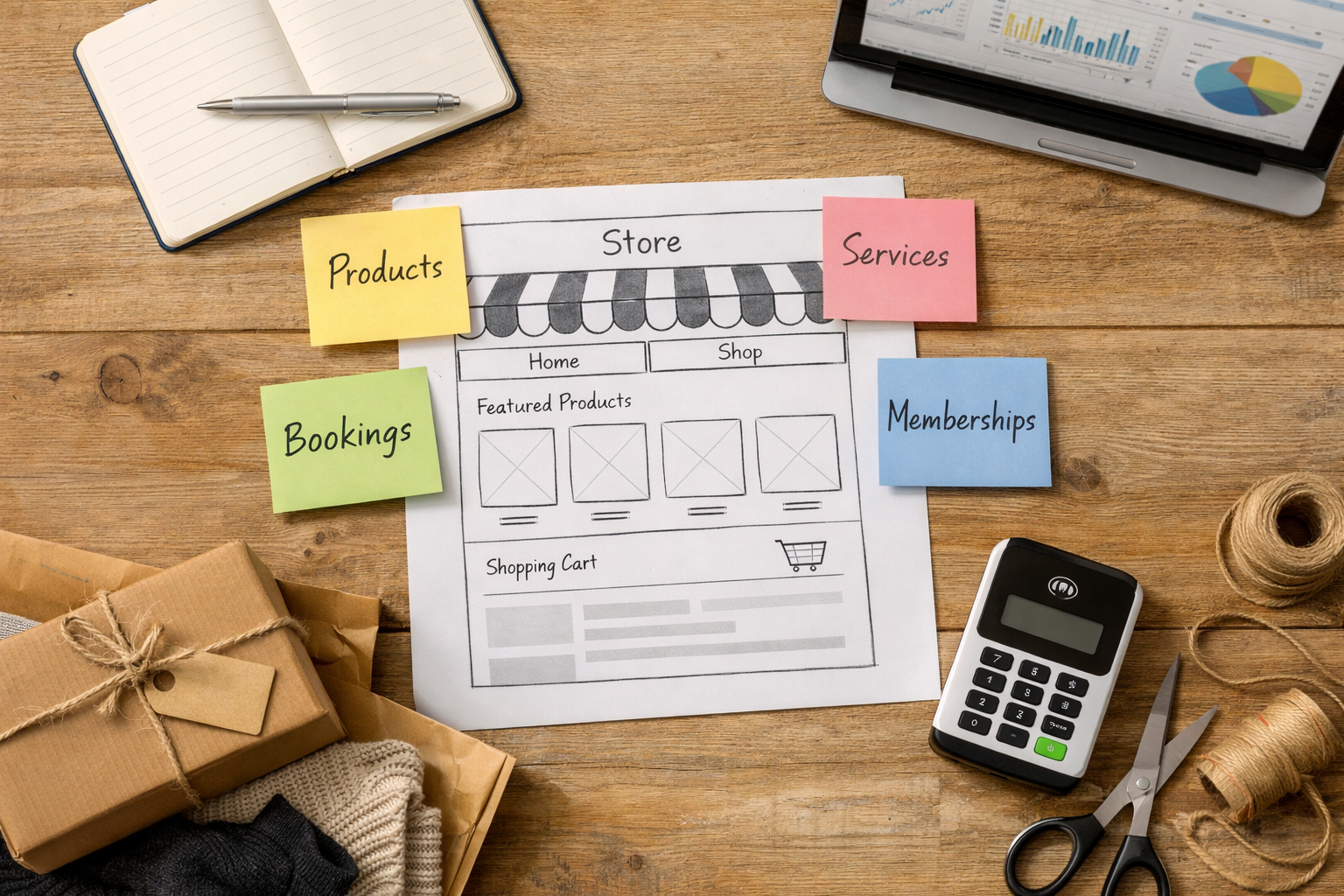
Map three lanes: product catalogue (SKUs, variants, bundles), services (time‑based bookings, deposits), and community (members‑only content or perks). A good builder can cover more than one lane. If you’re juggling spreadsheets and external tools, consolidation will save hours and reduce errors.
Next, decide who will build and maintain the site. If it’s you (or a small team), a no‑code editor with AI‑assisted copy and structure is the fastest route. That avoids agency bottlenecks and helps non‑technical colleagues publish confidently. Any platform that requires custom code for everyday tasks will slow you down and raise costs.
Finally, list non‑negotiables: secure payments, mobile performance, SEO basics (clean URLs, meta data, sitemaps), accessibility guidance, and export options. These are not “nice to haves”—they’re guardrails that stop small issues becoming expensive rebuilds.
What Kind of Shop Are You Running Today—and Tomorrow?
Your business model steers your platform shortlist more than any “top 10” list. Think in scenarios and workflows, not features in isolation. For example, a small deli might need click‑and‑collect, local delivery slots and in‑person card payments; a pilates studio needs recurring memberships, class packs and no‑show policies; a craft brand needs variants, pre‑orders and transparent shipping rules.
Inventory behaviour varies too. If you sell limited drops, you’ll want waitlists and quick edits for sudden stock updates. If you run custom work (engraving, commissions), flexible product options and request forms matter. If your basket values swing with discounts and bundles, you’ll want controlled promotions and clear tax handling.
Here’s a quick alignment exercise: write five “must do” statements (e.g., “Take bookings with deposits,” “Sell monthly memberships,” “Sync in‑person and online stock,” “Offer local delivery by postcode,” “Automate VAT invoices”). Then score each platform against these. The one that fulfils the highest‑impact statements with the least effort is most likely the best ecommerce platform for small business for your context.
As you think ahead, imagine adding a new revenue stream next quarter (say, digital downloads or workshops). If adding that stream looks like buying multiple third‑party add‑ons or paying a developer for basic pages, consider a platform that consolidates those tools so you stay lean and nimble.
The Beginner‑to‑Expert Checklist: From First Sale to Scale
Use this staged checklist to choose confidently and avoid later rework. Each stage adds maturity without forcing a rebuild.
| Stage | Must‐Have Capabilities | Why It Matters | How to Check |
|---|---|---|---|
| Beginner (0–3 months) | AI site generation, editable templates, basic catalogue or booking, secure checkout, mobile‐ready pages | Launch quickly, make first sales, validate offer | Create a draft site in under 30 minutes; add 3 products/services; preview on mobile |
| Foundation (3–6 months) | Shipping rules, tax settings, promos/discounts, on‐page SEO tools, accessibility guidance | Improve margins, findability and inclusivity | Configure a promo; generate meta titles; run an accessibility check |
| Growth (6–12 months) | Bookings or memberships (if needed), abandoned basket recovery, email capture, performance monitoring | Lift conversion and repeat business | Test cart recovery emails; set up a membership tier; review page speed |
| Scale (12+ months) | POS or in‐person payments, multi‐location inventory, integrations, export/backup, role‐based access | Support teams, new channels and resilience | Invite a teammate; export data; simulate low stock across locations |
At each stage, measure effort, not just features. If an essential task takes hours or needs a plugin, note that friction. A strong no‑code editor with built‑in AI will let you reword product copy, generate section layouts and tidy SEO basics in minutes. That day‑to‑day speed compounds over a year.
Also test reversibility. Can you roll back design changes, duplicate a page for A/B copy tests and export your catalogue? Those little safety nets make experimentation safe, which is how small shops find their winning offer faster.
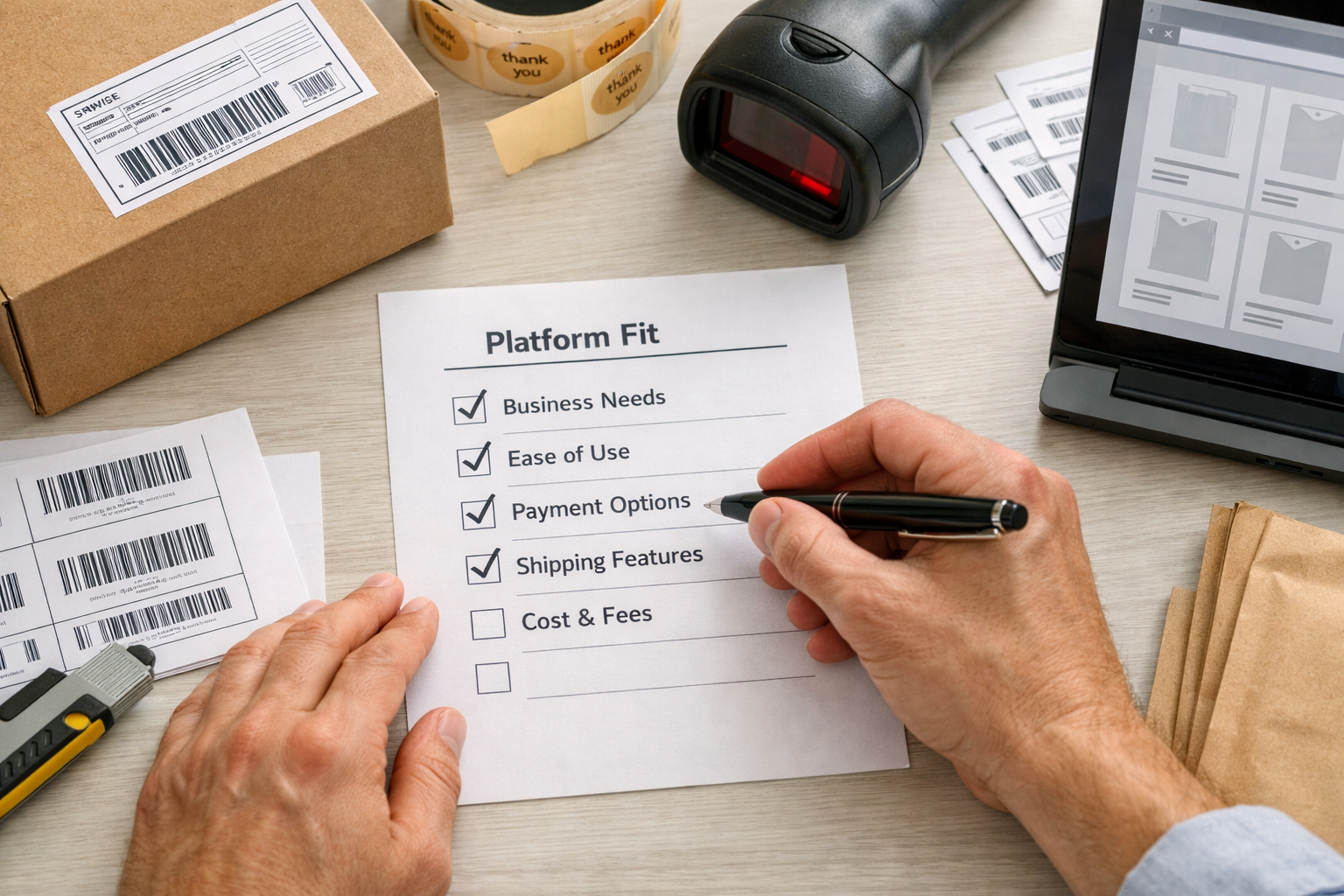
How Much Should You Really Budget?
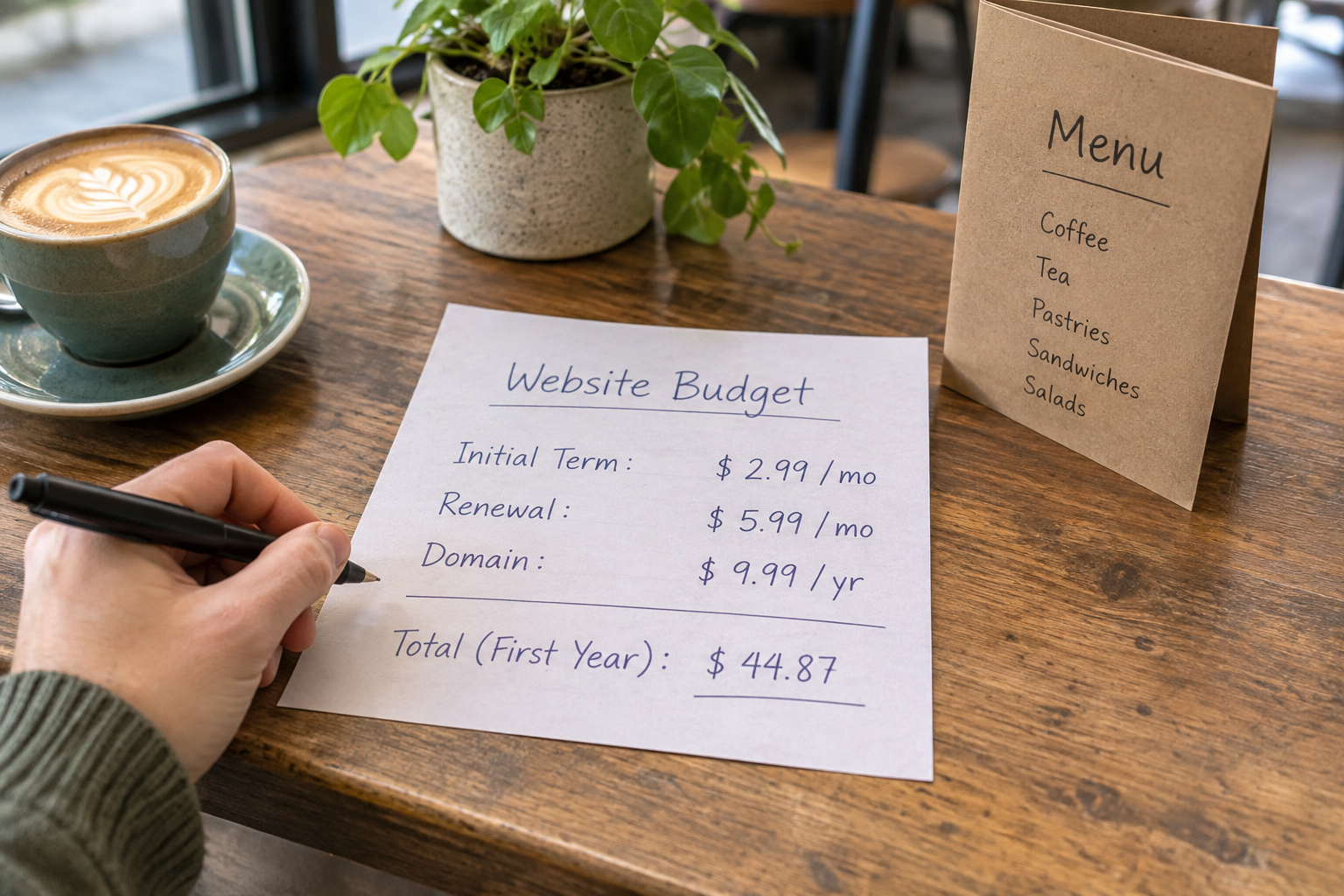
Platform pricing pages rarely reveal your real total cost of ownership. Think beyond the monthly plan to include transaction fees, payment gateway costs, domain and email, premium apps, shipping materials and staff time. A “cheaper” plan can cost more if it pushes you into paid add‑ons for essentials like bookings or memberships.
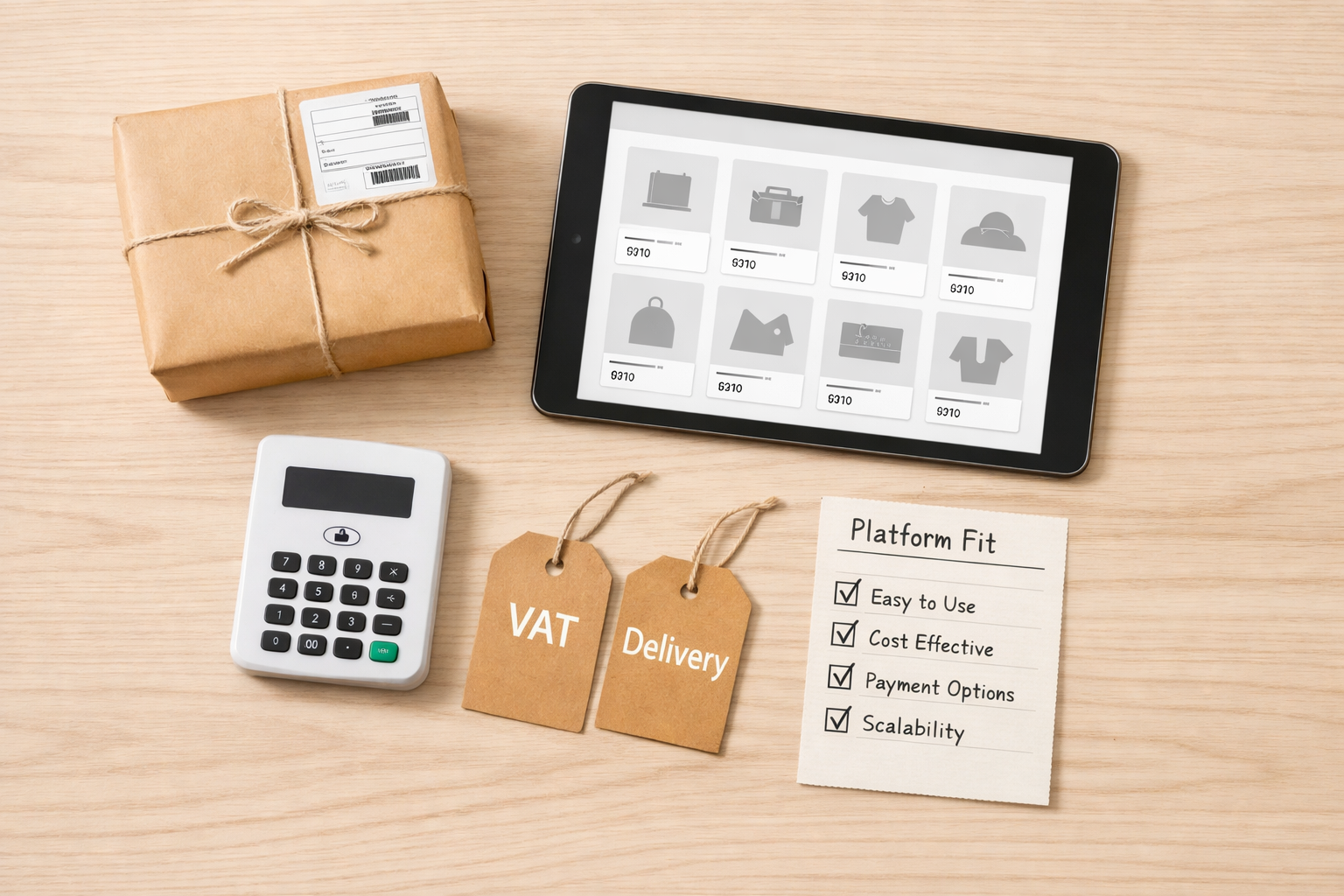
Taxes matter early too. Understand when VAT applies and how your platform handles tax invoices and rates. The UK VAT registration threshold guidance explains when you must register; check whether your platform can automatically apply VAT and produce compliant invoices. For mixed baskets (products and services), ensure settings stay clear for both you and your customers.
Budget for resilience. Can you export orders and products without upgrading? Is staging included, or do you test on a duplicate site? Factor “people cost”: a no‑code, AI‑assisted editor typically pays for itself in saved hours each month—especially when your site needs frequent updates.
A practical approach: set a six‑month budget ceiling that includes platform, payments, domain/email, packaging and two hours of your time weekly. Choose the platform that delivers your must‑haves under that ceiling with minimal reliance on paid add‑ons.
Payments, Security and Compliance: Non‑Negotiables
Trust is earned at checkout. Your platform should support major cards, Apple/Google Pay and strong customer authentication by default, alongside clear tax and shipping in the basket. Look for PCI‑compliant processing, TLS certificates preconfigured and visible signals of security throughout the journey.
Data protection and cookies aren’t optional. The UK’s regulator sets expectations for cookie consent and tracking. Review the ICO’s overview of cookies and similar technologies and check whether your platform offers consent tools and clear privacy controls. Being transparent isn’t just compliant—it raises customer confidence.
Accessibility is part of compliance and conversion. Alt text prompts, colour‑contrast checks and keyboard navigation help customers who use assistive tech and reduce abandonment. Security also extends to your provider: prefer platforms that run on ISO 27001 & SOC2 certified infrastructure and publish uptime/performance metrics.
Finally, look for fraud controls, order review tools and refund workflows that are simple to action. When a busy Saturday throws curveballs, you need intuitive controls that any team member can use—without risking mistakes.

Do You Need Bookings, Memberships or In‑Person Sales?
Many small businesses sell beyond a simple basket. If you run classes, treatments or services, a calendar with time slots, deposits and automated reminders can lift attendance and cash flow. For communities, memberships with recurrent billing and gated content help stabilise revenue. And if you sell at markets or in a shop, in‑person payments should sync stock with your online store.
Avoid “plugin spaghetti”. Each external add‑on creates friction—cost, updates, extra logins and support dependencies. A platform with native bookings and memberships saves time and simplifies reporting. It also keeps design and UX consistent across your site, improving trust and conversion.
Test the full journey: can a customer buy a massage gift card, book a slot and add a product to the same basket? Can members access discounts automatically? Does point‑of‑sale reflect online stock instantly? These are the seams that either delight customers or create support tickets.
If your plan includes events, check whether capacity management, waitlists and cancellation windows are configurable without code. When you’re busy serving customers, you want guardrails, not Google searches for workarounds.

Which Is the Best Ecommerce Platform for Small Business Right Now?
Shortlist on fit, then choose on evidence. For a UK shop that needs AI‑assisted page creation, no‑code editing, online store plus bookings or memberships, and built‑in SEO and accessibility tools, a modern AI website builder is a strong contender. It should let you draft pages from a plain‑English description, refine the copy, and go live without code.
Avantiy brings those pieces together—AI‑generated pages and structure you can edit visually, ecommerce, bookings, memberships and fast page delivery, all supported by UK‑based humans and ISO 27001 & SOC2 certified infrastructure. You can create a free account with no card required and keep your site free until you publish, which makes a risk‑free test simple.
For context across the wider market, see our FAQ‑led guide to ecommerce platforms for small businesses. Then run the 30‑minute hands‑on test below to confirm whether it’s the right choice for you. The platform that completes your real workflows fastest, with clean outputs and no gaps, is the practical answer to “best ecommerce platform for small business”.
Need a head start? Book a free 1:1 setup session and get guidance tailored to your shop’s model, inventory and services.
SEO, Speed and Accessibility: Be Findable by Default
Search and speed pay compounding dividends. Your platform should auto‑generate sitemaps, clean URLs and structured headings, plus give you control of titles, meta descriptions and alt text. Built‑in AI that proposes on‑brand titles and product descriptions can help non‑writers create consistent, indexable pages quickly.
Accessibility overlaps SEO. Clear headings, descriptive links, keyboard navigation and colour contrast help search engines and real people. The W3C’s overview of WCAG standards sets useful principles—use a platform that makes these the default, not a bolt‑on. Page performance matters too: image optimisation and fast hosting reduce bounce and lift conversion.
If you’re new to AI‑assisted building, our step‑by‑step guide to building with AI shows how to turn a plain‑English business description into a usable site draft in minutes. For hands‑on editors, the no‑code website builder checklist helps you assess whether everyday SEO edits are truly quick. When a platform makes good SEO your baseline, it raises your ceiling—and that’s a hallmark of the best ecommerce platform for small business.

Migrations, Support and Lock‑In: Avoid Future Pain
Many merchants only discover lock‑in when they try to grow or leave. Before you start, confirm you can export products, customers, orders and content. Ask how domain and email are managed, how staging works and whether your site structure remains yours. If a platform buries exports behind higher plans, note that as a hidden cost.
Support quality shows up on busy days. UK‑based support that understands local tax, shipping and payments is especially useful for small teams. Look for clear documentation, email/chat support hours and training options. Infrastructure matters too—ISO 27001 & SOC2 certified environments and published uptime figures indicate mature operations.
Think about integrations you might need in 6–12 months (accounting, fulfilment, analytics). Fewer, better integrations beat dozens of brittle ones. And whenever possible, pick platforms that do more natively—bookings, memberships, SEO and accessibility—so you ship faster and troubleshoot less.
For a wider strategy view, our ultimate UK guide to small business and ecommerce outlines how to align your platform decisions with marketing, fulfilment and support as you scale.
Try Before You Buy: A 30‑Minute Hands‑On Test Plan
Don’t decide from demos. Decide from doing. Open a free account, set a timer for 30 minutes and run this workflow using your real words and a couple of photos.
- Describe your business in one paragraph and generate a draft site. Can you refine the copy and sections without code?
- Add two products (or services). Include a variant, an option and a promo price. Set UK tax and a simple shipping rule.
- Create one content page with an image, a call‑to‑action and an FAQ block. Update titles and meta descriptions.
- Turn on a booking (or membership) feature if relevant. Add a slot, a deposit and a confirmation email.
- Preview on mobile. Is navigation clear and checkout smooth, with Apple/Google Pay visible?
- Export the product list and create a staff account. Easy, or hidden behind upgrades?
Now score friction: what took too long, what needed a guide, and what felt effortless? The platform that fits this real test, with elegant outputs and minimal fiddling, is the one you can grow on confidently.
Frequently Asked Questions
What features matter most for a first ecommerce site?
Focus on a fast setup, secure checkout, mobile‑ready pages, simple shipping/tax, promo controls, and basic SEO tools (titles, meta, sitemaps). If you sell time or community, add bookings/memberships to the list. A no‑code editor and AI copy assist reduce the learning curve so you can launch and iterate in days, not weeks.
How do I compare transaction fees and payment costs?
Look at the full stack: platform plan + payment gateway fees + any add‑on costs. Some “low” monthly plans shift higher costs into per‑transaction fees or paid apps. Model your average order value and volume, then compare annual totals. Also check for payout delays, chargeback handling and whether Apple/Google Pay is included.
Can I start with a small catalogue and add bookings later?
Yes—if your platform supports both natively. Start with a product catalogue and enable bookings when you launch services or events. You’ll avoid extra logins, mismatched design and double data entry. Test the combined journey early (buy a product plus book a slot) to ensure pricing, taxes and emails behave as expected.
Do I need apps, or should I prefer built‑in features?
Prefer built‑ins for core needs: payments, shipping, tax, SEO, bookings and memberships. Apps are great for specialist tasks, but relying on many for essentials adds cost and fragility. Fewer moving parts mean fewer updates and conflicts, and easier support when you need help on a busy trading day.
How can I keep my site compliant in the UK in 2026?
Use a platform with cookie consent controls, accessible templates and secure payments by default. Review the ICO’s cookie guidance and follow WCAG accessibility principles. For taxes, understand when VAT applies and configure rates and invoices correctly. UK‑based support helps interpret local practices as rules evolve in 2026.
Ready to see it in action? Create your free Avantiy account, draft your site from a plain‑English description and publish when you’re happy—no card needed until you go live. Prefer a guided start? We’ve already shared a mid‑article link to book a free 1:1 setup.