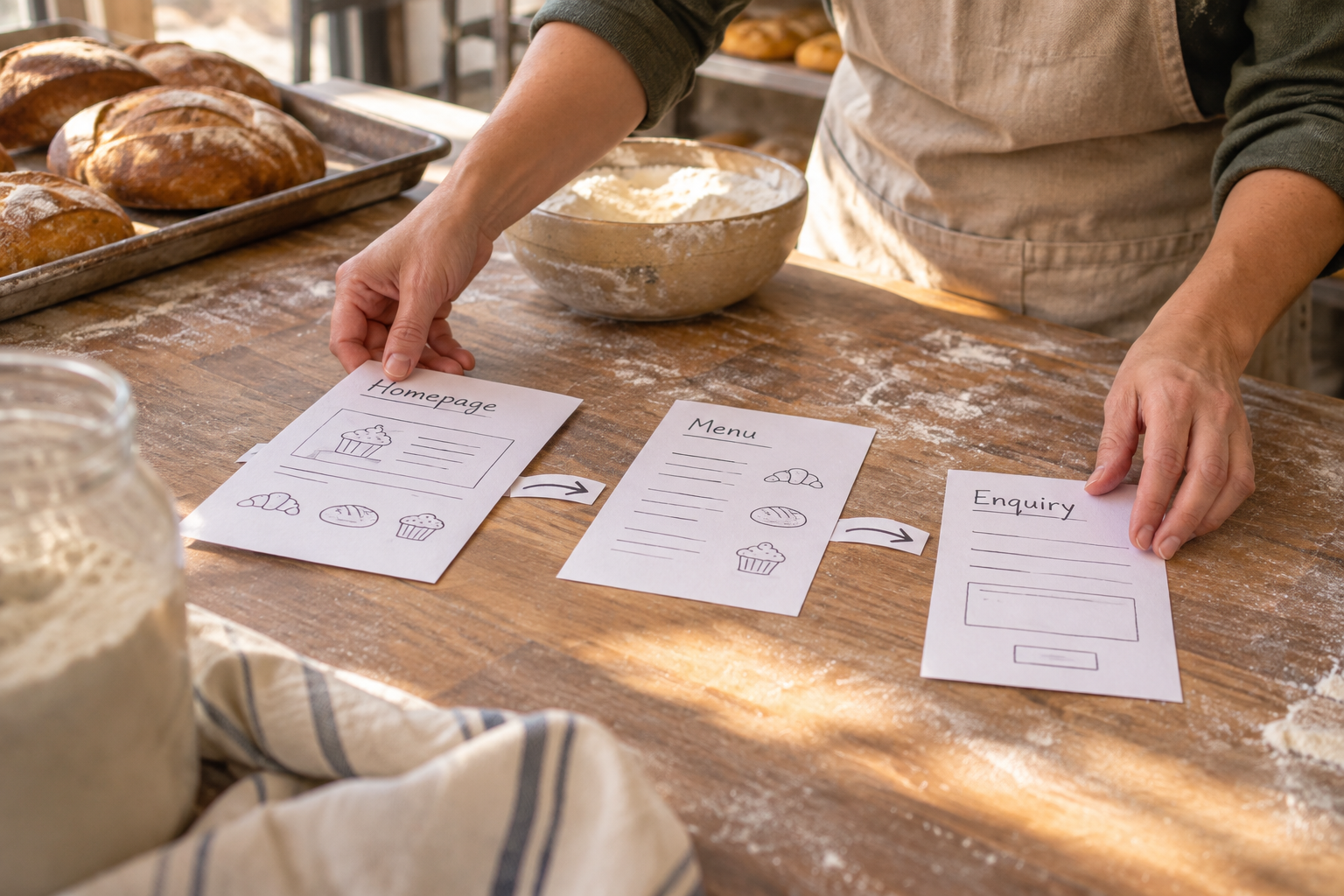
Ecommerce small business owners can sell products or services online through a website that brings together listings, payments and customer information. The best starting point is a focused plan: decide what you will sell, how you will fulfil orders and what your customers need to know, then choose a builder that supports those essentials without making everyday management complicated.
You do not need to be a developer to get started. An AI-powered website builder can help you create an initial site from a plain-English description, while a visual editor lets you adjust the content and layout. The important work is checking that the finished store reflects your business and works for the people buying from you.
What Does Ecommerce Small Business Success Depend On?
A useful online store does more than display products. It helps a customer understand what is available, trust the seller, pay confidently and know what happens after an order. Behind the scenes, it also gives the business a manageable way to update stock, deal with enquiries and fulfil purchases.

Start by defining the job your website needs to do. A shop selling physical goods needs clear delivery information and a dependable packing process. A service provider might need customers to book a time as well as pay. An organisation offering ongoing access may need memberships rather than a conventional product catalogue.
Write down these decisions before choosing a template:
- Your audience: Who are you trying to reach, and what questions might stop them buying?
- Your offer: Which products, services or memberships will be available at launch?
- Your fulfilment: Will you post an item, arrange collection, deliver a service or provide access online?
- Your capacity: How many orders or appointments can you realistically handle?
- Your next step: Should visitors buy immediately, make a booking or contact you first?
Keep the first version narrow enough to manage. A smaller, accurate catalogue is more useful than a large one with missing information. You can add products and features as you learn what customers actually need.
What Should You Sell Online First?
Choose an initial range that you can describe, price and deliver reliably. Review whether you have the materials, stock, time and packaging to meet orders alongside your existing work. If an item has options such as size or colour, decide how you will keep track of each variation.
For a clearly labelled hypothetical example, a florist might begin with a small selection of bouquets for local collection. Before accepting orders, the florist would need to define collection times, explain substitutions and make sure the ordering process captures the information needed to prepare each bouquet. The same principle applies to services: only list appointments you can actually provide.
Make a simple record for each offer. Include its name, description, price, availability, fulfilment method and any conditions. This becomes your source material when building pages and checking the store before launch. Our guide to starting a small ecommerce business explores the wider planning process.

When setting prices, consider more than the cost of the item itself. Materials, packaging, payment processing, delivery, returns and your time can all affect what you retain. Check how taxes apply to your circumstances and revisit your figures when suppliers or delivery charges change. An accountant can help if you are unsure how to treat a particular cost.
How Do You Choose an Ecommerce Website Builder?
Compare platforms against the tasks you will perform every week, not just their design options. An attractive homepage will not compensate for a checkout you cannot configure or an order process that takes too much manual work.
| Area | Questions to ask | Why it matters |
|---|---|---|
| Store setup | Can you add products, variations and clear availability information? | Customers need to understand what they are buying. |
| Payments | Which payment providers are supported, and what fees apply? | Payment costs and customer choice affect your budget and checkout. |
| Fulfilment | Can you explain delivery or collection and manage incoming orders? | A sale is only the start of the customer experience. |
| Services | Do you need bookings, memberships or both alongside ecommerce? | Separate tools may add work if your offer combines products and services. |
| Editing | Can you update pages and products without code? | Prices, stock and policies need regular attention. |
| Cost and support | What does publishing cost, what is included and how can you get help? | The ongoing cost and available support should fit your business. |
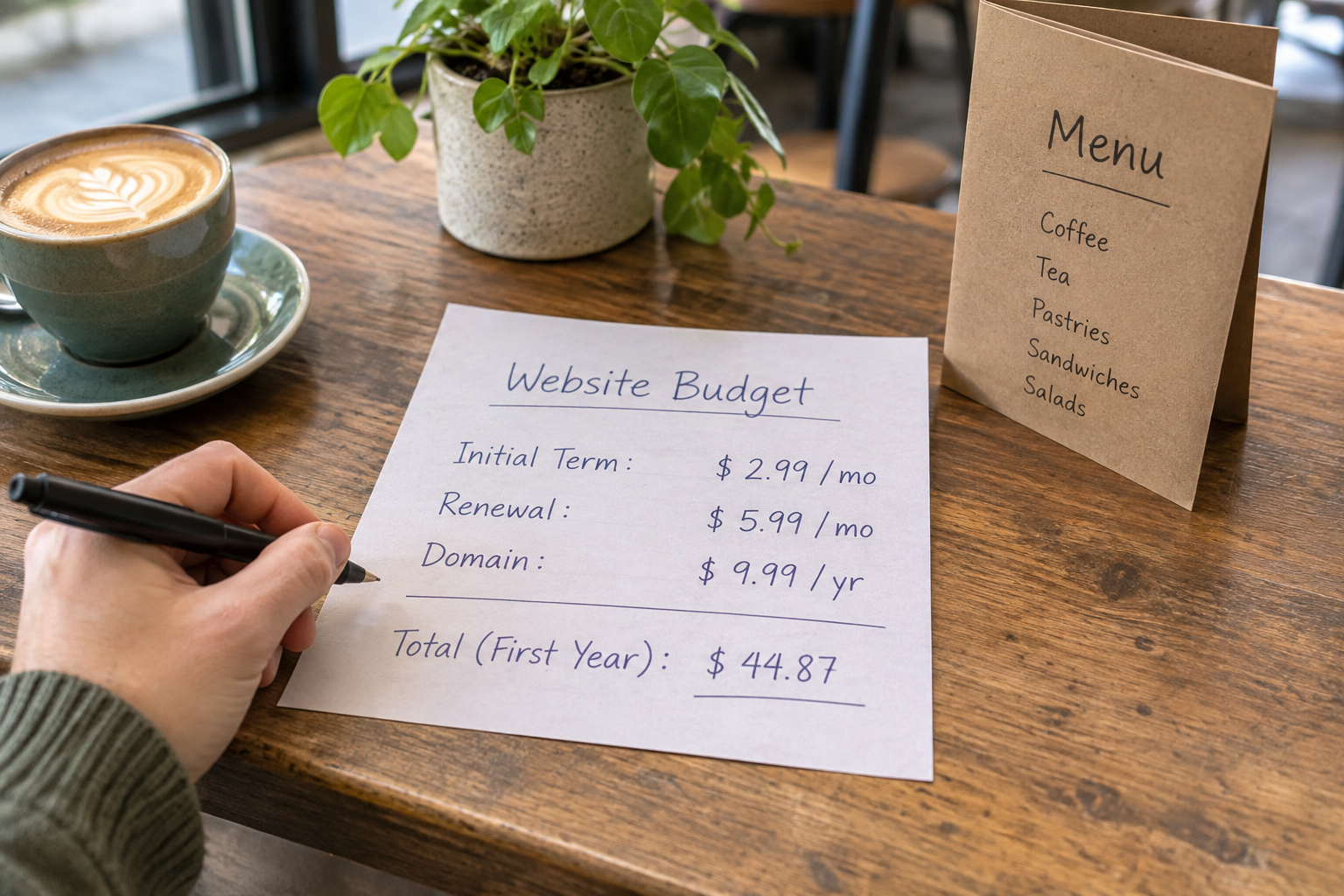
Look at the complete cost of running the site, including the website plan, domain, payment processing and any additional services you need. Check the current terms directly before committing: features, fees and integrations can change. Consider what happens if you want to move your content or product information later, too.
Avantiy combines an AI-driven website builder and editable templates with ecommerce, online booking and memberships. Its visual editor is designed for no-code changes, and it includes AI-powered SEO and accessibility tools. You can create a free account without a card and keep the site free until you publish; check the current publishing terms before deciding. For a broader evaluation, read the small business ecommerce platform buyer’s guide.
How Can You Build Your Store Without Coding?
Begin with a clear brief. Describe your business, what you sell, the audience you serve and the action you want visitors to take. If you have a local service area, booking requirements or a distinctive approach to fulfilment, include those details. Specific information gives an AI builder a more useful starting point than a generic request for an online shop.
- Generate a starting site. Give the builder your business description and review the suggested page structure and copy.
- Choose the pages you need. Most stores benefit from a homepage, shop, product pages, contact details and clear delivery and returns information. Add booking or membership pages where relevant.
- Add real product information. Replace placeholder content with accurate names, prices, options, availability and images you have permission to use.
- Configure the buying journey. Set up the available payment and fulfilment options, then explain any restrictions or collection arrangements.
- Review on different screens. Check that text is readable, navigation works and important details are easy to find on a phone as well as a larger screen.
- Test before publishing. Follow the customer journey through the available checkout test process and check the order information you receive.

AI-generated copy is a draft, not evidence. Check product specifications, delivery promises and business details yourself. Remove any claims you cannot substantiate, and make the language sound like your business. If the editor offers accessibility guidance, use it as a prompt for review rather than assuming every issue has been resolved automatically.
Ready to work through your site with support? Book Avantiy training to discuss your website-building questions.
What Makes a Product Page Useful?
A product page should answer the questions a customer would ask before committing. Lead with a specific name and a clear description of what is included. Show the price and any available options, then explain practical details such as dimensions, materials, care instructions or delivery expectations where relevant.
Use photographs that show the actual product clearly. Depending on the item, a close detail, a view of its scale and an image showing variations may help. Add meaningful alternative text for images that convey information, and avoid relying on colour alone to distinguish choices.
For services, describe what the customer receives, how long the appointment is expected to take, where it happens and how to prepare. Explain any cancellation or rescheduling terms before the customer commits. For memberships, make the access, billing arrangements and cancellation process understandable before sign-up.
Make the next action obvious without pressuring the visitor. A customer who cannot find delivery costs or contact details may need to leave the page to look for answers. Link related information from the product page and keep it consistent with the checkout.
How Should You Handle Payments, Delivery and Returns?
Before accepting orders, decide how money, goods and information will move through your business. Review your payment provider’s supported methods, processing charges, payout arrangements and approach to disputes. Use the provider’s established checkout process rather than asking customers to send card details by email.
For physical products, document what happens from order notification to dispatch. Decide who checks stock, prepares the item, packages it and contacts the customer if there is a delay. If you offer collection, explain the location, available times and any identification or order confirmation needed. For digital access or services, define how the customer receives what they have bought.

Write your delivery and returns information in plain language. Include applicable charges, destinations, expected handling arrangements and a way to contact you. Do not promise a delivery date you cannot reasonably support. Check the GOV.UK guidance on online and distance selling for the information businesses must provide and the rules that may apply to cancellations and returns. Requirements can vary by product and situation, so seek advice if you are uncertain.
Finally, decide how you will handle exceptions. A damaged item, an out-of-stock product or a missed appointment is easier to resolve when you have a process for responding, recording the issue and agreeing the next step with the customer.
What Should You Check for Privacy, Security and Accessibility?
Collect only the customer information you need for a clear purpose, such as fulfilling an order or responding to a booking. Explain how you use it, who you share it with and how people can contact you about their information. Marketing messages and cookies can involve additional requirements. The Information Commissioner’s Office guidance for organisations is a useful starting point for UK data protection questions.
Protect access to the store as carefully as you protect stock. Give account access only to people who need it, use strong unique passwords and enable multi-factor authentication where available. Review access when someone leaves the team. The National Cyber Security Centre’s small business guide offers practical security advice.
Accessibility is also part of a usable buying journey. Check that headings describe the content beneath them, links make sense out of context and text is readable against its background. Try navigating key pages with a keyboard and make sure form fields have clear labels. Automated tools can help identify issues, but a manual review and feedback from users can reveal problems a tool misses.
Avantiy says its infrastructure is ISO 27001 and SOC 2 certified and that UK-based support is available. Infrastructure security does not replace your own responsibilities: account access, accurate content, privacy notices and customer service still need attention.
How Can You Help Customers Find Your Store?
Start with the words your customers use for your products or services. Give each important page a descriptive title and write useful, specific copy that explains the offer. A page about a particular product should answer questions about that product, rather than repeating a broad search phrase throughout.

Make your site easy to explore. Link from relevant categories to individual products, and from product pages to delivery, returns and contact information. If you serve a particular area, explain where you operate and whether customers can visit, collect or book locally. Only include locations and services that genuinely apply.
Share your store through channels you can maintain, such as an existing customer newsletter, relevant social accounts or in-person conversations. Ask customers for feedback on confusing pages and use it to improve the experience. Search visibility and customer acquisition take ongoing work; a site builder’s SEO tools can assist with tasks, but they do not guarantee rankings or sales.
Once the store is live, review useful signals alongside customer enquiries: which pages people visit, where they encounter problems and which products need better explanations. Check that any analytics and marketing tools are configured in line with your privacy obligations. Our guide to building and growing a small business online store covers further ways to develop your approach.
See the Store-Building Process in Practice
A walkthrough can make the steps easier to visualise, especially if you are new to product pages, checkout settings and fulfilment. Look for a recent tutorial that explains the full customer journey, then check the current instructions for your chosen platform.
As you watch, note which decisions are platform-specific and which apply to your business generally. Your own delivery terms, pricing and customer information still need to reflect how you operate.
Frequently Asked Questions
Can I start an online store before I have a large product range?
Yes. A focused range can be a practical way to launch, provided each listing is accurate and you can fulfil orders. Start with items or services you understand well, explain availability and review customer questions. Add to the range when you have the capacity and information to support it.
Do I need a separate website if I already sell on a marketplace?
Not necessarily, but a website can give you a dedicated place to explain your brand, policies and full offer. Consider the work involved in keeping prices, stock and customer information consistent across channels. Check marketplace terms and your website platform’s capabilities before deciding how to manage both.
Can I offer bookings and products on the same site?
Yes, if your chosen platform supports the combination you need. Avantiy includes ecommerce and online booking, so a business can plan a site around both. Before launch, check how customers select appointments, receive confirmation and understand any cancellation terms, as well as how product orders are fulfilled.
How much does an ecommerce website cost to run?
Costs depend on the platform, publishing plan, domain, payment processing and any additional tools or services you choose. Delivery, packaging and returns also affect the economics of selling online. Compare current fees and terms against your expected needs rather than judging a platform on its headline price alone.
How often should I update my online store?
Update information whenever stock, prices, services or policies change. Set aside regular time to check links, review enquiries and make sure the buying journey still works. Before a busy period or promotion, confirm that availability, delivery expectations and contact details are accurate and that you can handle the orders you accept.
When you are ready to turn your plan into a working site, book Avantiy training using the link above and bring your questions about products, bookings and launch preparation.