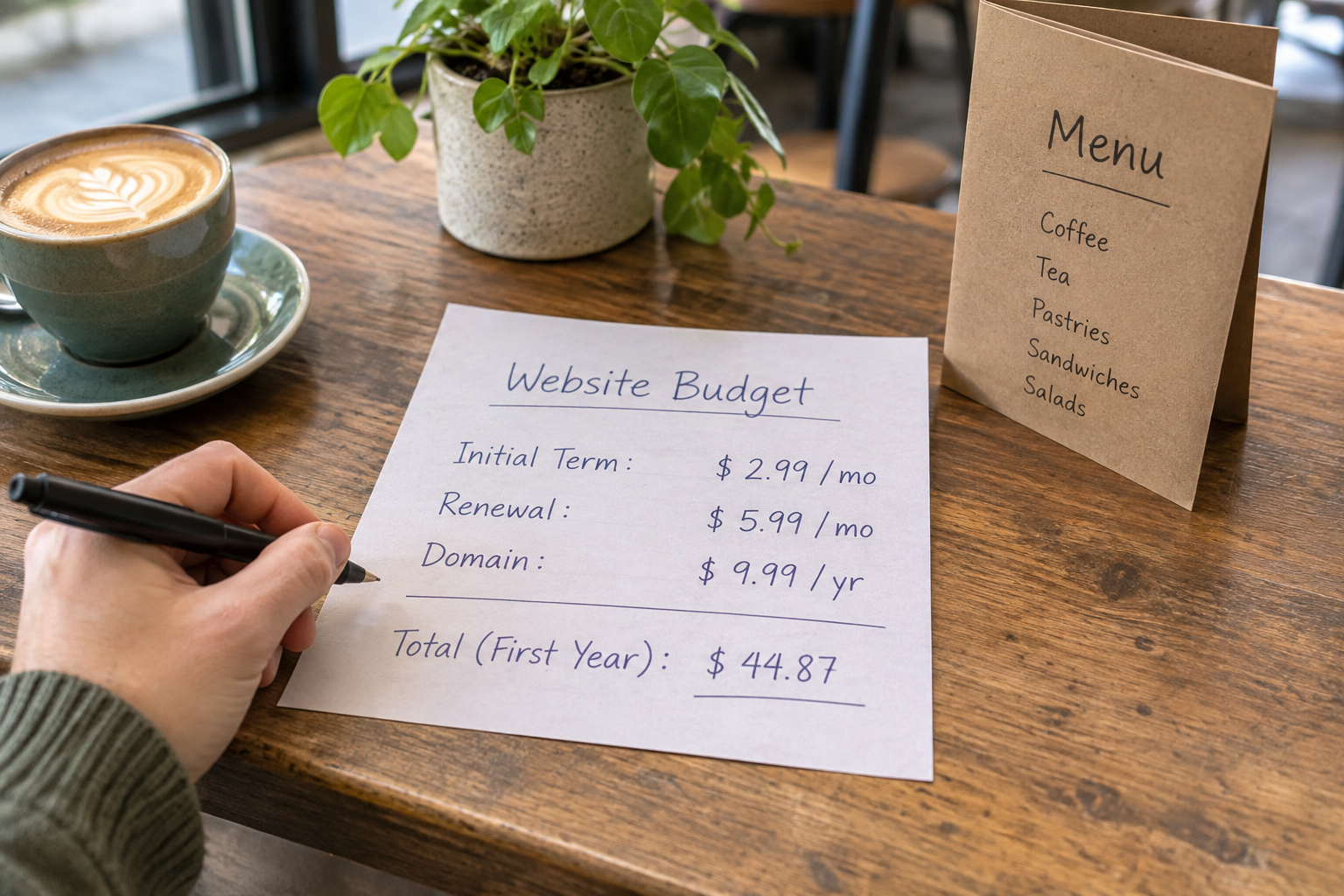
Short answer: the best small business ecommerce platform is the one that balances clear pricing with built-in sales tools, fast launch, and low ongoing effort for your specific model. Focus on total cost of ownership, not headline fees, so you can start selling quickly and scale without rebuilds.
What Is the Best Small Business Ecommerce Platform for You?
If you sell products, services, bookings or memberships, your needs are different from a global retailer’s—and so is the value equation. When people ask for the best small business ecommerce platform, the real question is which option fits your workflow now and still supports the next three stages of growth without surprise costs.
Start with your business model. A service-led business likely needs bookings and deposits more than complex catalogue management. A maker or retailer needs dependable inventory, lightning-fast checkout, and plug-and-play shipping. Membership-based organisations need gated content, renewals and dunning. Whichever you are, ensure those core jobs are native features rather than add-ons that stack costs and complexity.
Next, map your non-negotiables. For example: UK-compliant taxes and invoices, multiple payment options, easy returns, and clear order notifications. Add practicalities that free time: AI copy suggestions, image optimisation, bulk product tools, and a no-code editor so you’re not waiting on a developer for simple updates.
Finally, consider growth friction: Can you add subscription options later? Will you need a rebuild to support mixed models (e.g., a shop plus paid courses)? Can you expand to multiple locations or channels without changing platforms? A platform that handles those scenarios from day one almost always has the lowest lifetime cost.

Cost and Value Breakdown: What Will You Really Pay in 2026?
Sticker prices rarely tell the whole story. A thorough cost and value breakdown weighs direct fees, payment processing, potential add-ons, implementation time and the long-run savings of automation. Assess any candidate for the best small business ecommerce platform by mapping every cost line, then compare that to hours saved and revenue unlocked.
Build your total cost of ownership (TCO) with these categories:
- Platform plan: Monthly or annual subscription. Check what’s included natively (e.g., bookings, subscriptions, abandoned basket recovery) versus paid extensions.
- Payment processing: Percent + fixed fee per transaction. Account for cards, wallets (Apple Pay/Google Pay) and PayPal. Some platforms add their own transaction fee if you use a third-party gateway.
- Domain and email: Domain registration/renewal and professional email. Sometimes bundled, often separate.
- Design and implementation: Templates may be free; premium themes and custom design can add costs. With no-code editors and AI, many small teams can avoid agency setup entirely.
- Apps and integrations: Shipping, reviews, loyalty, subscriptions, analytics. One £5–£20 add-on isn’t much; four or five quickly overtake your base plan.
- Content and assets: Product photography, copywriting, and accessibility remediations. AI tools can reduce—but not always replace—this effort.
- Training and support: Time with a support team, webinars, and documentation. Prioritise platforms with proactive, human support on UK hours.
- Maintenance and upgrades: Hosting, updates and security. SaaS platforms include these; self-hosting requires ongoing tech time and vigilance.
Value is the other half. Rate each platform on launch speed, admin efficiency, conversion lift from quick checkout and SEO tools, and how well it prevents future rebuilds. For a small business, a solution that shaves hours every week—by automating product data, compressing images, or pre-writing meta descriptions—can be worth far more than a slightly cheaper base fee.
Hosting, Speed, Security and Compliance: What Matters Most?
Performance isn’t just a nice-to-have; it earns revenue. Faster pages mean fewer abandons and better search visibility. Prioritise platforms with built-in global content delivery, image optimisation, and automatic caching. Ask about uptime history and how traffic spikes (seasonal sales, press coverage) are handled without manual work.
Security should be managed for you. Expect automatic SSL certificates, DDoS protection, secure payment integrations, and regular patching as part of the service. Follow the National Cyber Security Centre’s Small Business Guide for best practice on passwords, MFA, backups and device security; your platform can cover hosting security, but account hygiene is still on you.
Compliance is non-negotiable. If you handle UK/EU customers, ensure data is processed with appropriate safeguards and that your provider supports UK GDPR-friendly features (consent tools, data exports and deletion). The ICO’s SME hub is the right place to begin. Accessibility also sits here: an inclusive store (e.g., keyboard navigation, alt text, readable contrast) is both right and commercially smart.
For regulated assurance, look for providers on certified infrastructure (e.g., ISO 27001, SOC 2). Avantiy’s platform runs on ISO 27001 and SOC 2 certified infrastructure, with UK-based support, so you get strong operational controls plus local help when something needs hands-on attention.

Do You Need Bookings, Memberships or Subscriptions?
Many platforms are excellent web shops but thin on service and membership features. If your revenue includes appointments, classes, recurring boxes or member-only content, confirm those workflows are native—not patched together from multiple plugins—so you can launch quickly and run with minimal friction.
For bookings, check: staff calendars, buffer times, deposits, cancellation windows, and automated reminders. For memberships: tiered access, renewals, failed payment handling, member communications, and content gating. For subscriptions: flexible intervals (weekly, monthly, quarterly), proration rules, and self-service changes to reduce support tickets.
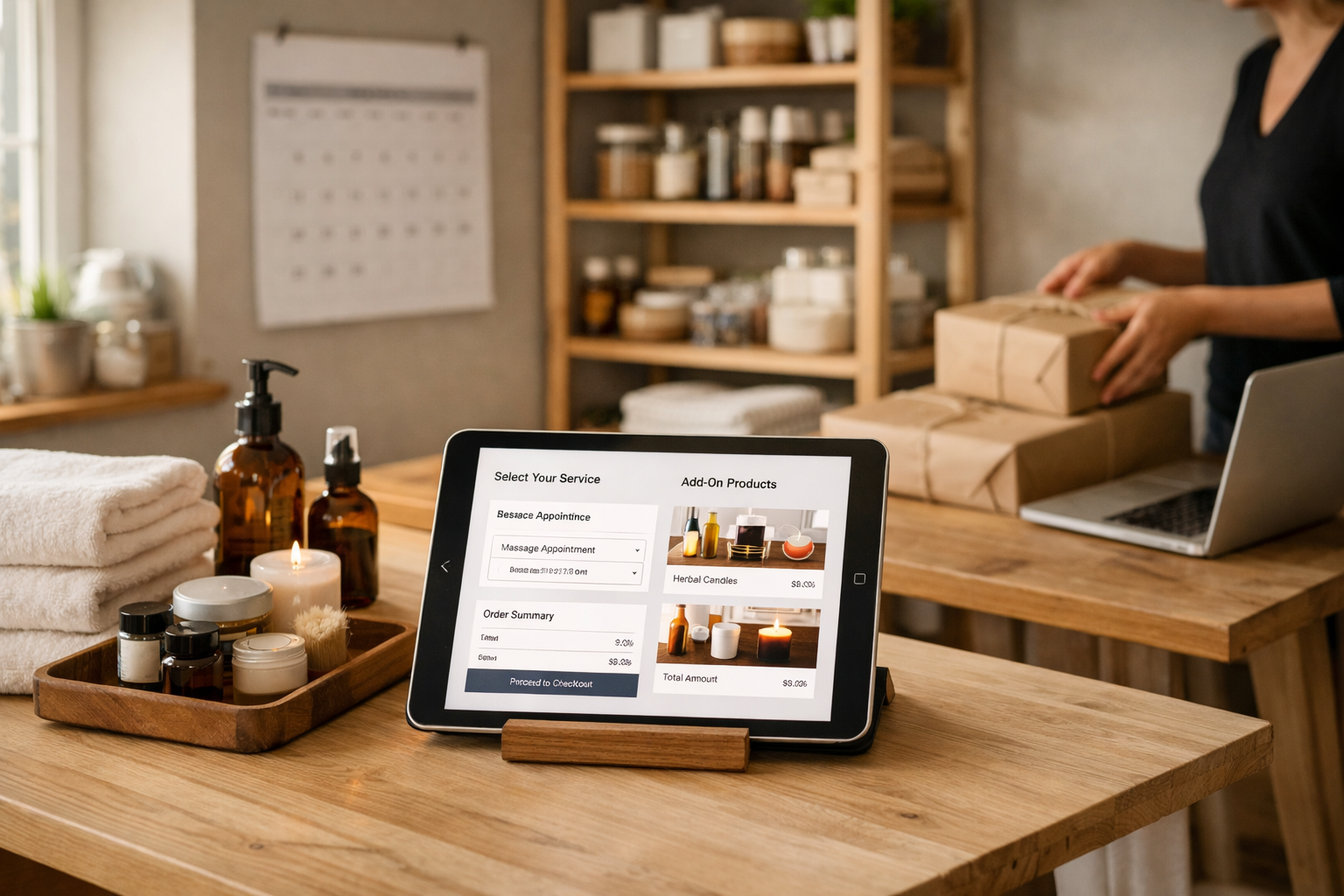
Centralising these jobs in one platform trims admin time and risk. It means consistent reporting, one customer profile across all activity, and fewer integration points to secure. If you sell product add-ons to booked services (e.g., a salon selling bundles), make sure checkout unifies the cart; customers shouldn’t have to pay twice.
This is also where AI can help: auto-build booking pages and price tables from a plain-English brief, draft your member welcome emails, and pre-populate policies. You can then refine the wording in a visual editor without code.
How Fast Can You Launch—and How Much Time Will It Save?
Time to value is a strategic advantage. A platform that helps you go from idea to published store in days—sometimes hours—can unlock early revenue and momentum. AI-assisted setup takes your business description and drafts your site structure, initial copy and product/category pages. From there, a no-code editor makes iteration routine, not a project.
A realistic small-business launch path could look like this:
- Hour 0–1: Create your account, describe your business, generate a draft site with pages and navigation.
- Hour 1–3: Add 5–20 products or service items. Upload key images; let the platform compress and crop for speed.
- Hour 3–5: Configure payments, delivery/collection, tax settings and legal pages (privacy, terms, returns).
- Hour 5–7: Polish headlines and calls-to-action with AI suggestions; preview and accessibility-check critical journeys.
- Hour 7–8: Publish and announce your launch on email and social.
Post-launch, the right tools continue saving time: automated meta tags, bulk edits, booking reminders, and member renewals. It’s not only about day one speed; it’s about reducing ongoing drag so you can keep improving without waiting on developers.
Can AI and No-Code Tools Cut Ongoing Costs?
They can—when built into the platform you already use. Native AI reduces switching between tools and avoids extra subscriptions. In practice, that means product descriptions from short prompts, tone and length controls for page copy, auto-cropped images, and suggested SEO titles and descriptions that you can edit in one place.
Visual, no-code editing matters just as much: consistent typography and spacing, reusable sections for promos, and drag-to-reorder navigation. Your team can make site-wide improvements weekly, without scope creep or retainer fees. If you prefer a structured path, see the step-by-step guide to an AI website builder and the no-code website builder checklist to benchmark the essentials.
Crucially, judge AI on outcomes: faster launches, better on-page clarity, and consistent metadata—not just shiny features. For many teams, this tips the balance when choosing the best small business ecommerce platform because the savings keep compounding month after month.
Ready for hands-on help? Book personalised setup support on UK hours. Book now and get moving with expert guidance.
Migration, SEO and Accessibility: Avoid Hidden Rebuild Costs
Replatforming is expensive if you overlook your URLs, redirects and data. Export products, customers and order history in full; preserve URL structures where possible; and plan 301 redirects for anything that must change. This protects rankings and returning-customer journeys. As you relaunch, ensure sitemap and robots.txt updates are automatic.
On-page SEO should be a native workflow: human-readable URLs, structured data where relevant, clean headings, and AI-suggested meta content you can refine. For a deeper decision framework, see the small business ecommerce platform FAQ explainer and think in terms of speed to first sale plus long-run optimisation.
Accessibility is not a bolt-on. Keyboard navigation, alt text prompts, labels on form fields, colour contrast checks and logical reading order all make your store usable for more customers. It is also good risk management. Accessible sites convert better on mobile and assistive tech and reduce service tickets because journeys are clearer.
Finally, think about content operations: can your team standardise product data, reuse content blocks, and update legal pages centrally? These details decide whether you can maintain and grow without periodic rebuilds.
Pricing-Style Comparison: Typical Plans and Who They Suit
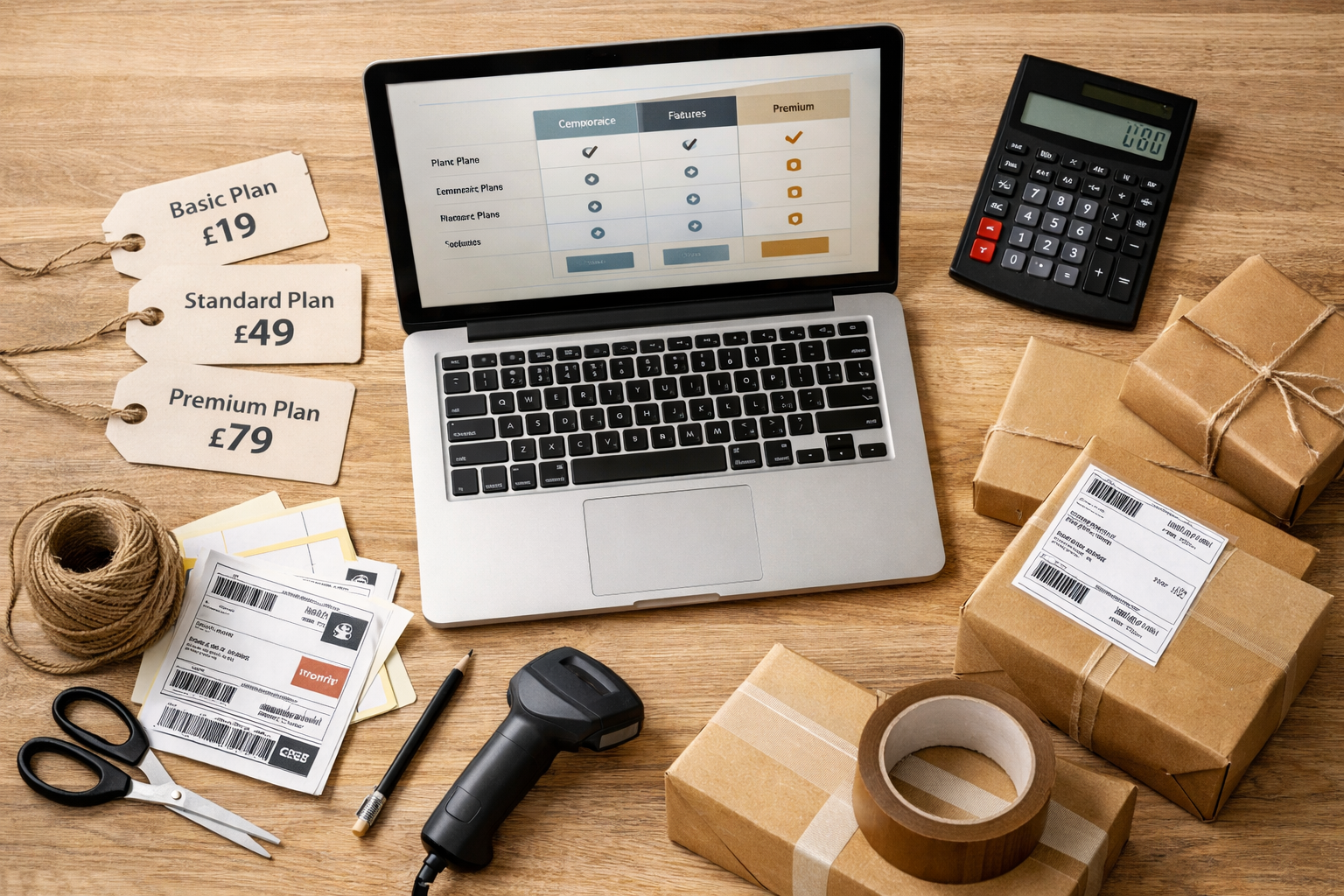
Use the table below to map common plan types to costs, benefits and trade-offs. Treat the fees as indicative; providers vary, and bundles can change. The goal is to compare capability versus total cost across your first two years, not merely the cheapest starting price. This mindset helps narrow your shortlist for the best small business ecommerce platform quickly and confidently.
| Plan Type | Typical Monthly Platform Fee | Typical Payment Fees (UK) | Core Features | Best For | Watch Outs | Free builder (before publish) | £0 (site remains offline until you publish) | n/a | AI setup, draft pages, basic editor | Exploring structure and content before launch | Limited features until published; domain not connected | Starter shop | £10–£25 | Gateway fees apply per transaction | Basic products, simple shipping, essential SEO | First-time sellers and micro businesses | Add-ons can raise real cost; limited advanced tools | Growth ecommerce | £25–£60 | Gateway fees; sometimes reduced at volume | Inventory, abandoned baskets, promos, analytics | Shops scaling SKUs and campaigns | Mind app costs for reviews, loyalty, subscriptions | Pro subscriptions/memberships | £40–£90 | Card + wallet fees; recurring billing support | Subscriptions, memberships, gated content | Creators, clubs, services with recurring revenue | Migration complexity (proration, renewals) if added later | Omnichannel retail | £50–£120 | In-person + online processing fees | POS sync, local pickup, stock locations | Retailers with shopfront + online | Hardware costs; staff training | Enterprise light | £100–£250+ | Negotiated rates at higher volume | APIs, SSO, advanced reporting, priority support | High-velocity SMEs or regulated needs | Overkill for simple catalogues; setup time |
|---|
Whatever you choose, rehearse one month of real operations in your head: add 20 products, process 50 orders or 100 bookings, handle three returns, and publish a new landing page. The platform that makes those tasks easy without plugins is usually the right fit.
Choosing a Platform in the UK: Legal, Payments and Support
UK trading has a few specifics to build in from day one. Make sure your platform helps you meet online consumer obligations and provides the right templates or fields for legal pages and notices. The GOV.UK guide to online and distance selling covers returns windows, cancellations and clear information duties—especially relevant for services and subscriptions.
On payments, Strong Customer Authentication (SCA) is standard via your gateway; look for wallets like Apple Pay and Google Pay to remove friction on mobile. Check that VAT calculations, invoice numbering and exports work with your accountant’s tooling. For mixed models (events, digital goods, physical items), ensure taxes are handled correctly per item type across UK regions.
Support is strategic, not cosmetic. UK-based help in business hours means faster resolution when it matters. Training resources, guided onboarding, and human feedback loops reduce early mistakes and accelerate time to value. Avantiy includes UK-based support and an AI-first editor so small teams can act quickly without a developer on call.
Security posture also shows up in support: transparent incident communication, clear data processing agreements, and straightforward ways to export your data if you ever move on. Owning your data and your domain keeps leverage in your hands.

Frequently Asked Questions
How do I estimate total cost beyond the plan price?
List platform fees, payment processing, domain/email, apps, and any design or content spend. Add time costs: who manages updates, migrations and support queries? Compare that TCO over 12–24 months, then score platforms on speed to launch and admin savings. The cheapest plan can be the most expensive if it needs many add-ons.
What features are non-negotiable for service-led businesses?
Native bookings with deposits, reminders and policies; unified checkout if you also sell products; calendar sync; and easy staff or resource management. Add clear customer messaging (confirmations, changes, cancellations) and good reporting. If you foresee memberships, ensure gated content and renewals are available without costly plugins or a second system.
Is it easy to switch platforms later if I start small?
It’s doable but easiest if you plan exports from the start. Keep clean product data, standard image sizes, and stable URLs. When switching, preserve structure, add 301 redirects, and test checkout flows thoroughly. Choose a platform that supports CSV imports/exports and has built-in SEO tools so you don’t lose momentum during the move.
How important is accessible design for ecommerce in 2026?
It’s essential. Accessible stores welcome more customers and reduce friction for everyone. Prioritise keyboard navigation, readable contrast, labelled forms, alt text prompts and logical heading structure. These practices improve mobile conversion and search visibility. Many platforms now include accessibility checks so teams can remediate issues as they build.
What’s the smartest way to evaluate a platform in a week?
Run a mini pilot: set up payments, add 10 products or services, configure shipping or booking rules, and publish to a test domain. Measure set-up time, checkout speed, and admin tasks like returns and edits. If it’s smooth under pilot load, it’ll likely be smooth when you scale. If not, move on quickly.
Ready to try a modern, AI-driven builder with ecommerce, bookings and memberships built in? Create a free Avantiy account today—no card required—and keep your site free until you publish.