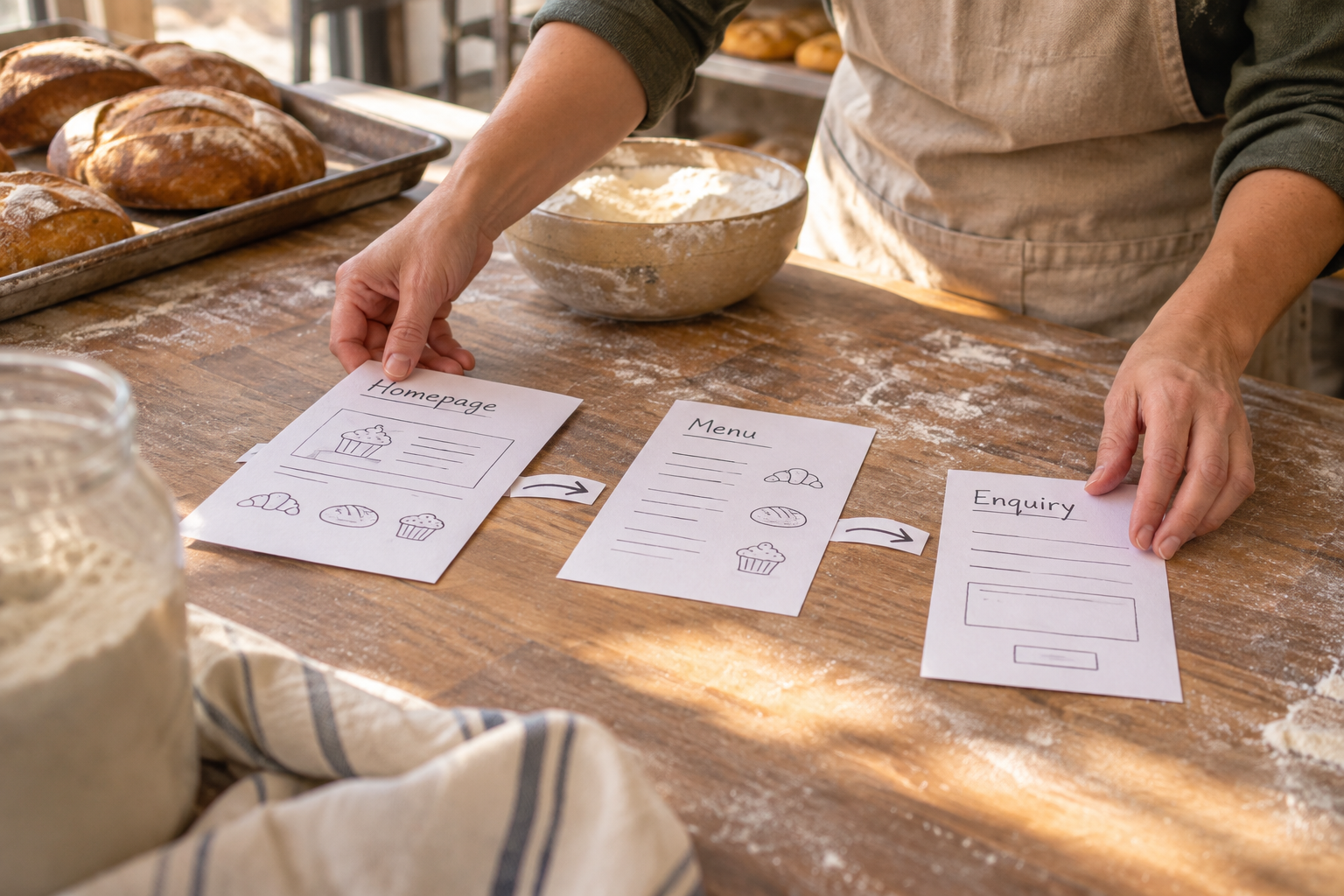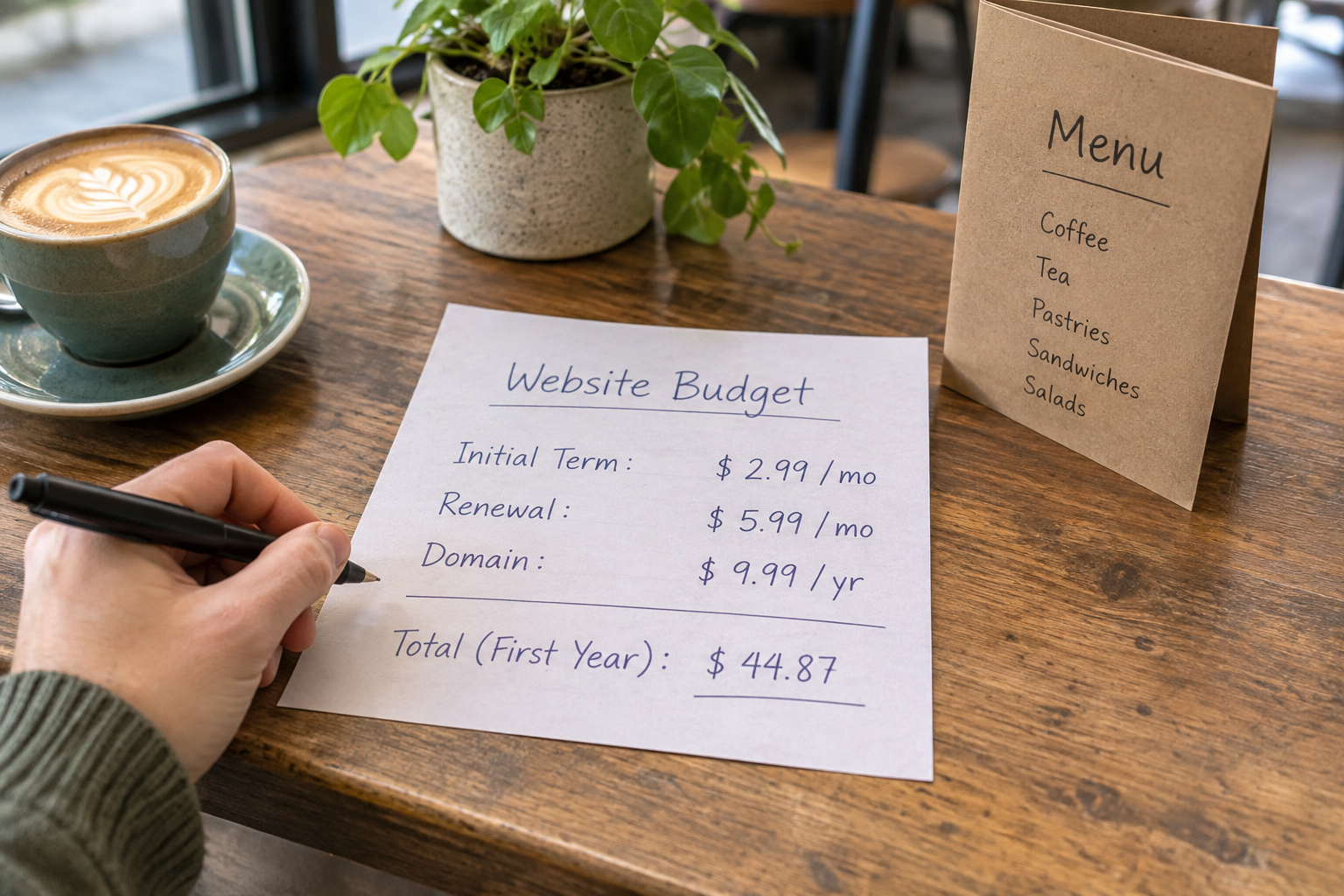
Small business ecommerce means selling products or services online through a website that customers can browse and buy from. To get started, choose a platform that fits what you sell, build clear product pages, set up secure payments and delivery, and check your legal responsibilities. You can begin with a small catalogue and improve your store as you learn.
What Does Small Business Ecommerce Involve?
An ecommerce website brings together your products or services, a way for customers to place an order, and the information they need to buy confidently. Behind the scenes, you also need a practical way to manage orders, answer questions and handle returns.
Your setup depends on your business. A maker selling physical goods needs stock and delivery processes. A consultant might need booking and payment tools. An organisation selling access to content may need memberships rather than a conventional product catalogue. Some businesses need a combination.
You do not need to know how to code to create a professional store. An AI website builder can turn a plain-English description of your business into a starting structure and copy. You can then use a visual editor to check the details, add products and make the site your own. AI-generated content is a draft, not a substitute for checking prices, claims and policies.
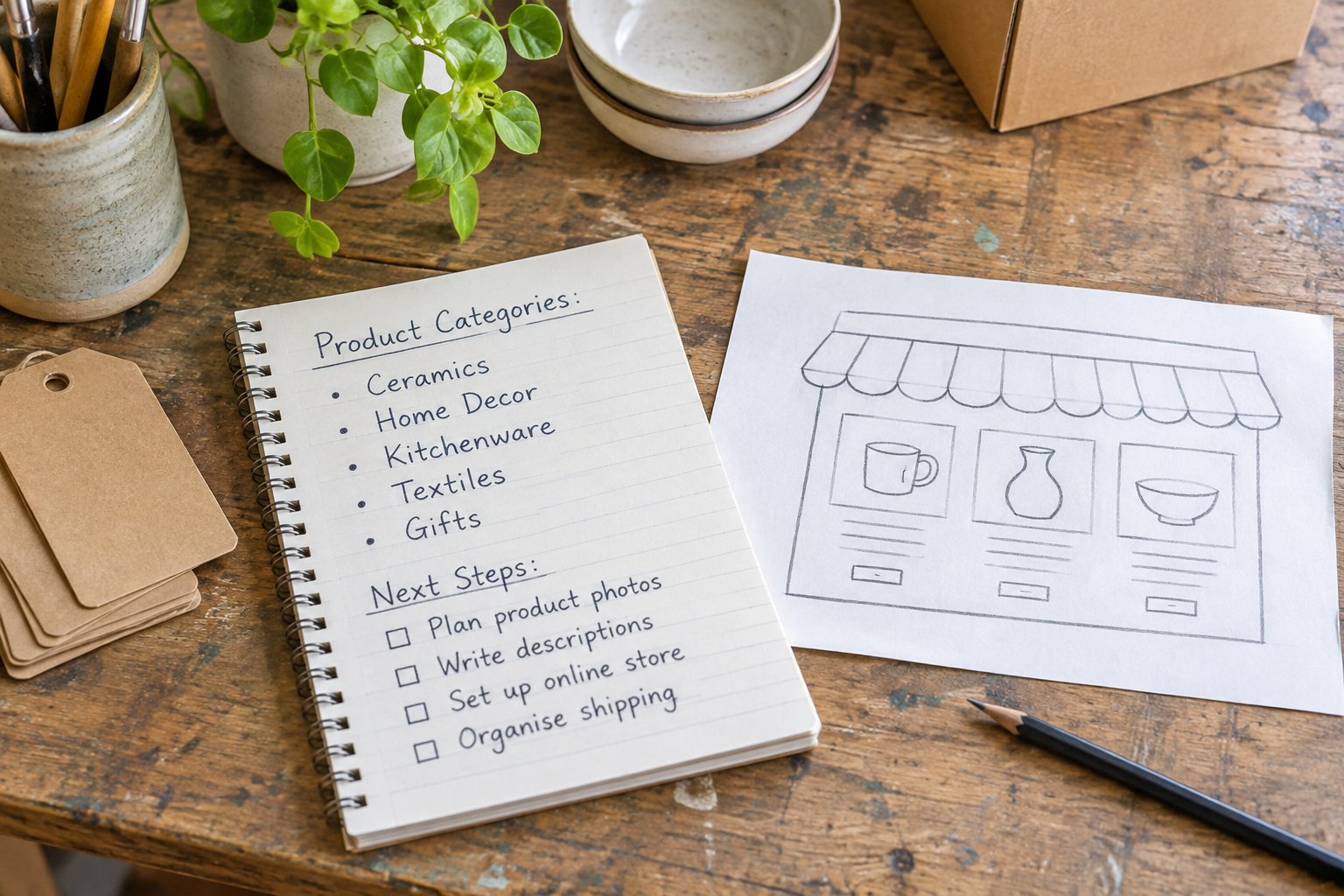
Before choosing tools, write down what a customer should be able to do from arrival to purchase. That simple journey will help you separate essential features from extras you may not need yet.
Which Ecommerce Setup Is Right for Your Business?
The best choice is not necessarily the platform with the longest feature list. Look for a setup you can maintain, with a checkout and fulfilment process that suits your products and your customers.
| Option | Best suited to | Advantages | Things to check |
|---|---|---|---|
| All-in-one website builder | Small businesses wanting a site and store in one place | Visual editing and integrated selling tools can simplify setup | Product limits, payment options, fees and whether bookings or memberships are included |
| Dedicated ecommerce platform | Stores with more complex catalogues or fulfilment needs | Often offers a broad range of commerce features and integrations | Total cost, ease of editing and which features require extra apps |
| Marketplace | Sellers testing products or seeking access to an established audience | Customers may already use the marketplace to discover products | Selling fees, competition and limits on branding or customer relationships |
| Self-hosted store | Businesses with technical support and specific requirements | More control over hosting, design and extensions | Maintenance, security, compatibility and the time needed to manage the site |
A marketplace and your own website can complement each other. For example, you might use a marketplace to reach shoppers while using your website to explain your brand and provide a consistent place for returning customers. Check each marketplace’s rules before directing customers elsewhere.
If you want more help assessing trade-offs, read our buyer’s guide to ecommerce platforms for small businesses. Compare options against your actual catalogue and order process rather than a generic list of features.
How Do You Plan Your Online Store?
Start with the basics: what you sell, who it is for and how an order reaches the customer. A simple plan keeps your site focused and makes it easier to choose the right tools.
Define Your Products and Customers
List your first products or services, their prices and the variations customers need to choose. Variations might include size, colour, appointment type or membership level. Decide what information a buyer needs before committing, such as dimensions, materials, availability or what a service includes.
Be specific about your audience without assuming everyone buys in the same way. Someone buying a gift may need delivery times and packaging details; a customer booking a service may need to know where it takes place and how to reschedule.
Map the Customer Journey
- Discover: A customer finds a product through search, a social post, a recommendation or a direct visit.
- Evaluate: They check the description, price, images, delivery details and answers to common questions.
- Buy: They choose an option, review the order and complete checkout or make a booking.
- Receive: You confirm the order and deliver the product or service as described.
- Get help: The customer can contact you about an issue, return or follow-up purchase.
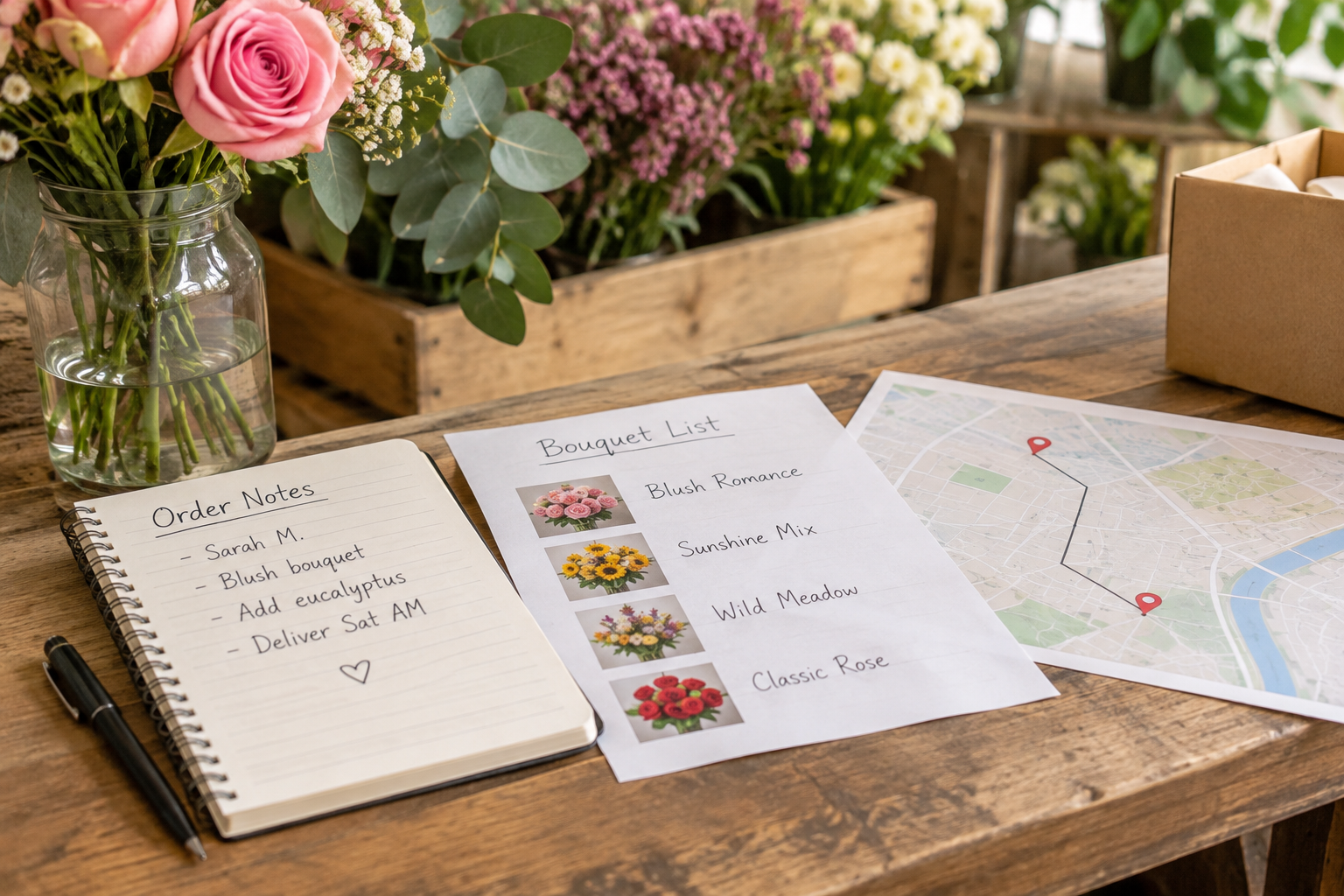
For a clearly labelled hypothetical example, a florist offering local delivery could organise the site around bouquets, delivery areas and ordering deadlines. A therapist using online bookings would instead prioritise service information, appointment availability and cancellation terms. Neither needs every ecommerce feature on day one.
Choose a domain name that is easy to recognise and type. Before buying one, check that it reflects your business and does not create confusion with another brand. If you are investigating an existing domain, see our guide to finding out who owns a domain name.
How Do You Build a Store Customers Can Use?
Build the pages that support a purchase before adding decorative extras. A clear navigation menu, useful product information and an obvious route to checkout matter more than a complicated design.
Create the Essential Pages
- Home page: Explain what you sell, who it helps and where visitors should go next.
- Shop or services page: Group your offers into categories that make sense to customers.
- Product or service pages: Include the details needed to make a decision and a clear purchase or booking action.
- About and contact pages: Explain who is behind the business and how customers can reach you.
- Delivery, returns and privacy information: Make relevant policies easy to find before checkout.
With Avantiy, you can describe your business in plain English and use AI-generated pages, copy and structure as a starting point. Refine them in the no-code visual editor, add your own product information and review the result on different screen sizes. Avantiy also offers ecommerce, booking and membership tools; check that the features and plan you choose fit your specific needs.
Write Product Pages That Answer Questions
Use a straightforward product name and lead with what the item is and who it is for. Add accurate specifications, available options, the price and any relevant limitations. For services, explain what is included, how the appointment works and what happens after booking.
Use original, representative images where possible. Show useful details, such as the scale of a handmade item or the contents of a product bundle. Avoid promises you cannot support, including invented testimonials or exaggerated claims about results.

Accessibility helps more people use your store. Use descriptive link text, meaningful image alternatives, readable headings and sufficient contrast. Check that forms have clear labels and that customers can navigate without relying solely on a mouse. AI-powered accessibility tools can help you identify improvements, but review the finished experience yourself too.
Want a hand planning your site? Book training with Avantiy to discuss getting started. You can also create a free account without a card and keep your site free until you publish; check the current publishing options before choosing a plan.
Payments, Delivery and Customer Information
A smooth purchase depends on more than an attractive storefront. Make sure the practical details are clear before a customer pays, and test the process from their point of view.
Choose Payment and Fulfilment Options
Check which payment methods your chosen platform supports, which providers are available to your business and how their charges work. Review transaction fees, payout timing, refunds and any additional costs. Do not assume a platform subscription includes every payment-processing charge.
For physical products, decide where you deliver, how you calculate postage and who packs and sends orders. Explain delivery options, expected dispatch times and any restrictions in plain language. If customers collect in person, provide collection instructions and let them know when an order is ready.
For services or memberships, the equivalent of fulfilment might be an appointment confirmation, access instructions or a welcome message. Check what your platform sends automatically and what you need to handle yourself.
Make Policies Easy to Understand
UK online sellers should check the rules that apply to their products, customers and circumstances. The government’s guidance on online and distance selling explains information businesses must provide and cancellation rights, including situations where exceptions apply. Do not copy another shop’s policy without checking that it fits your business.
If you collect names, addresses, contact details or other personal data, explain how you use them and handle them responsibly. The Information Commissioner’s Office guidance on UK GDPR is a useful starting point. Consider getting professional advice if your situation is complex.

Keep security practical: use strong, unique passwords, enable multi-factor authentication where available and restrict account access to the people who need it. The National Cyber Security Centre’s small business guide covers further protective steps. Avantiy says its infrastructure is ISO 27001 and SOC 2 certified; your own account and business processes still need attention.
What Does Small Business Ecommerce Cost?
Your costs depend on how you build the store, what you sell and which services you use. Compare recurring expenses and per-order charges, not just the headline subscription price.
- Website platform: Check the cost of publishing, selling features, storage and any limits that matter to your catalogue.
- Domain: Budget for registration and renewal, including any difference between introductory and renewal prices.
- Payment processing: Review provider charges for payments, refunds, disputes and payouts where applicable.
- Delivery and packaging: Include packing materials, postage, collection arrangements and returns.
- Content and promotion: Consider photography, design help, advertising and any tools you choose to use.
- Ongoing work: Allow time for customer support, stock updates, maintenance and order handling.
To compare platforms fairly, sketch a typical month for your business. Estimate the number and value of orders, then apply each provider’s published charges and add the tools you actually need. Treat the result as a planning estimate, not a guaranteed bill. Our guide to ecommerce platform costs and value explores these trade-offs in more detail.
How Can You Attract Customers and Improve Sales?
Start with the channels your customers already use and give each one a clear purpose. Your website should provide a reliable destination where people can learn about your offer and complete an order.
Make Your Store Discoverable
Use natural language that describes your products and the problems they solve. Give each important page a clear title and a useful description, and organise related products so visitors can find them. Avantiy includes AI-powered SEO tools that can help with this work; review their suggestions for accuracy and relevance.
Share useful product details through your chosen social channels or email communications, and keep contact information consistent. If you have a physical location, make sure your website clearly explains where customers can find you and how online orders work alongside in-person service.
Learn From Real Customer Behaviour
Look at the questions customers ask, the pages they visit and where they encounter difficulties. If shoppers repeatedly ask about sizing, add a sizing guide. If delivery questions are common, make your delivery information easier to find. Check that any analytics and marketing tools you use comply with applicable privacy and cookie requirements.
Avoid changing everything at once. Choose one useful improvement, make the change and review the available evidence over time. Sales can be affected by seasonality, stock and promotion as well as website design, so be cautious about attributing a change to one cause.

Watch: Planning an Ecommerce Store
If you prefer a visual introduction, use this search to find practical walkthroughs of planning and building a small business online store. Check the publication date and whether the advice applies to the UK and your chosen platform.
Frequently Asked Questions
Can I sell online without coding?
Yes. A no-code website builder lets you create and edit pages visually rather than writing code. Avantiy can generate an initial site from your business description, which you can then refine. You still need to supply accurate product details, configure selling options and test the finished store before publishing.
Should I start with a marketplace or my own website?
A marketplace can be useful for testing products where shoppers already browse, while your own website gives you a dedicated place to present your business. You can use both if the costs and marketplace rules work for you. Compare fees, branding control and the effort needed to manage listings and orders across each channel.
Can I sell services as well as physical products?
Yes, provided your platform supports the way you deliver them. For appointments, look for booking features and clear confirmation and cancellation processes. For memberships, check how customers gain access and how renewals are managed. Explain exactly what is included before someone pays, whether they are buying a product, appointment or subscription.
What should I check before publishing?
Review prices, product options, contact details and policies. Test navigation, forms, checkout or booking, and check the experience on mobile and desktop. Confirm delivery settings and any automated messages. Read AI-generated copy carefully for inaccuracies, and make sure images and claims represent your actual products and services.
Do I need a large product range to start?
No. A focused selection can make a store easier to build and maintain. Start with products you can describe accurately, price confidently and fulfil reliably. You can add categories or variations later as your business develops. Make sure the initial range still gives customers enough information and choice to make a useful purchase.
Ready to put your plan into practice? Book training with Avantiy using the link above, or create a free account and start building your store.