Website building for artists starts with a clear purpose: give visitors a way to experience your work and take the next step, whether that is making an enquiry, buying a print or booking a workshop. A no-code builder can help you create those pages without programming, while leaving you in control of the artwork, words and presentation.
Start With the Work Your Website Needs to Do
Imagine an artist who makes original paintings and small runs of prints. They want a professional home for their work, a way to answer commission enquiries and the option to sell selected prints online. This is a hypothetical scenario, not a customer story; the choices below illustrate how an artist might approach a first website.
Before choosing a template or asking AI to generate pages, the artist writes down their priorities. Their first goal is to show a coherent selection of work. Their second is to make enquiries straightforward. Selling prints matters too, but only if they can maintain accurate stock and fulfil orders.
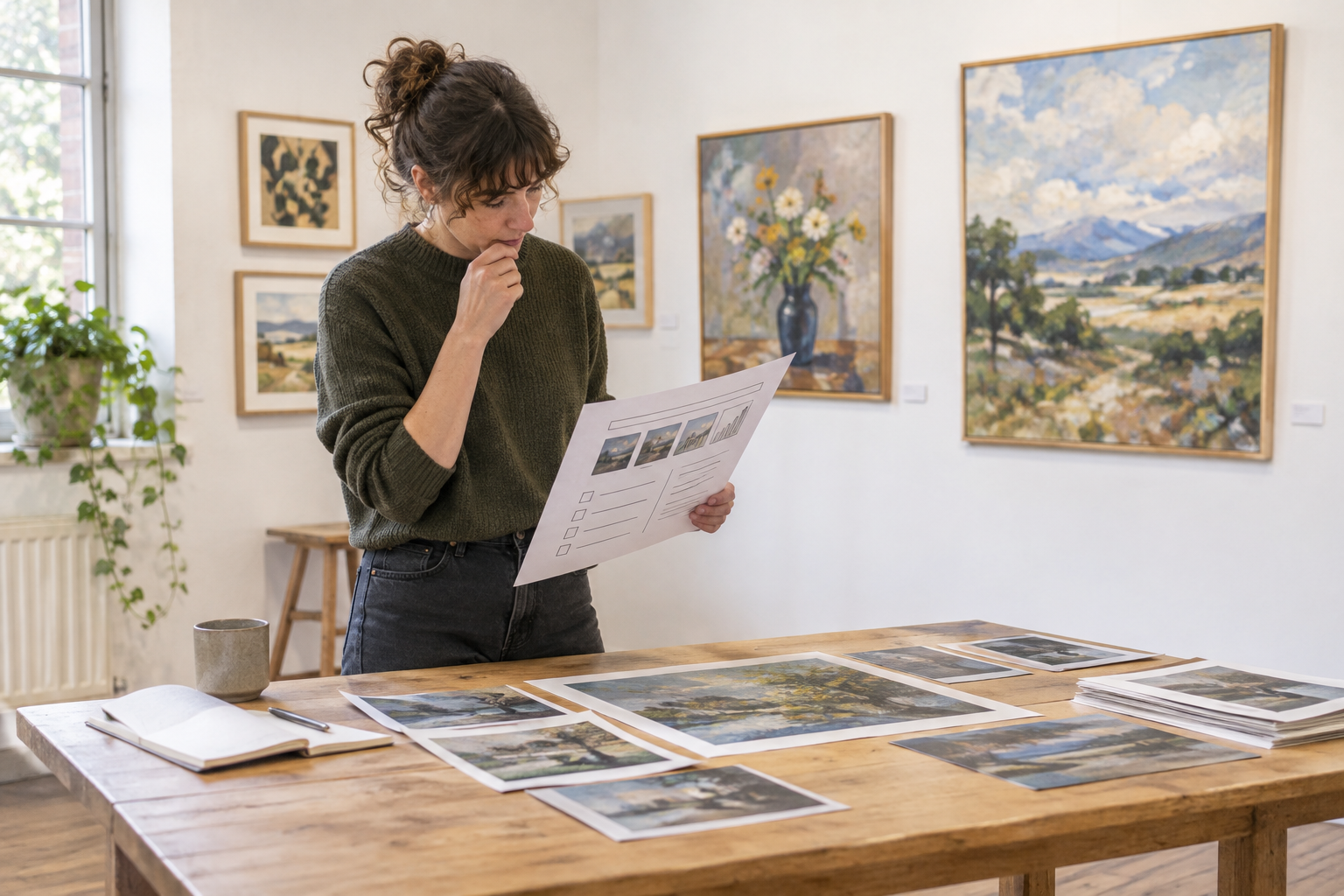
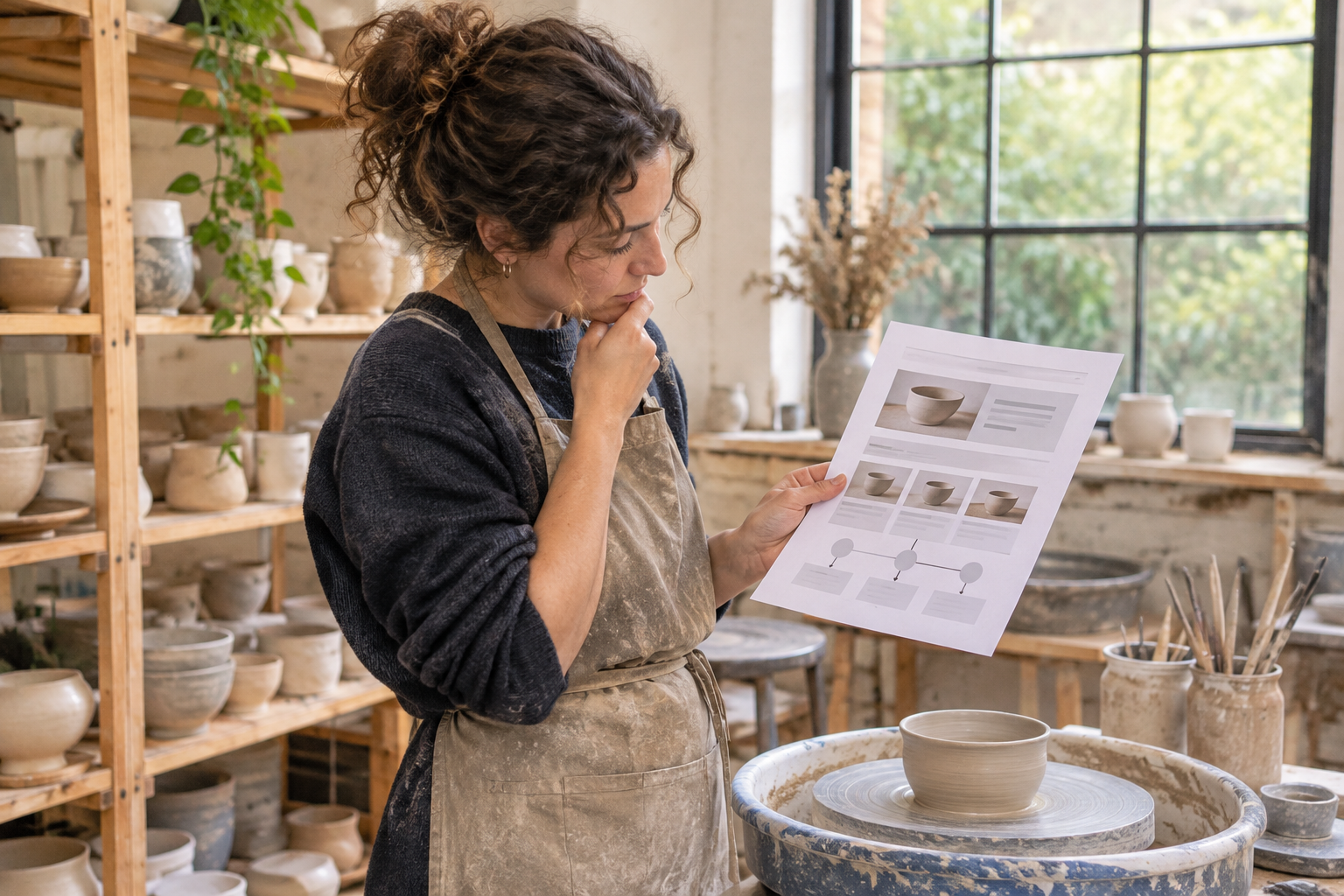
Your priorities may be different. A ceramicist might need workshop bookings, a photographer might want private client enquiries, and an illustrator might be looking for licensing work. Pick one primary action for each audience rather than trying to make every visitor do everything.
- Portfolio visitors: Explore a collection and understand your approach.
- Potential clients: See relevant examples and enquire about a project.
- Buyers: Find available work, prices and delivery information.
- Students or supporters: Explore workshops, events or membership options.
Write a simple sentence to guide the build: “This website helps visitors discover my work and enquire about commissions.” You can add other goals later. Starting with a focus makes it easier to decide what belongs on the home page and what can wait.
What Pages Does an Artist Website Need?
For the hypothetical painter, a useful first version has a small number of purposeful pages. A site does not need a separate page for every idea; it needs enough information for a visitor to understand the work and act confidently.
| Page | What to include | Useful next step |
|---|---|---|
| Home | A strong artwork image, a short introduction and links to key areas | Explore the portfolio |
| Portfolio | Selected work, organised into understandable collections | Enquire about a piece or project |
| About | Your practice, relevant background and approach in your own voice | Contact you |
| Shop, if needed | Available items, clear descriptions, prices and purchase information | Buy an item |
| Contact or commissions | How to get in touch and what information helps you respond | Send an enquiry |
If you teach or run events, add a workshops page when you are ready to accept bookings. If your work spans several disciplines, consider separate portfolio collections rather than mixing everything into one long gallery. Avoid empty pages labelled “coming soon” unless they give visitors a useful reason to return.
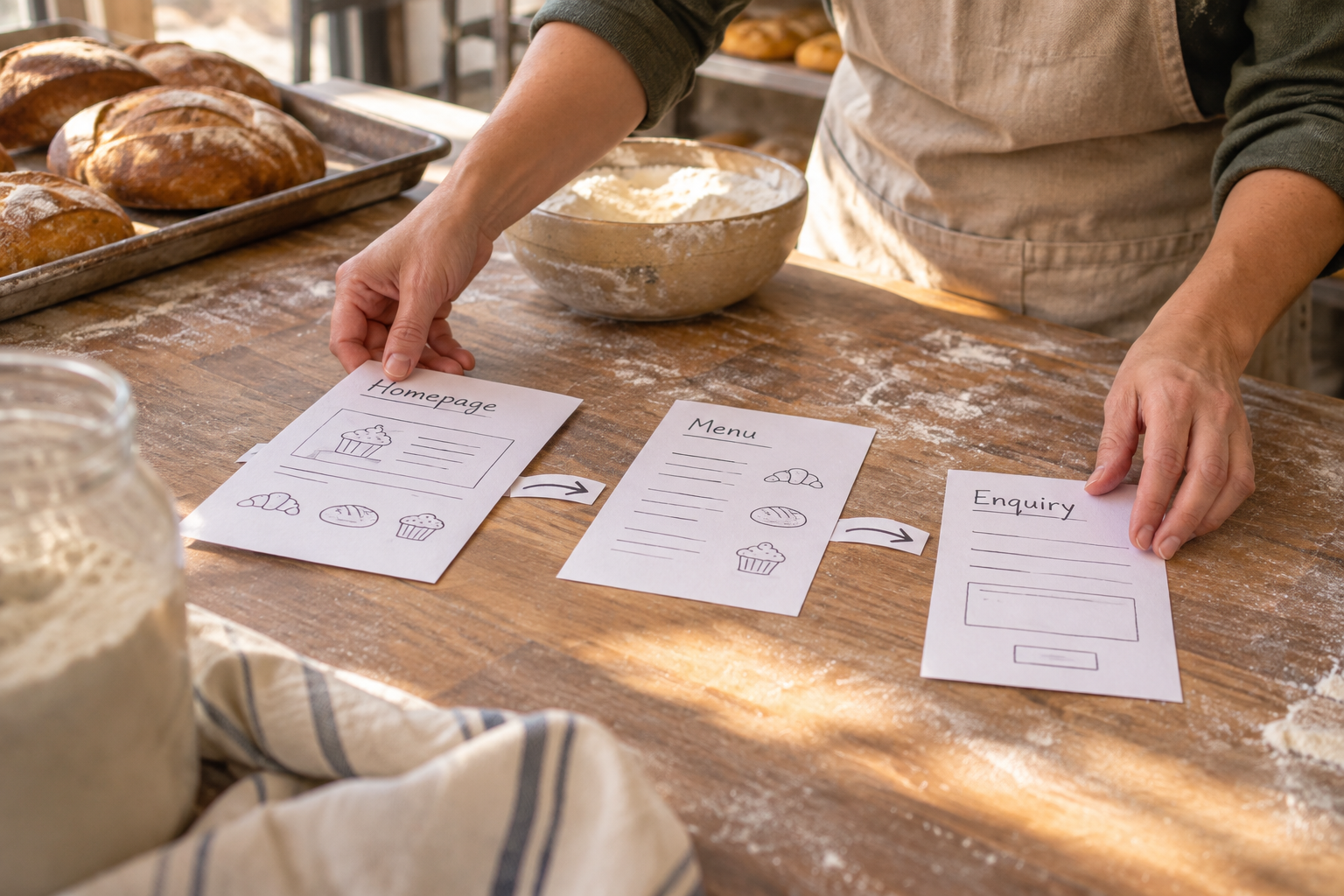
Sketch the navigation before you build: Home, Portfolio, About, Shop and Contact could be enough. Use familiar labels so visitors do not have to guess where to find your work. A distinctive visual identity can come from your artwork and design choices; the navigation can remain clear and direct.
How Can You Choose and Present Your Artwork?
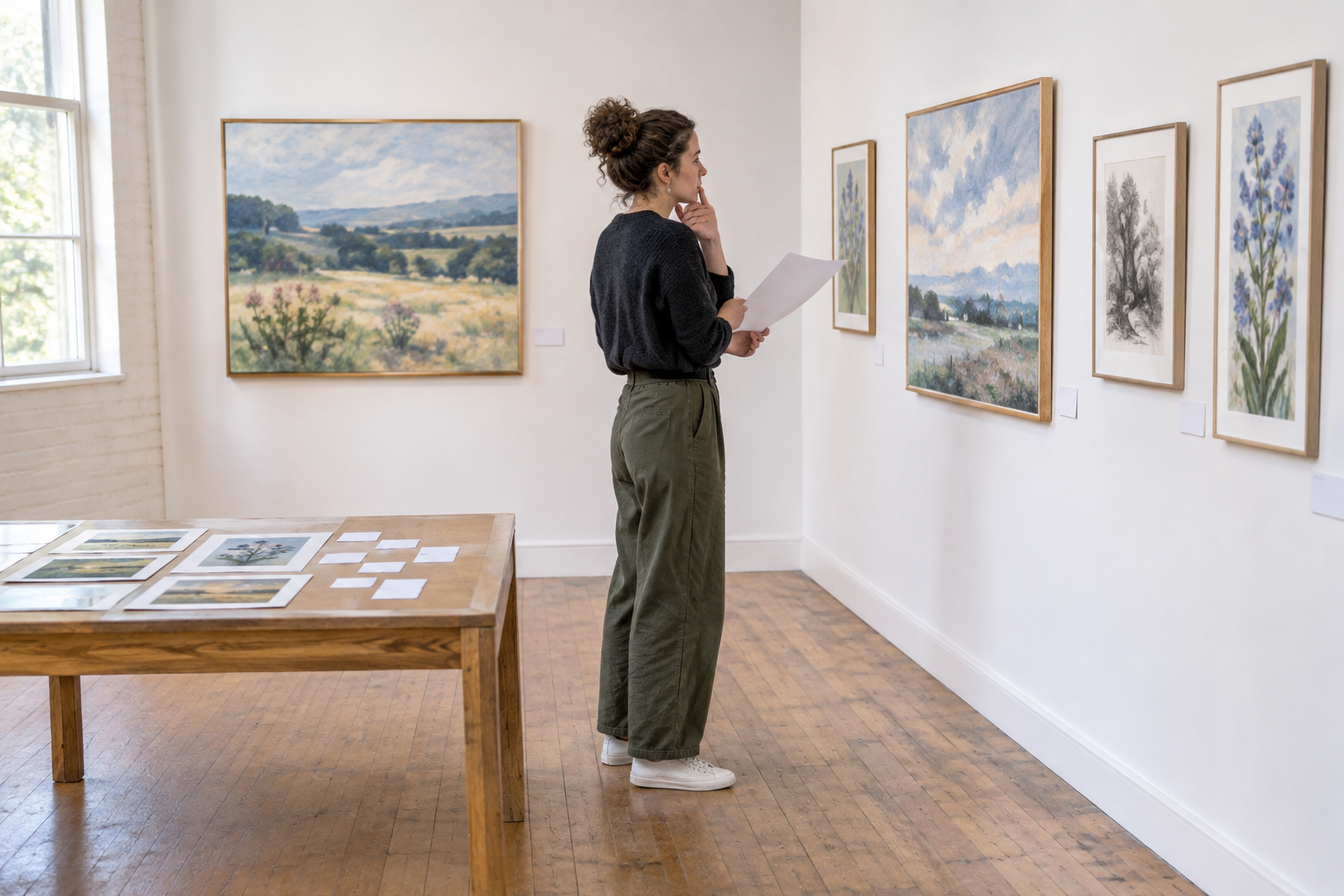
The hypothetical painter begins by selecting work that represents the kind of commissions they want. Rather than uploading every painting, they choose a manageable collection and group it by subject or series. Each piece has a title and enough context to help a visitor understand it.
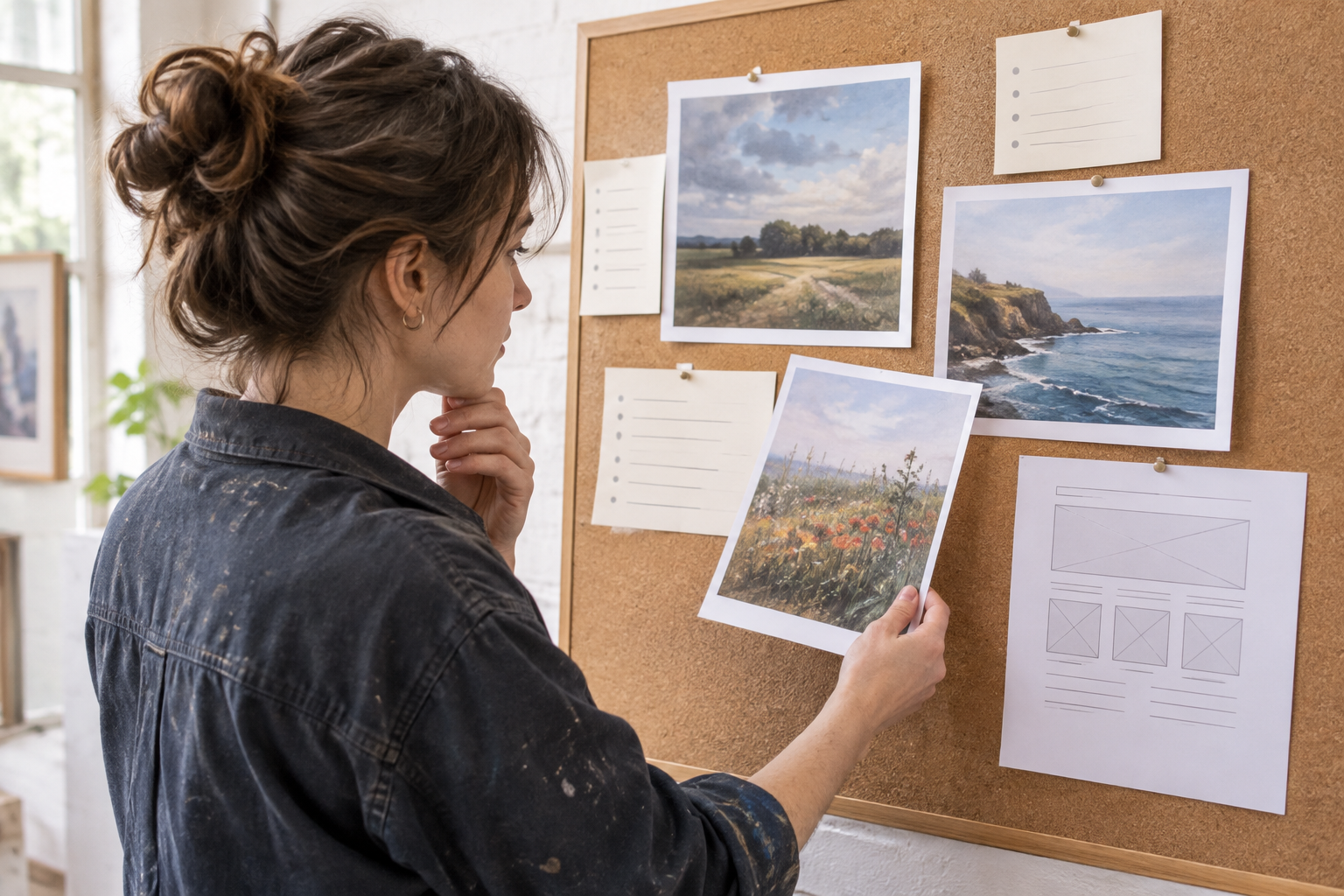
Start with images you have permission to publish. Photograph or scan work in a way that represents its colours and details as faithfully as practical. Check the images on more than one screen where possible: artwork can look different across displays, so avoid promising a perfect colour match.
For each work, consider adding its title, medium and dimensions. A short note about its context can be helpful where it adds something the image cannot show. If a work is unavailable, say so rather than leaving a visitor to assume it can be purchased. For commissions or client work, check any agreements before publishing images or identifying details.
Keep image files suitable for the web: large enough to show the work clearly, but not unnecessarily heavy. Review how a gallery crops images on both a wide screen and a phone. If an important detail disappears, change the crop or use a layout that shows the full piece.
Write meaningful alternative text for images that convey information. For example, describe the subject and relevant visual qualities of an artwork rather than simply writing “painting”. The W3C guide to accessible images explains how to choose text alternatives, including when an image is decorative. If a nearby caption already gives the same information, consider that context rather than repeating it mechanically.
You can also look at the artist website builder tips for more ideas on presenting and maintaining a creative portfolio.
Website Building for Artists With an AI Builder
Once the artist has a purpose, page list and initial images, they can use an AI website builder to produce a starting structure. In this scenario, they describe their practice in plain English and ask for a portfolio, an about page, a commission enquiry page and a small print shop. They then review the generated pages in a visual editor.
Avantiy can generate website pages, copy and structure from a description and lets users refine them without code. It also offers editable templates. Treat the generated draft as a starting point, not a finished representation of your practice: you know your work, your audience and the language you want to use.
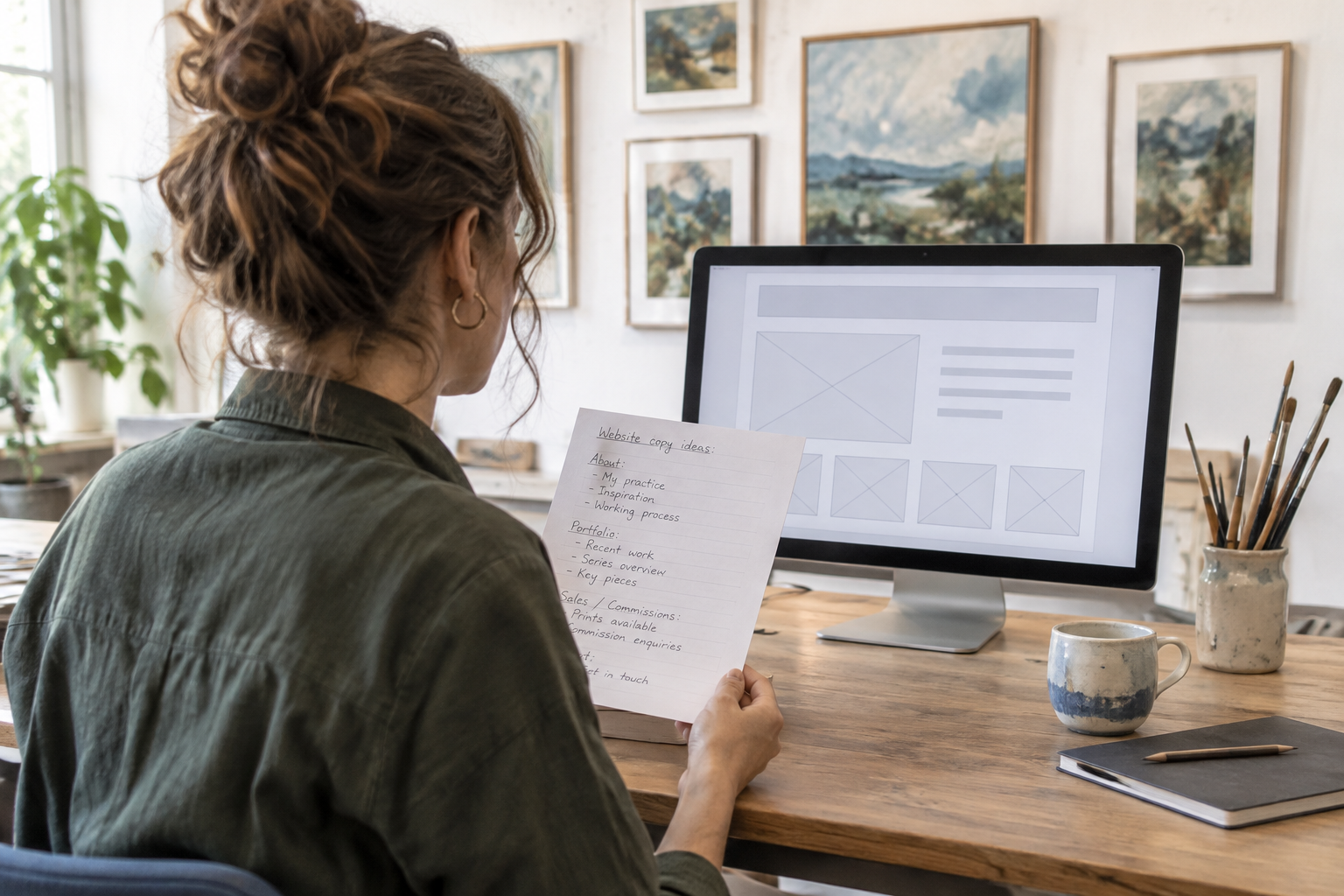
A useful prompt might say: “I am an artist creating original paintings and limited-run prints. I want a calm, image-led website with a portfolio organised by series, an about page and a way to enquire about commissions. Include a shop area for available prints. Use clear, friendly language and leave room for me to add artwork details.”
Keep the prompt accurate. Do not ask the builder to invent exhibitions, qualifications, testimonials or sales history. If a detail is not ready, leave it out or add a note for yourself to complete before publishing. After generation, check every claim and replace generic wording with your own.
- Review the structure: Remove pages you do not need and rename navigation labels where necessary.
- Replace placeholders: Add your own images, titles, contact details and policies.
- Edit the copy: Make sure descriptions sound like you and accurately explain your work.
- Check links and buttons: Each should lead to the page or action it describes.
- Preview the site: Read and test it on a phone as well as a larger screen.
For a broader look at choosing and checking a no-code platform, use the no-code website builder checklist. If you would like guidance while planning your site, book an Avantiy training session.
How Should You Set Up Sales, Bookings or Enquiries?
In the hypothetical example, the painter decides to accept commission enquiries first and add a print shop when the product information is ready. That keeps the initial launch focused without ruling out ecommerce later. Avantiy includes ecommerce, online booking and membership features, so an artist can consider which functions suit their practice.
For enquiries, explain what you need from a potential client. Depending on your work, that might include the type of project, approximate dimensions, intended use and desired timing. Do not promise a response time you cannot consistently meet. If you offer commissions, make clear that submitting an enquiry is not the same as placing an order.
For a shop, write descriptions that answer the questions a buyer is likely to have: What is the medium? What are the dimensions? Is the item an original or a reproduction? Is a frame included? Explain any variation a buyer should reasonably expect, and make availability clear.
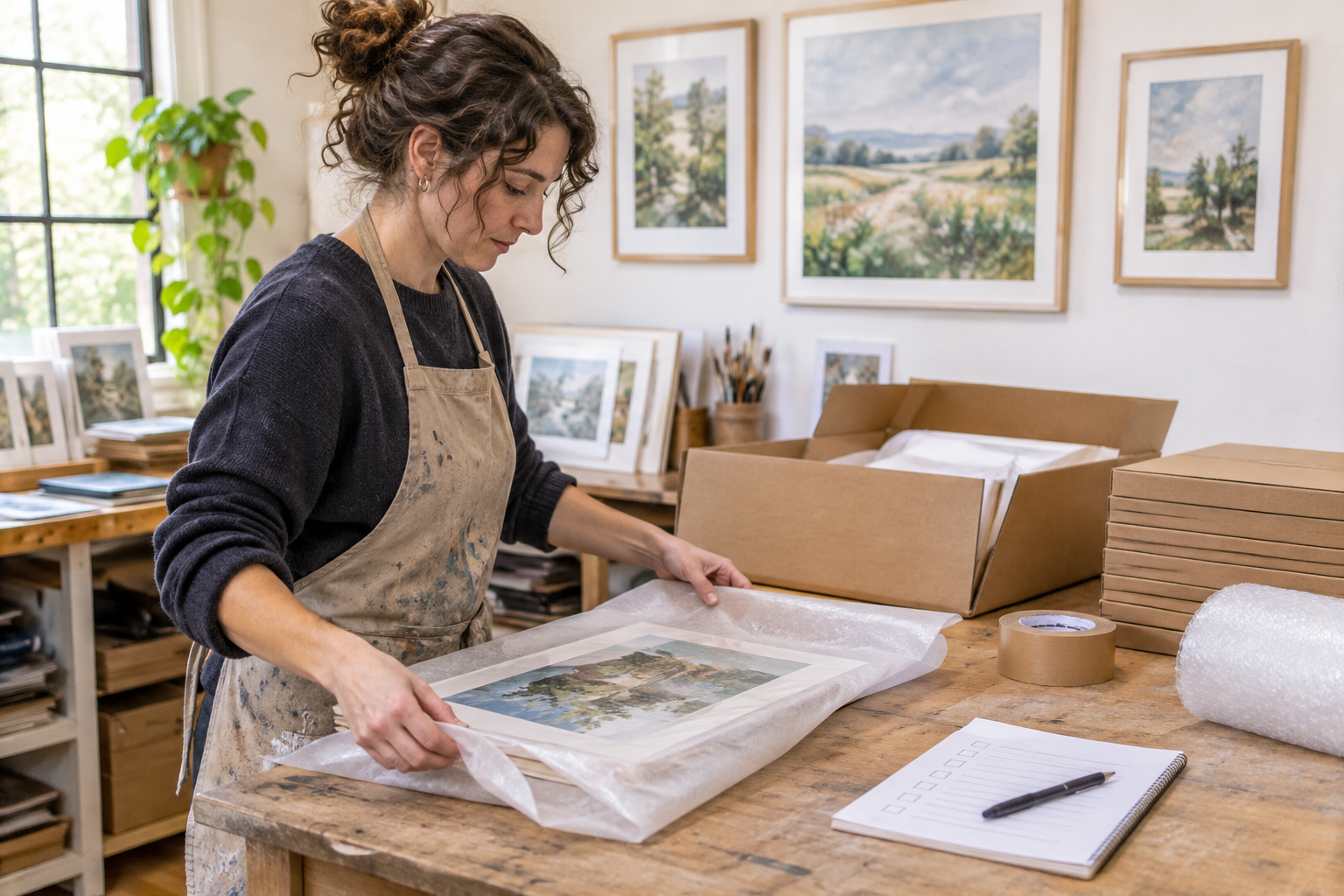
Before taking orders, consider the practical details: payment methods, packaging, delivery destinations, charges, returns and how you will keep stock current. Check the terms and costs of any payment or delivery services you choose. If you sell both online and in person, have a routine for updating availability so the same unique work is not offered twice.
Bookings need their own care. Describe what a session includes, where it takes place, what participants need to bring and how changes or cancellations are handled. For memberships, explain what members receive and how recurring payments or cancellations work before asking anyone to join. Only offer benefits you are ready to provide.
If selling is central to your plans, the UK small business ecommerce guide covers wider decisions to make before opening an online shop.
Make Your Site Easy to Find and Use
A portfolio works best when people can navigate it, understand it and find relevant pages through search. Start with clear page titles and headings that describe the content. An artist offering pet portraits in a particular location, for example, can say that plainly on a relevant page if it accurately reflects their service. Avoid adding locations or services you do not actually cover.
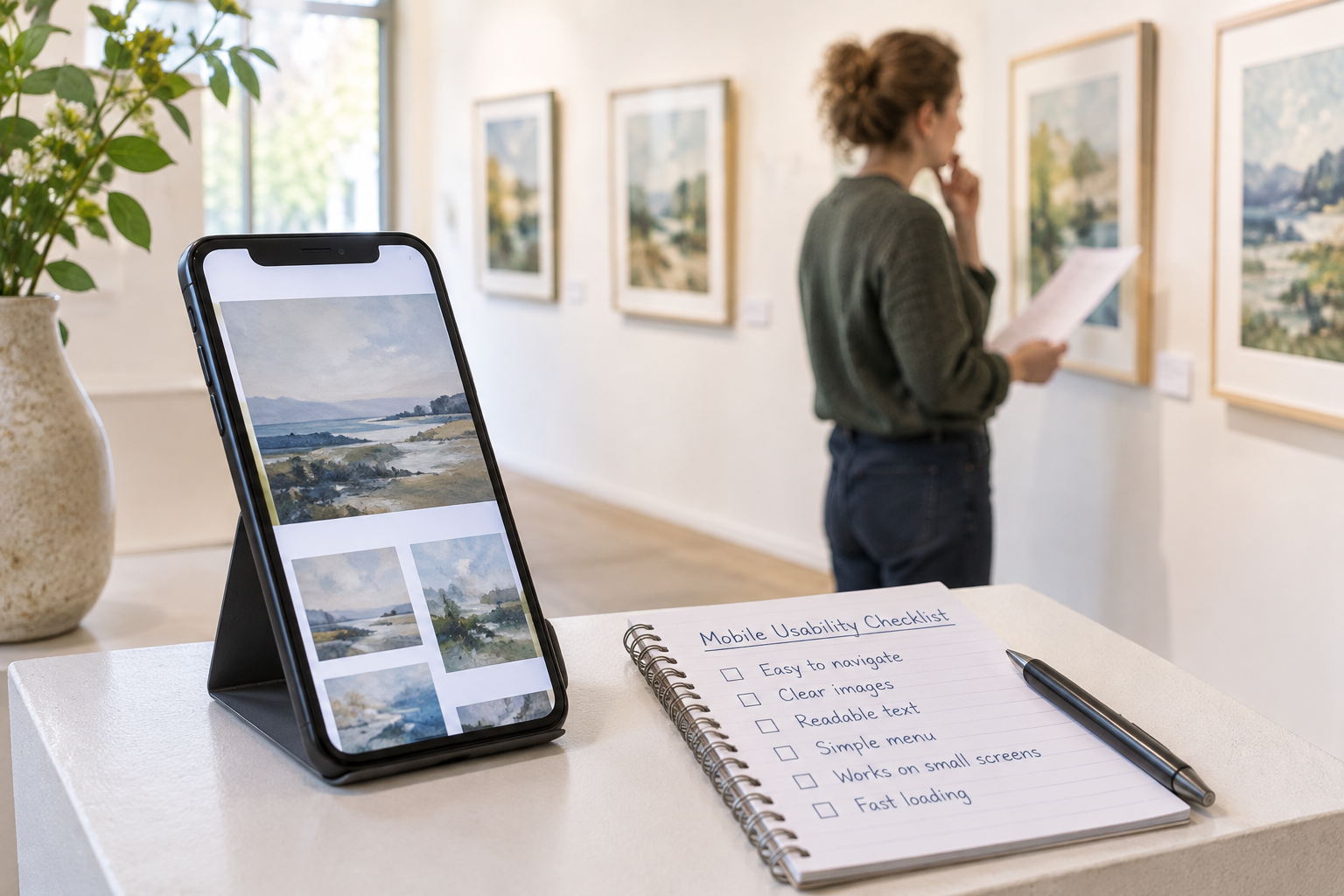
Avantiy includes AI-powered SEO and accessibility tools, but you should still review the final pages yourself. Make links descriptive, use headings in a logical order and check that text is readable against its background. Preview on a narrow screen and try navigating with a keyboard. If something is difficult to use, adjust the design rather than assuming a tool has resolved every issue.
For each important page, write a concise title and description that reflect what a visitor will find. Use natural language in artwork descriptions and service pages; repeating a phrase does not substitute for useful information. Search engines can take time to discover or update pages, and no builder can promise a particular ranking.
Think about privacy as part of the visitor experience. If you collect names, email addresses or other personal information through forms, explain how you use that information and check your responsibilities. The Information Commissioner’s Office guidance for organisations is a useful starting point for UK privacy questions. Consider seeking advice appropriate to your circumstances if you are unsure.
Finally, connect the site to places where your audience already encounters your work: an exhibition handout, social profile or email signature, for example. Make sure the destination matches the context. Someone following a link to a particular collection should arrive at that collection, not have to hunt for it from the home page.
Watch a Practical Portfolio Walkthrough
If you prefer to see the process before starting, look for a demonstration that covers selecting artwork, arranging a gallery and checking the result on a phone. Interface details vary between builders, so use the video for general principles and check current instructions in your chosen platform.
As you watch, note the decisions that apply to your work: image order, captions, navigation and the action you want visitors to take. You do not need to copy another artist’s layout to create a useful site.
What Should You Check Before Publishing?
The hypothetical painter now reviews the site as if they were a first-time visitor. They open a portfolio page, find the commission information and follow the contact route. They also check that the shop does not show unavailable work as ready to buy. This is a rehearsal, not a claim about the outcome of a real launch.
- Check the essentials: Confirm your name or practice name, contact details and page links are correct.
- Read every page: Remove placeholder text and verify artwork titles, prices and descriptions.
- Test the journey: Try the enquiry, booking or purchase process as far as practical, including any confirmation messages.
- Review on different screens: Look for cropped artwork, hard-to-read text and buttons that are difficult to tap.
- Confirm your policies: Publish relevant information about privacy and, where applicable, delivery, returns, bookings or cancellations.
- Plan maintenance: Decide when you will update availability, add new work and check that contact routes still work.
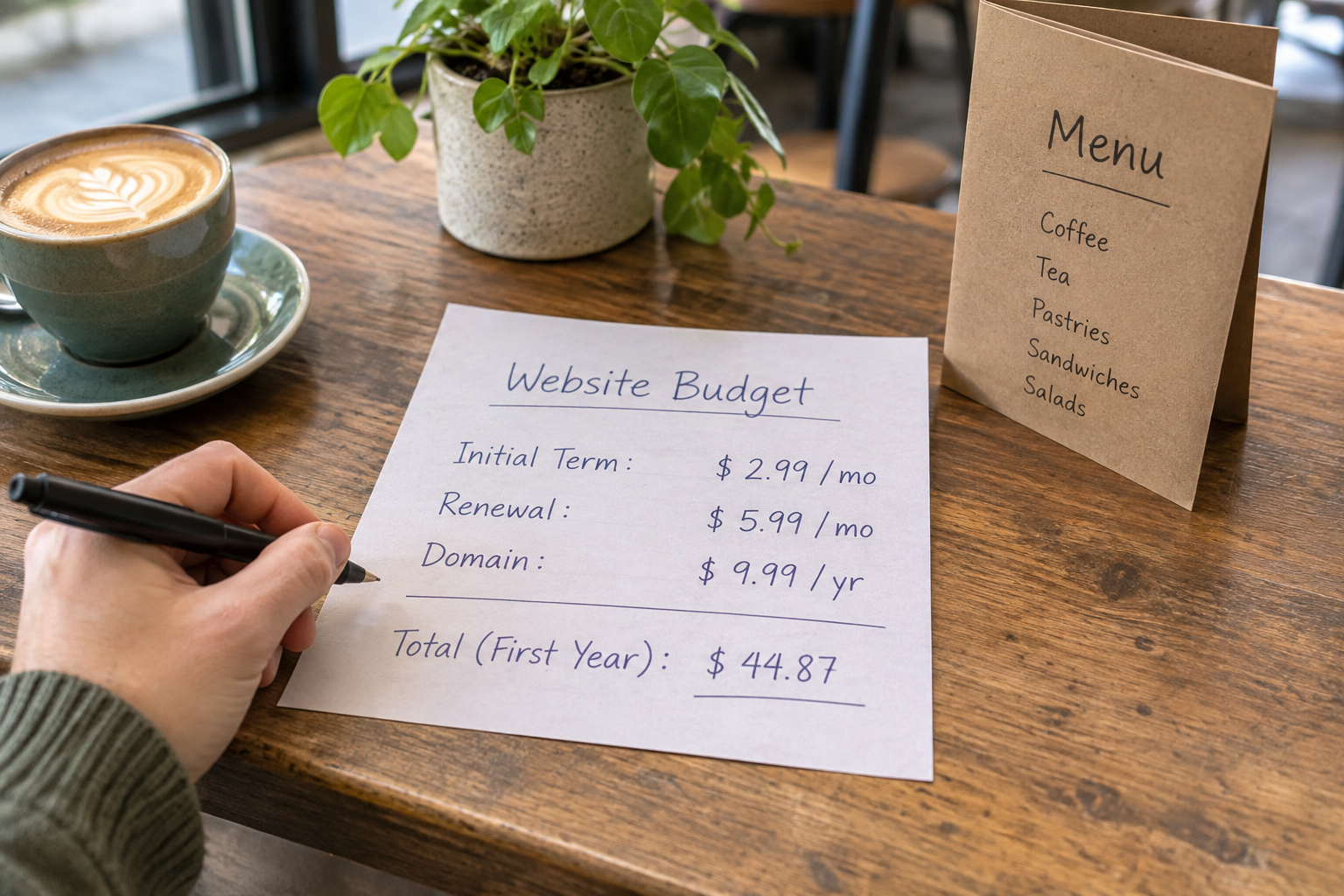
Avantiy lets you create a free account without a card and keep your site free until you publish. Before publishing, check the current plan details and any additional costs relevant to your choices, such as a domain or third-party services. You can use the drafting stage to make sure the site is ready rather than rushing to put an unfinished portfolio online.
Frequently Asked Questions
Do artists need to know how to code?
No. A no-code builder provides visual tools for creating and editing pages, so you can work on your portfolio without writing code. You will still need to make decisions about your content, design and visitor journey. Allow time to learn the editor and check the finished pages on different devices.
Should I show all my artwork on my website?
Not necessarily. A focused selection can help visitors understand your style and find relevant work. Choose pieces that represent your current practice or the projects you want to attract, then organise them into collections if helpful. You can add an archive later, provided it remains easy to navigate and maintain.
Can I sell originals and prints on the same site?
Yes, if your chosen platform supports the shop features you need. Make the distinction clear in each listing, including medium, dimensions, availability and whether a frame is included. Consider how you will manage unique originals, print stock, payment, packaging and delivery before accepting an order.
What should an artist write on an about page?
Explain what you make, what informs your practice and any background that is relevant to the people you want to reach. Use your own voice and include a way to explore the work or get in touch. You do not need to invent a dramatic story or list achievements you do not have.
How often should I update an artist website?
There is no single schedule that suits every practice. Review the site when your work, availability, prices or contact details change, and set aside time periodically to check links and forms. Remove outdated information promptly, especially when it could lead someone to enquire about or buy unavailable work.
Ready to turn your artwork into a site? You can book an Avantiy training session for help getting started.